



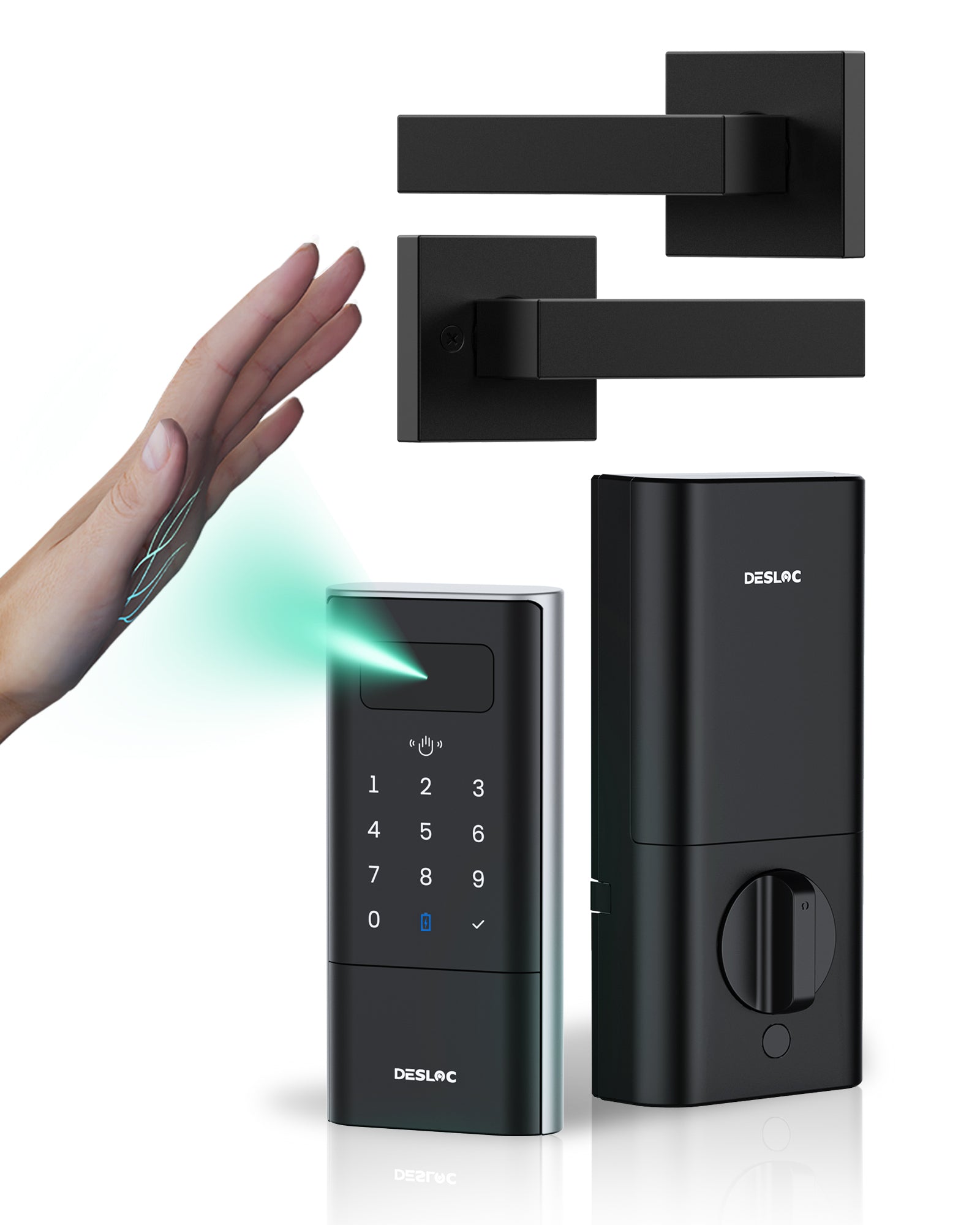
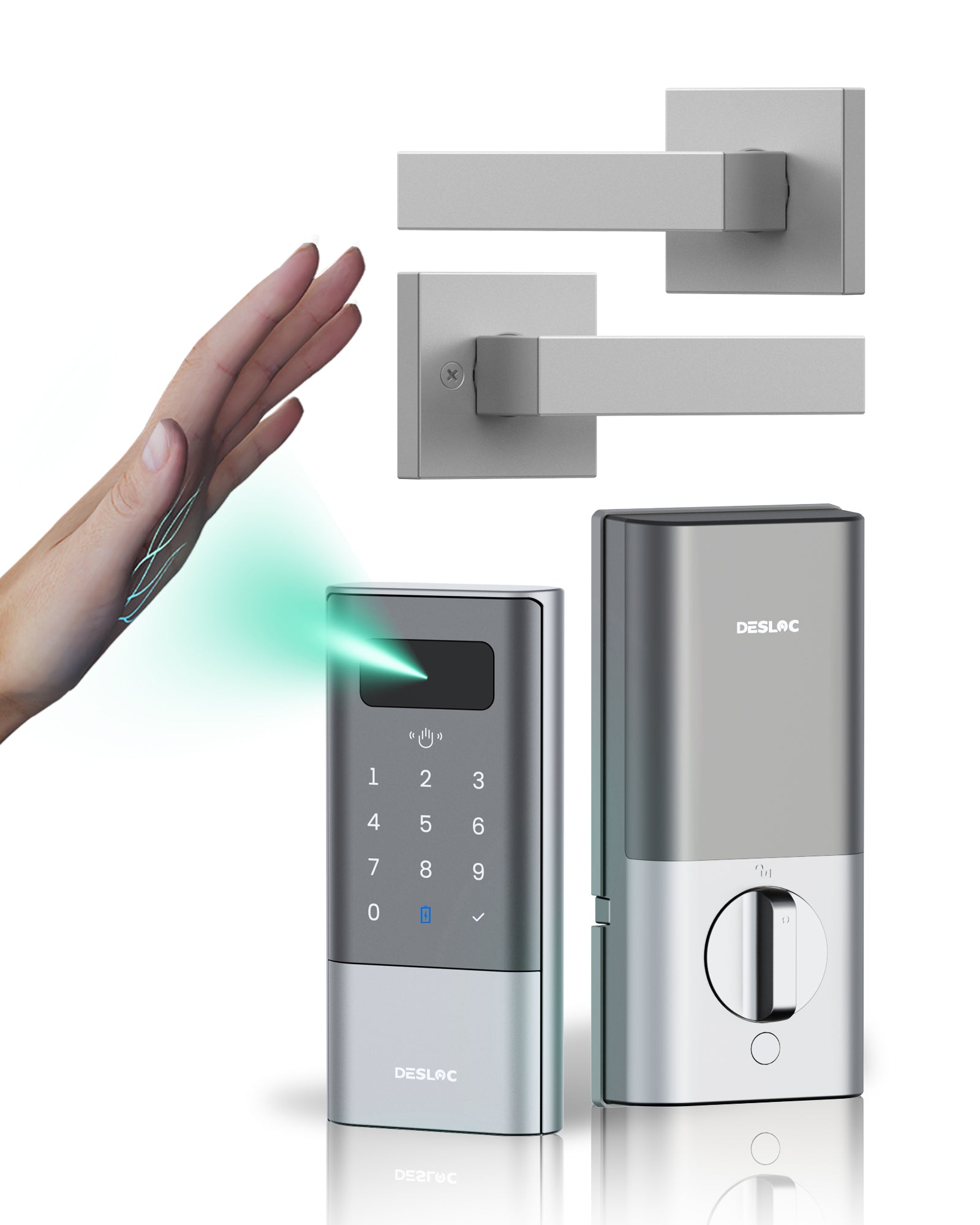
DESLOC Palm Vein Smart Lock K140 Plus
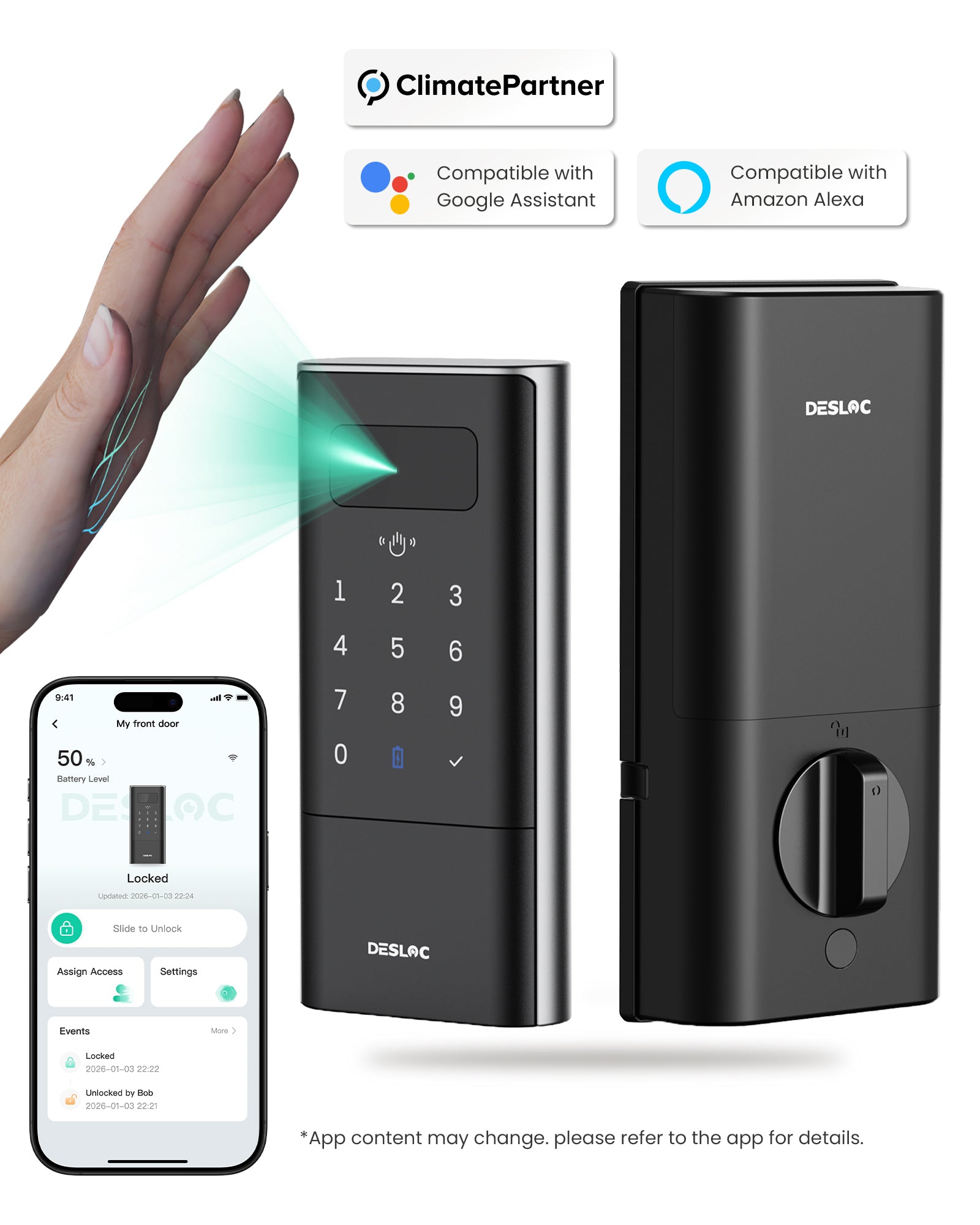
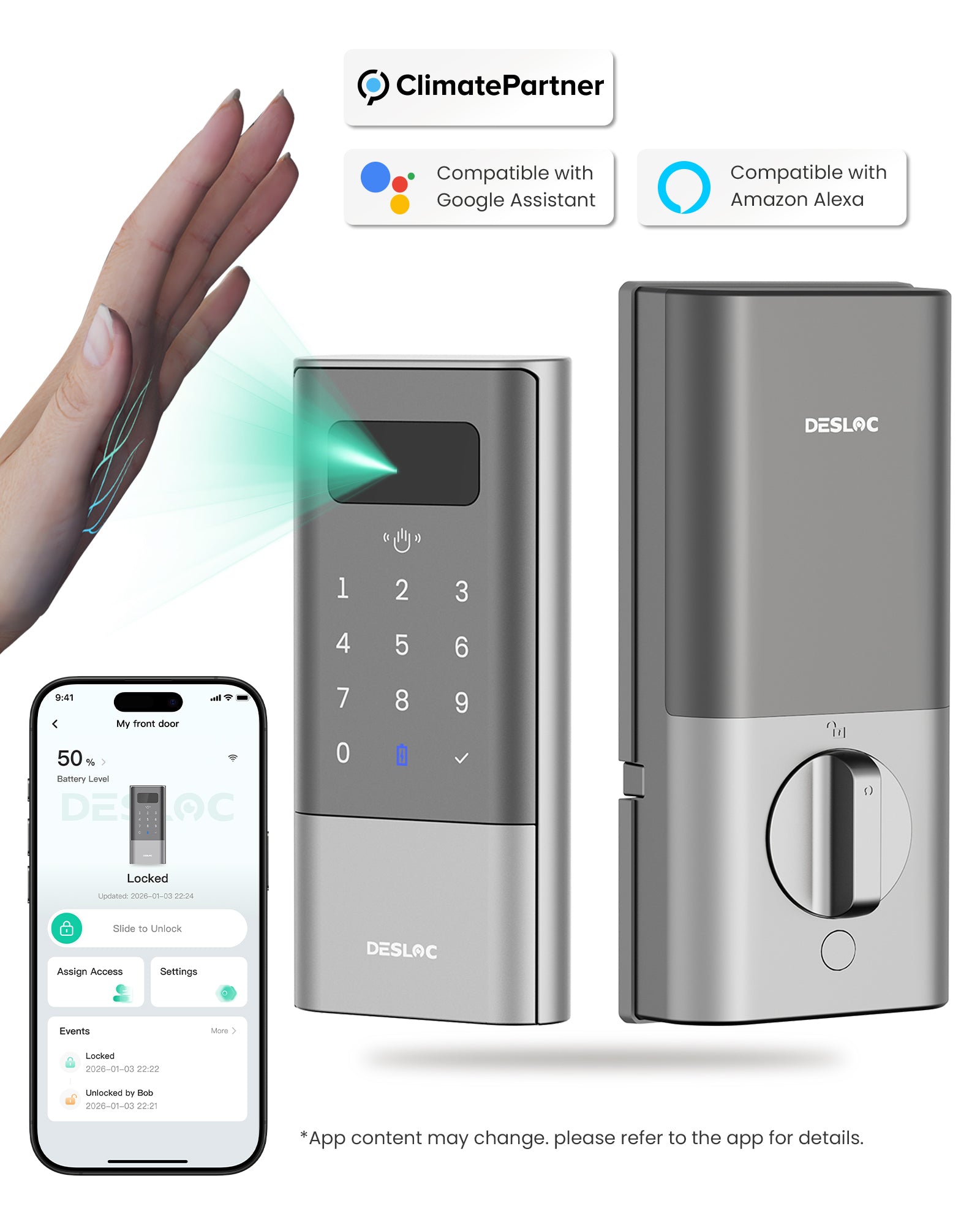
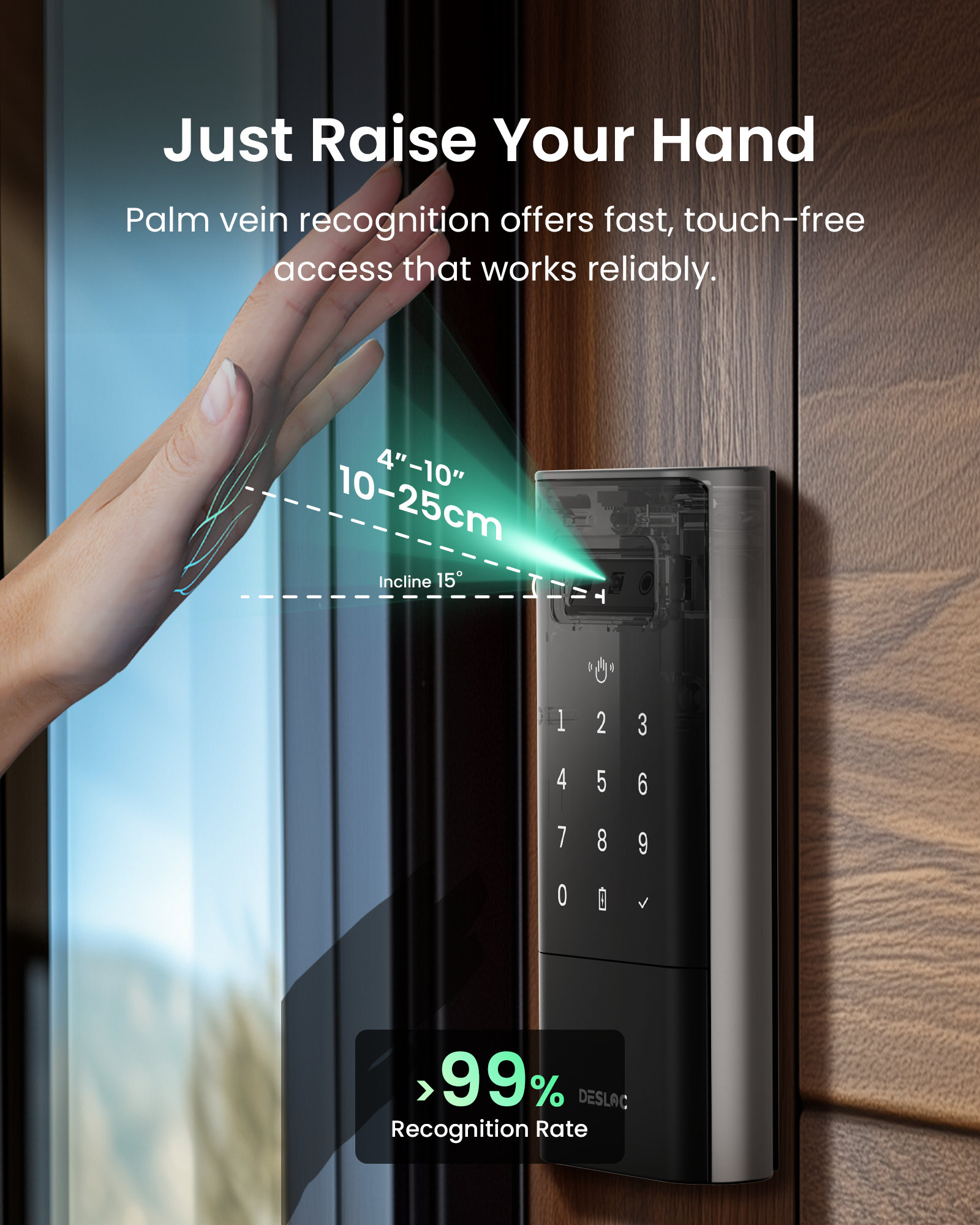
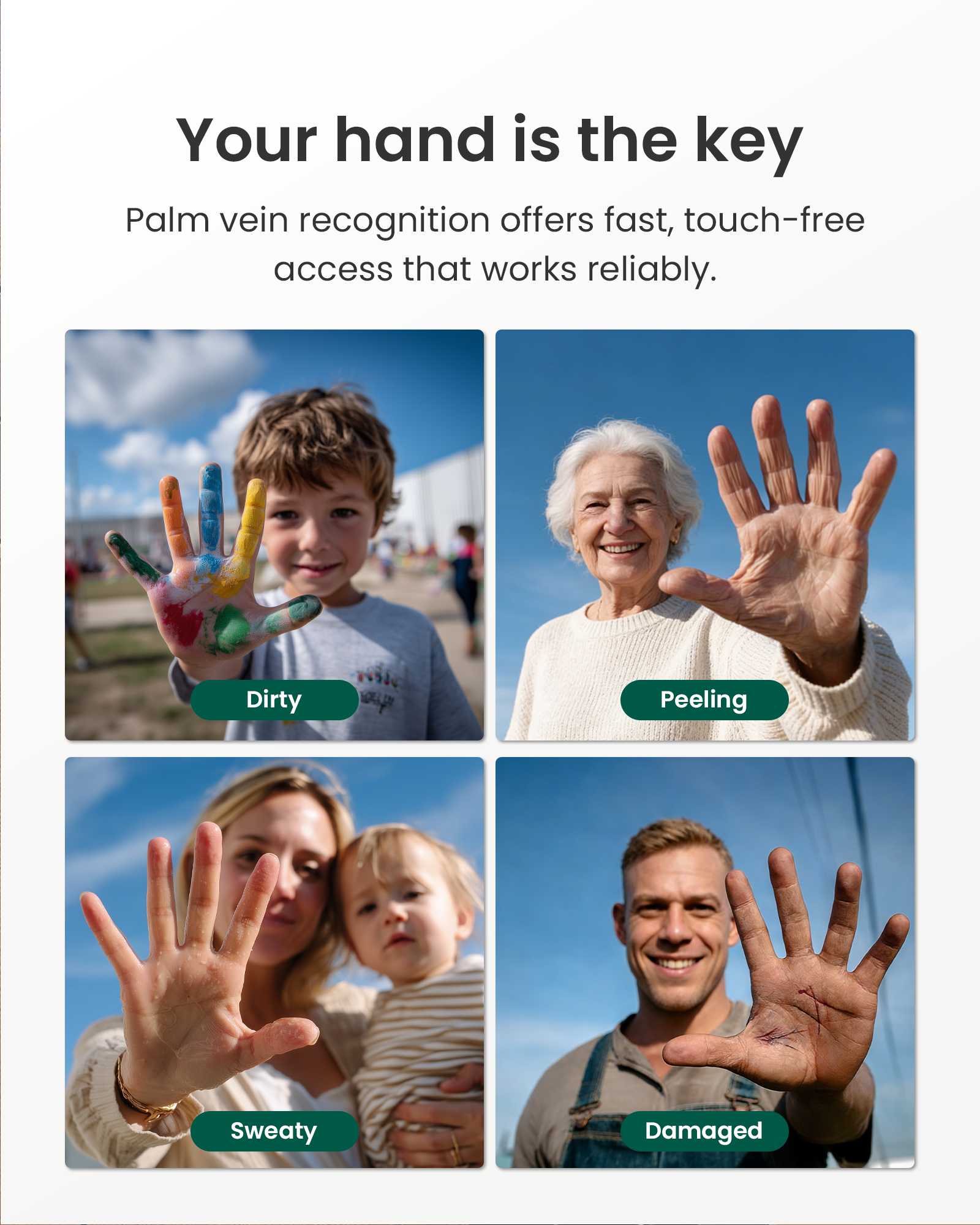
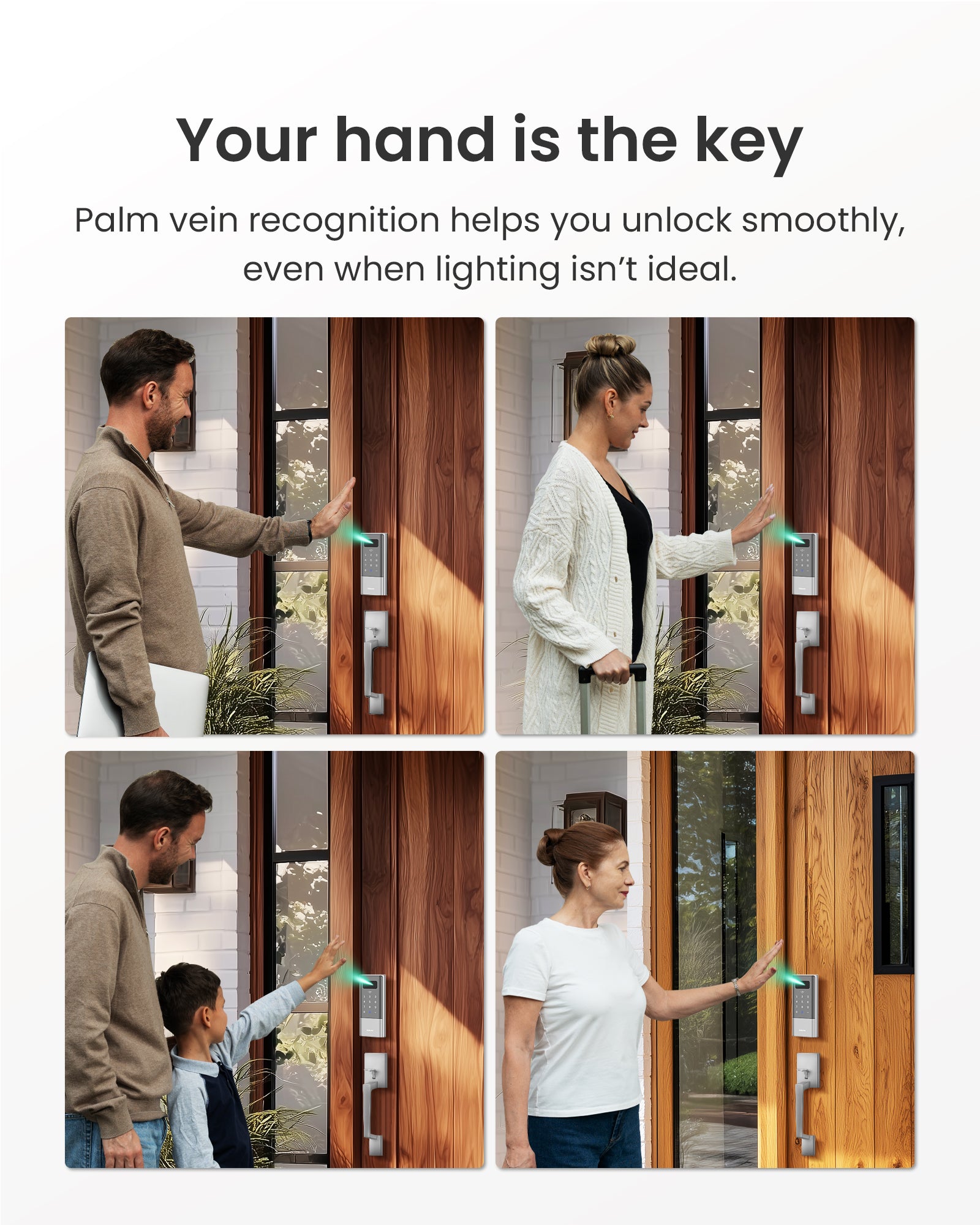
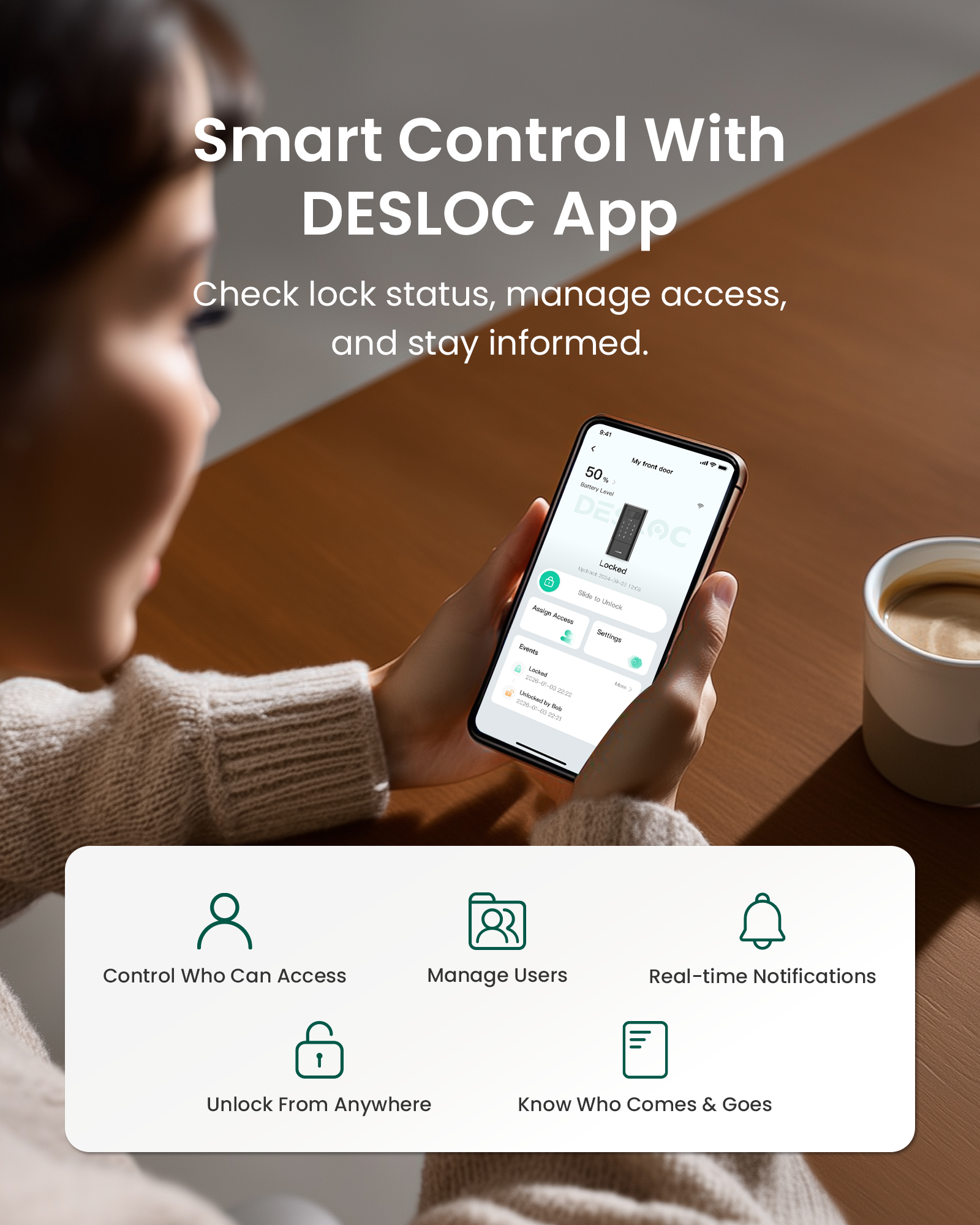
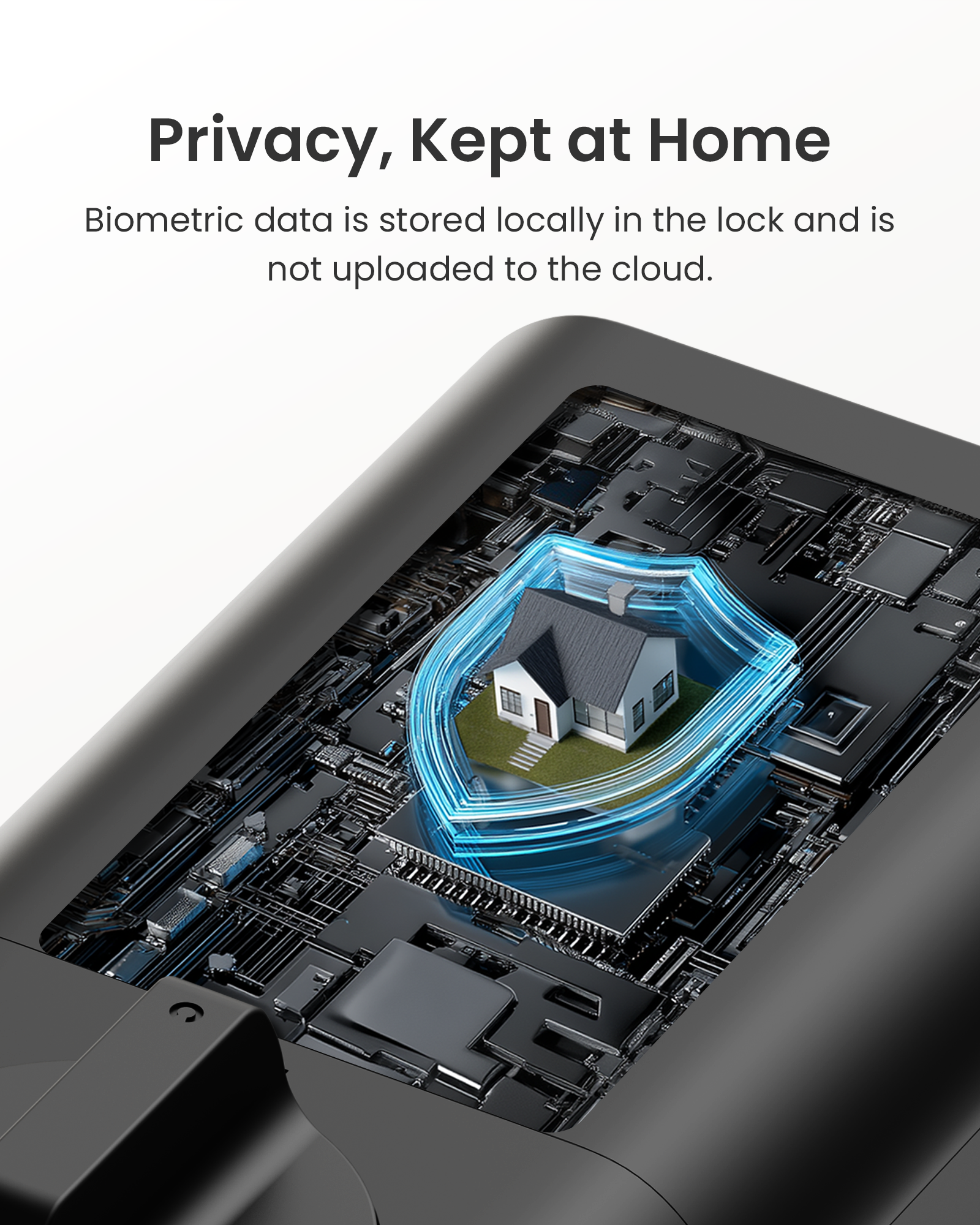
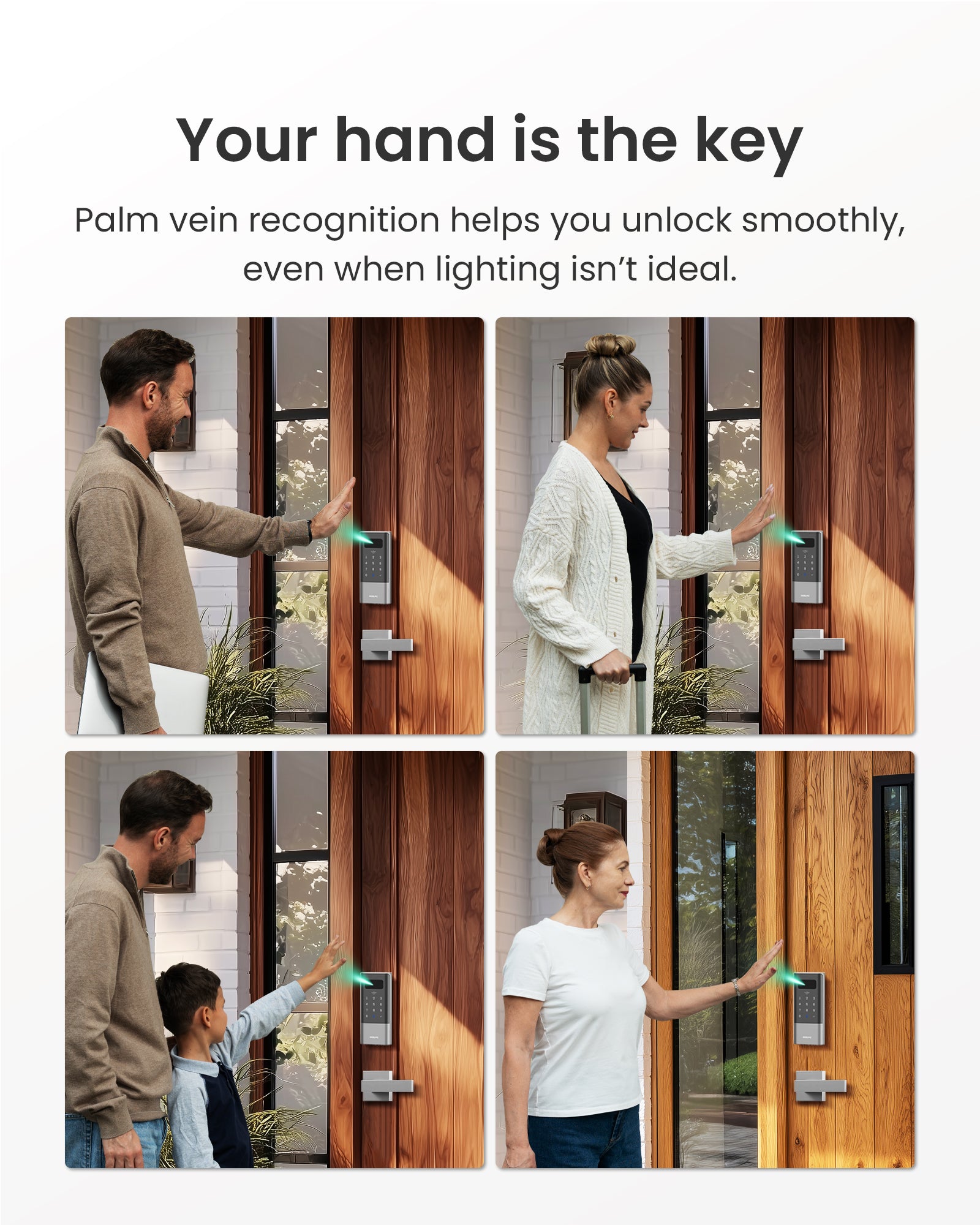
Your hand is the key. The DESLOC K140 Plus reads the unique vein pattern beneath your palm, so entry is touchless, fast, and far harder to fake than a fingerprint. Your biometric data stays encrypted on the lock itself and is never uploaded to the cloud. Built-in Wi-Fi lets you lock, unlock, and get real-time alerts from anywhere without a hub. A 10,000mAh rechargeable battery runs for up to 9 months on a single charge. It installs on standard US and Canadian doors with no drilling.
- Palm Vein Unlock - Palm vein recognition uses internal vein patterns that are harder to duplicate, with a very low false recognition rate (less than 0.0001%) and local storage for biometric data, helping protect everyday access while keeping your family’s privacy under your control.
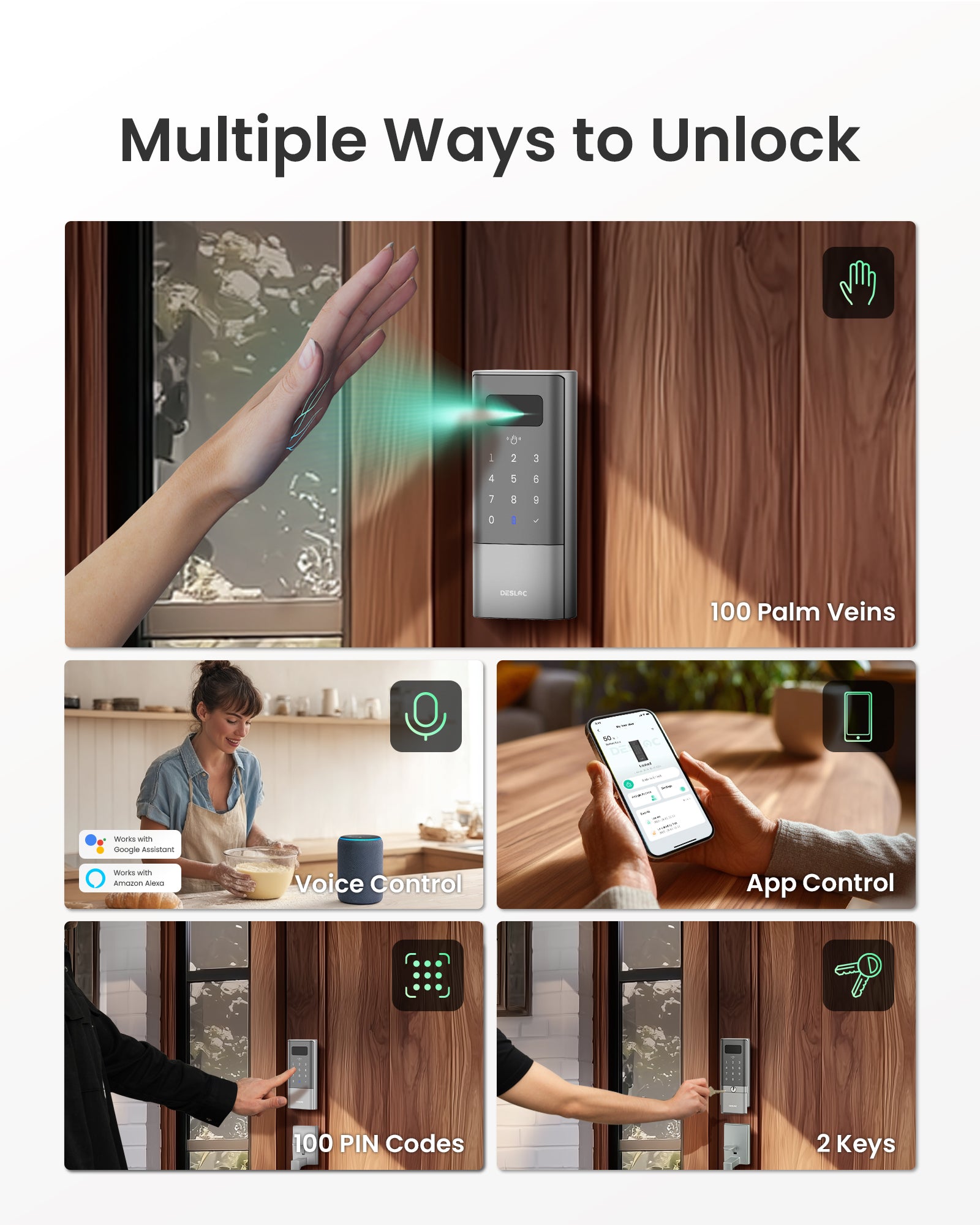
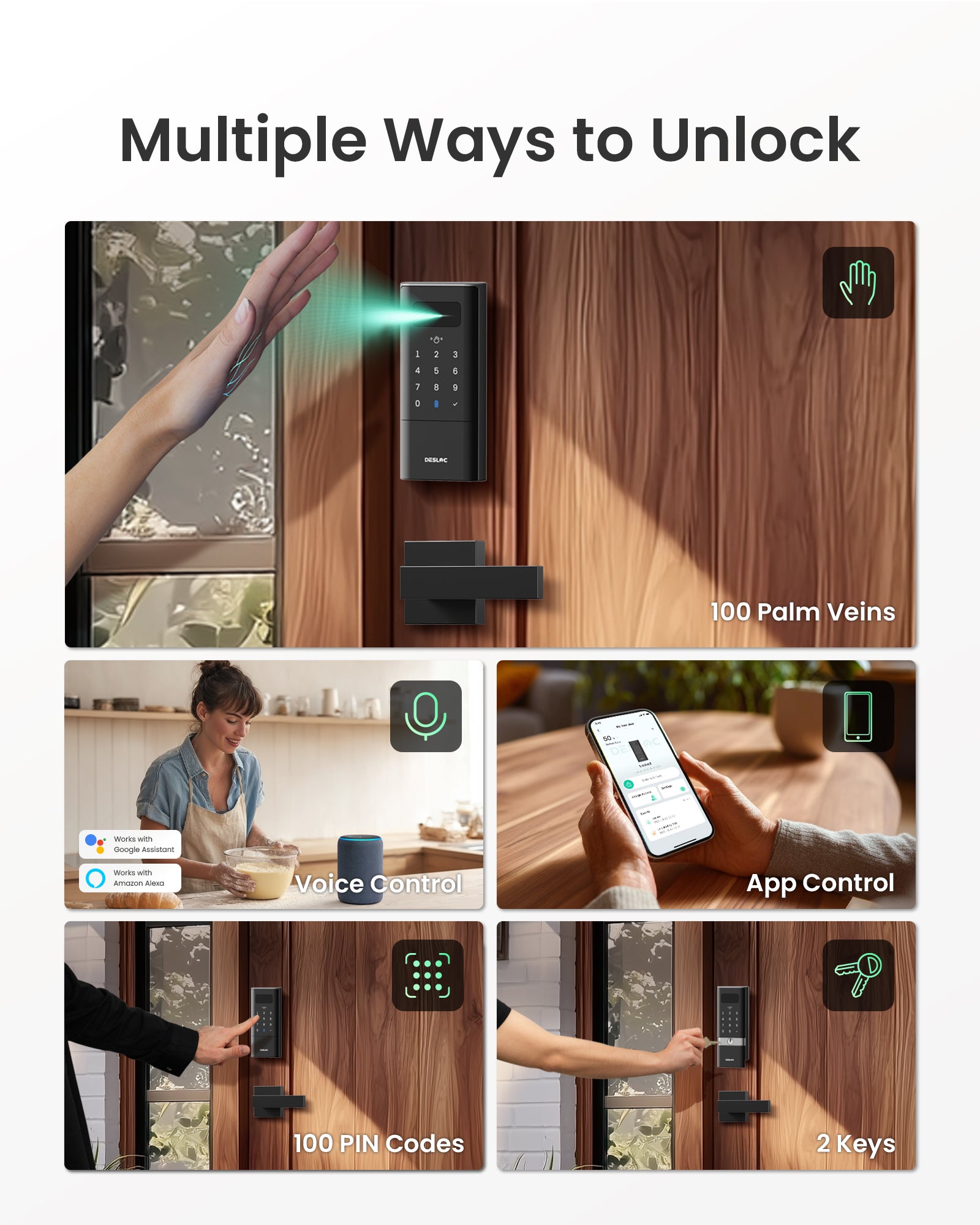
- 5-in-1 Keyless Entry - Choose the way that fits each person: palm vein, passcode keypad, App access, voice control and mechanical key backup. A flexible keyless entry door lock setup that works for daily use, guests, and household sharing.
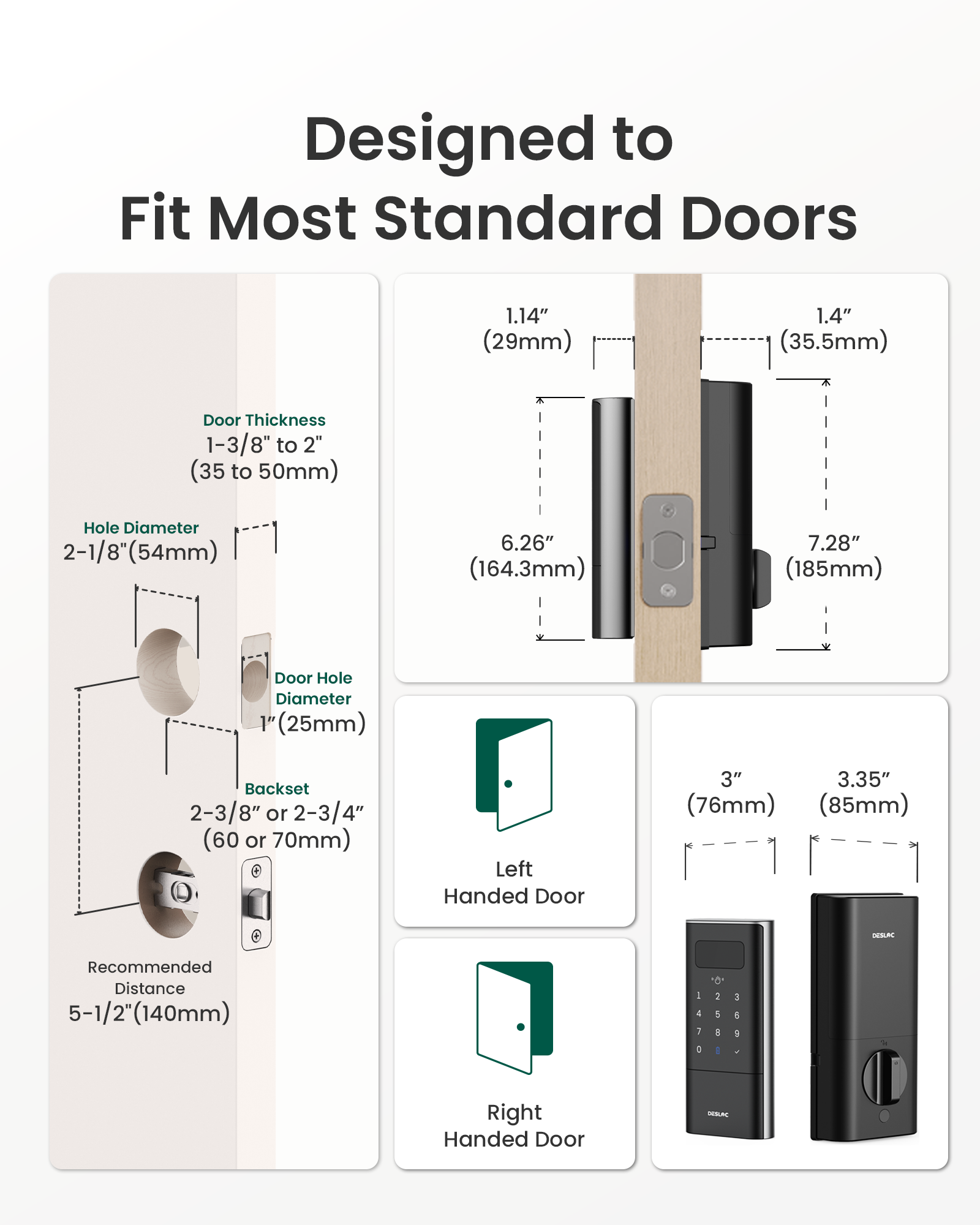
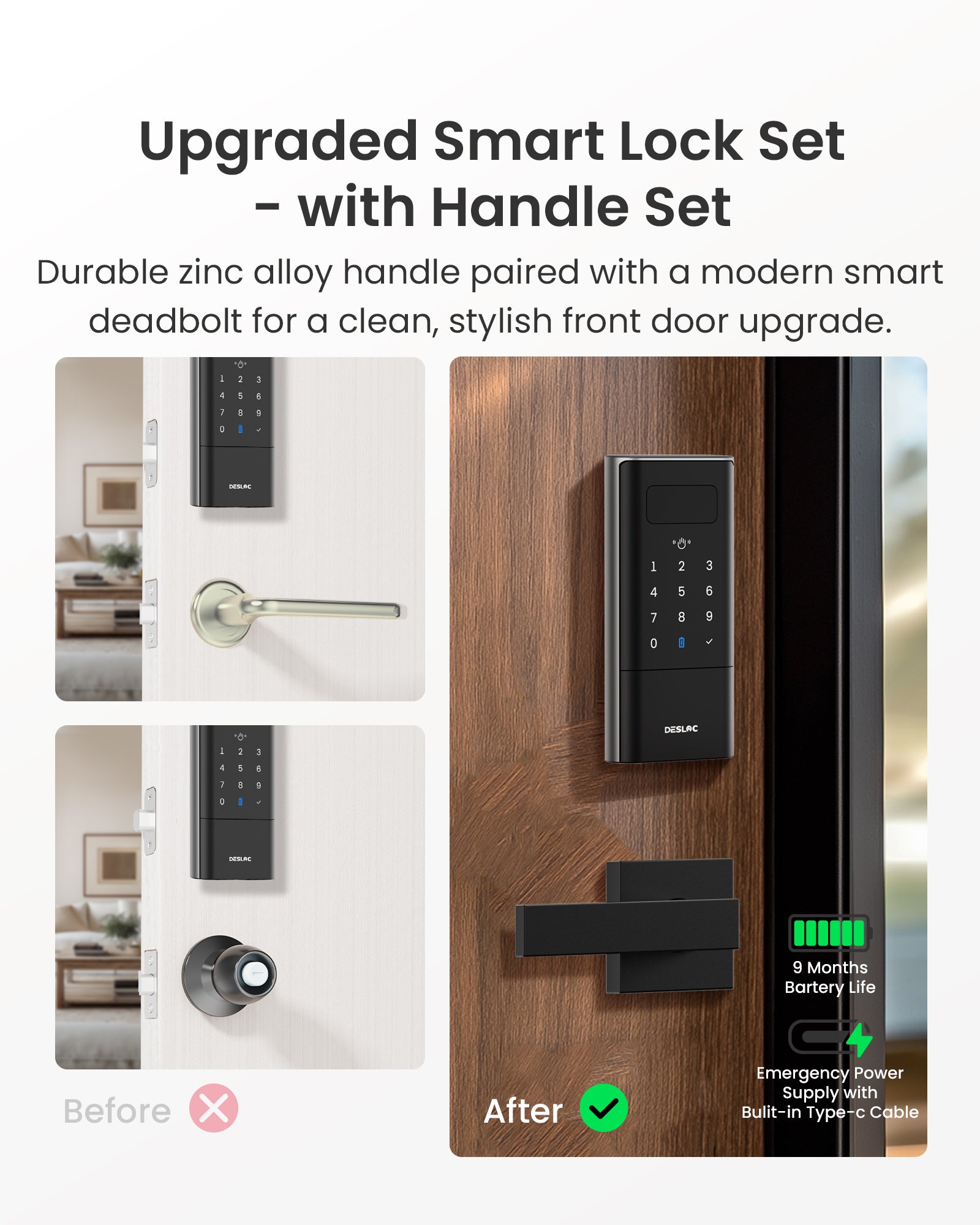
- Easy Installation - Designed to replace a standard deadbolt lock on most doors, the straightforward installation process reduces setup time and frustration, helping you upgrade your front door without professional help or complicated adjustments.
- Door Sensor Auto-Lock - With the door sensor accessory installed, door open and close status can be detected to support auto-lock only after the door is fully closed, helping reduce missed locking and giving you more confidence when leaving home in a hurry.
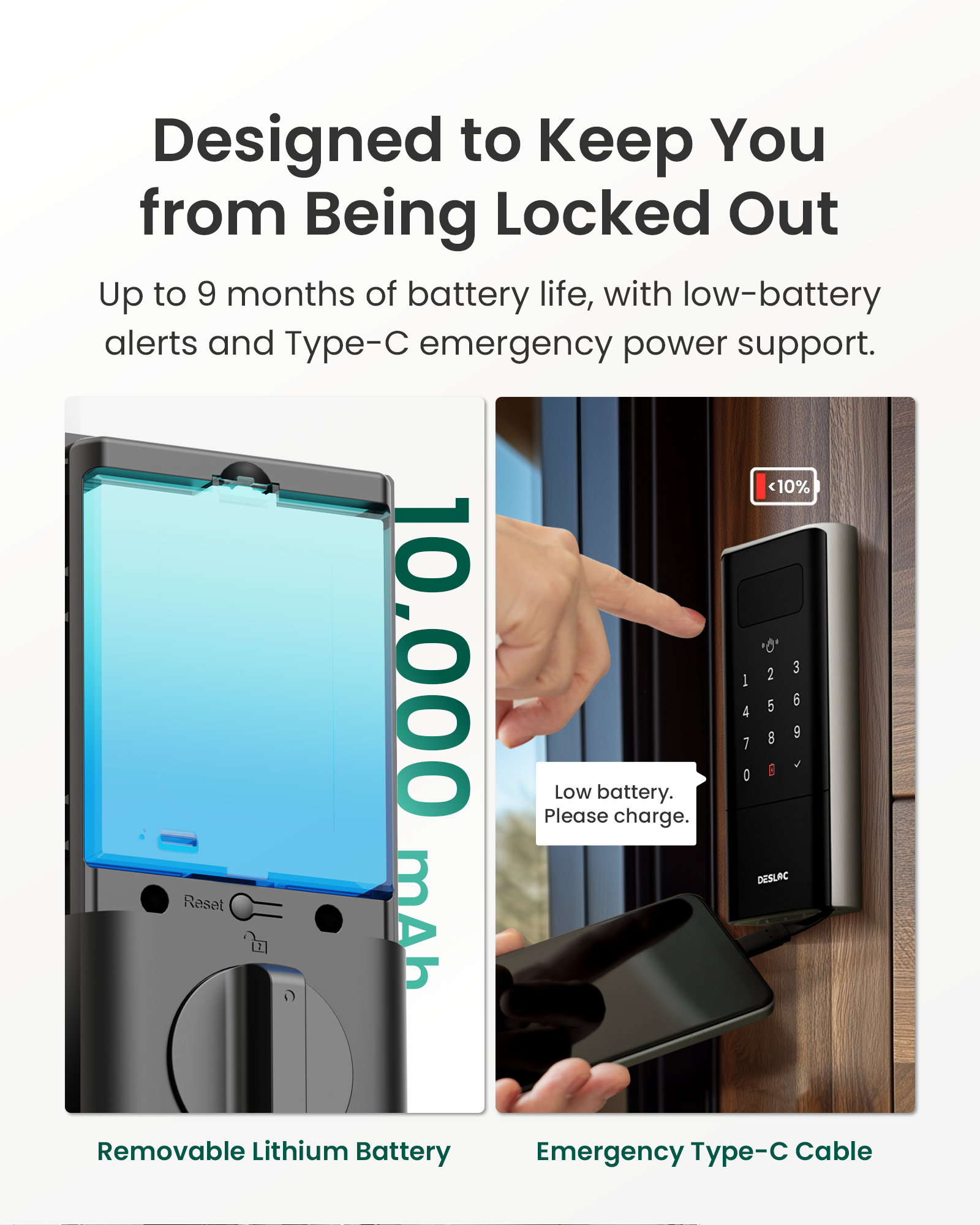
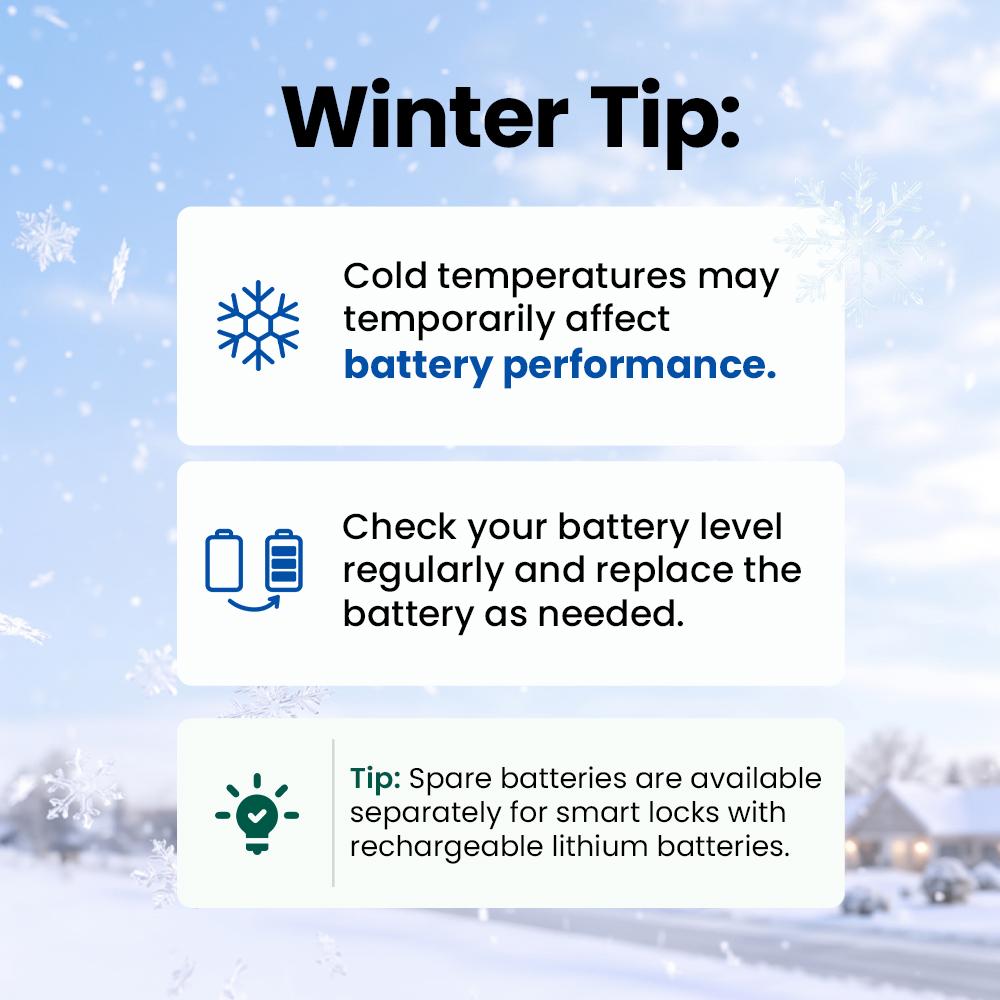
- Up to 9-Month Battery - Built with a 10000mAh rechargeable lithium battery to support up to 9-month battery life. Low-battery alerts help you stay prepared, while Type-C emergency power access provides a backup option if the battery runs low.
Free Shipping within the contiguous U.S.
24/7 Support: Email us at support@desloc.com


FAQ
What is the required adapter to charge the battery?
5V 2A
What is the lock's Working Temperature?
The exterior assembly can handle temperatures within the range of -22℉ to 158℉ (-30℃ to 70℃, Not Condensation). We do not recommend using the Smart Lock outside of these conditions.
Whats the requirement for installation?
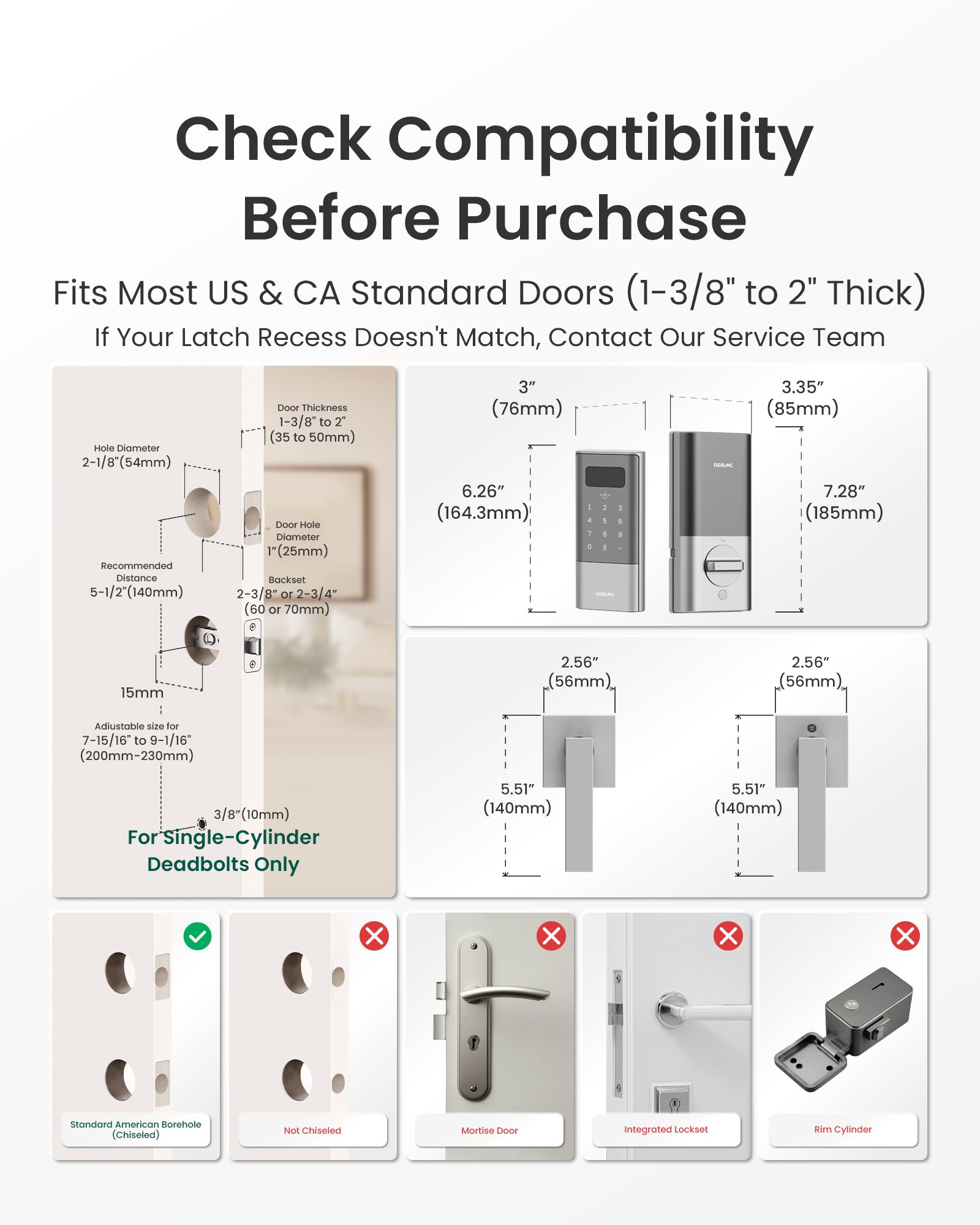
Please check the picture for installation requirement. Dimensions required: thickness of 1-3/8" to 2", hole diameter of 2-1/8",and a measured backset size of2-3/8" or 2-3/4" with the deadbolt.
What if the battery dies?
- Before the battery runs out, the DESLOC smart lock will display a low battery warning, and the DisplayScreen and app will also display a prompt.
- If your smart lock has completely run out of power and cannot open the door before replacing the battery, you can still use the key to open and lock the door.
- If you don't have the key, you can use a Type-C cable and a mobile power bank to charge the smart lock in an emergency. The charging port is located at the bottom of the smart lock.
Note: The port is for emergency power supply only, cannot be used to charge the battery. With no communication circuit, it doesn't allow any data transfer.
Does it work with voice assistants?
Yes, this smart lock is compatible with voice assistants like Alexa and Google Voice Assistant.
Can I make extra key for the lock?
You can take your original key to any hardware store, where they can easily duplicate it using an SC1 key blank, which is widely available.
How to add a device?
There are three ways to add the device. Before connecting, activate the touch keypad.
Method 1: Bluetooth link:Make sure Bluetooth is enabled and is close to the device.
Method 2: Scan to Add:Please scan the QR code on the inside of the battery cover or on the packaging box to add.
Method 3: Add Manually:Click "Add Manually" on the interface in Step 3 of Method 2 > manually enter the SN code indicated on the inner side of the battery cover or on the packing box until "Connected Successfully" is prompted.
What should I do if there's "Failed, check deadbolt" warning?
The lock tongue may be stuck due to misalignment during installation or use. We recommend troubleshooting as follows:
1. Check the alignment of the lock tongue with the door frame: If the lock tongue is deformed and not fully aligned with the door frame, it may cause the lock tongue to get stuck.
2. Try recalibrating: You can recalibrate the device under Device Page - Settings - General - Device Calibration.
3. Confirm whether the door is closed too tightly or deformed: sagging, deformation, or loose hinges on the door may affect the lock tongue's movement.
If the lock tongue remains stuck after calibration, please contact the after-sales team for further assistance.


