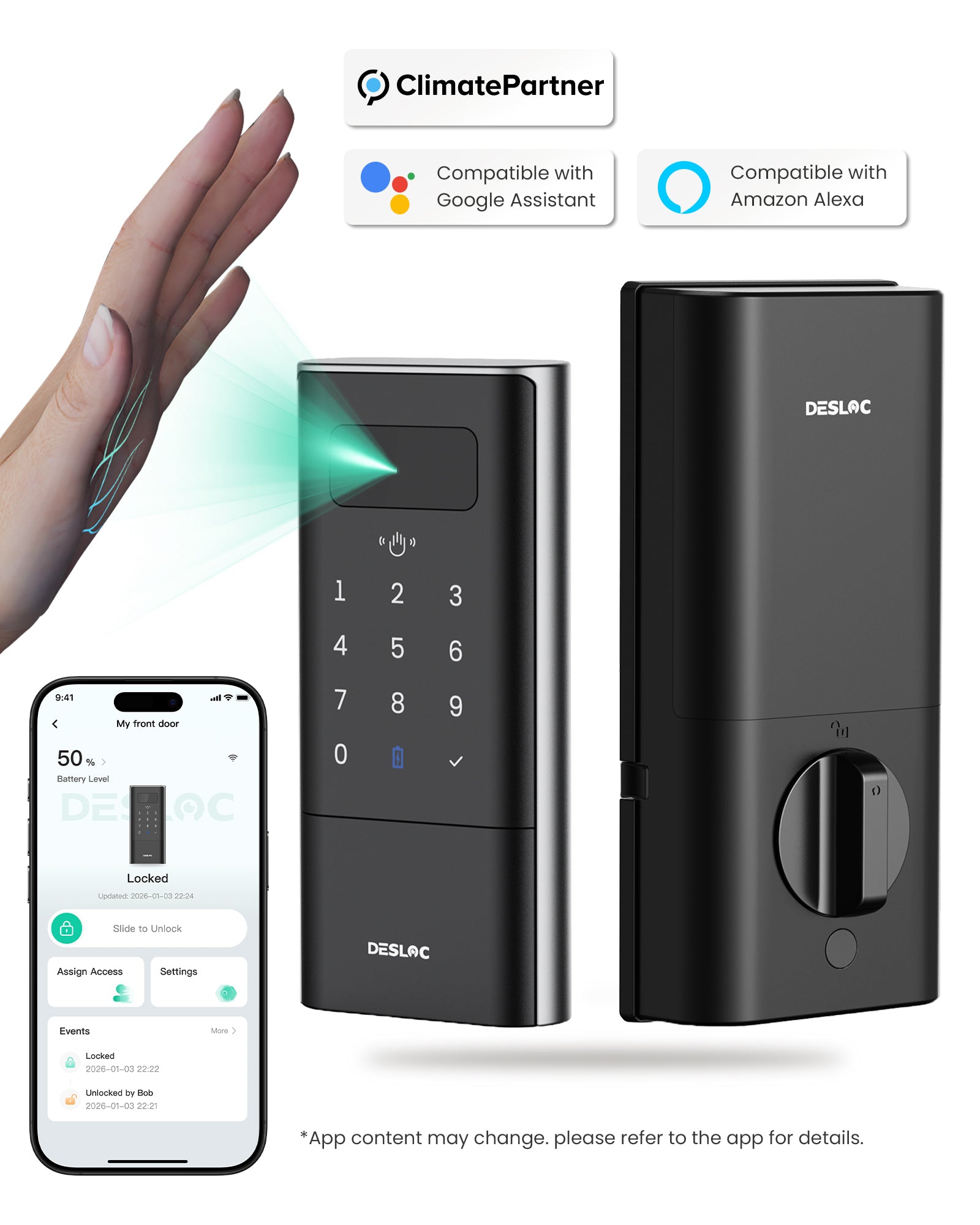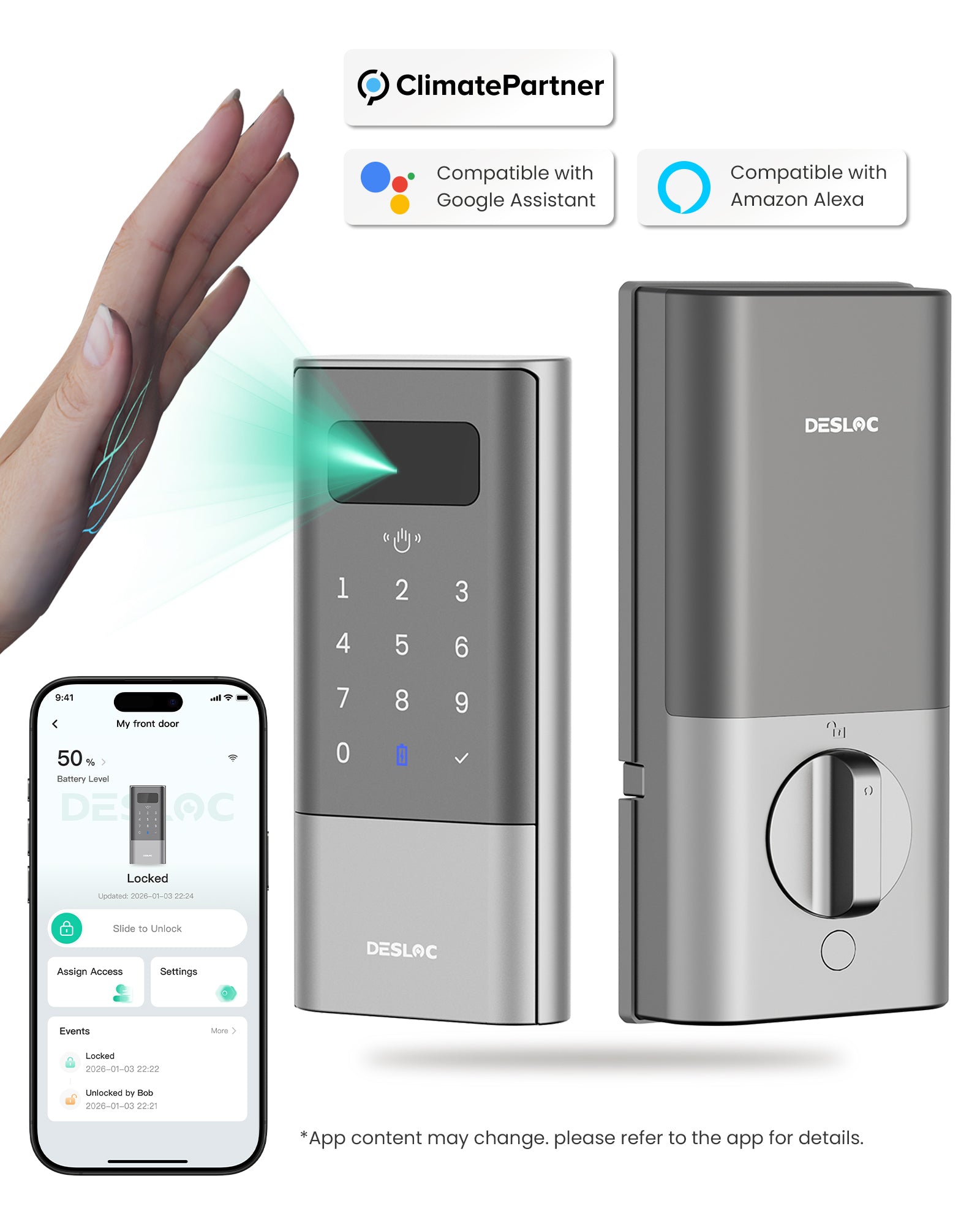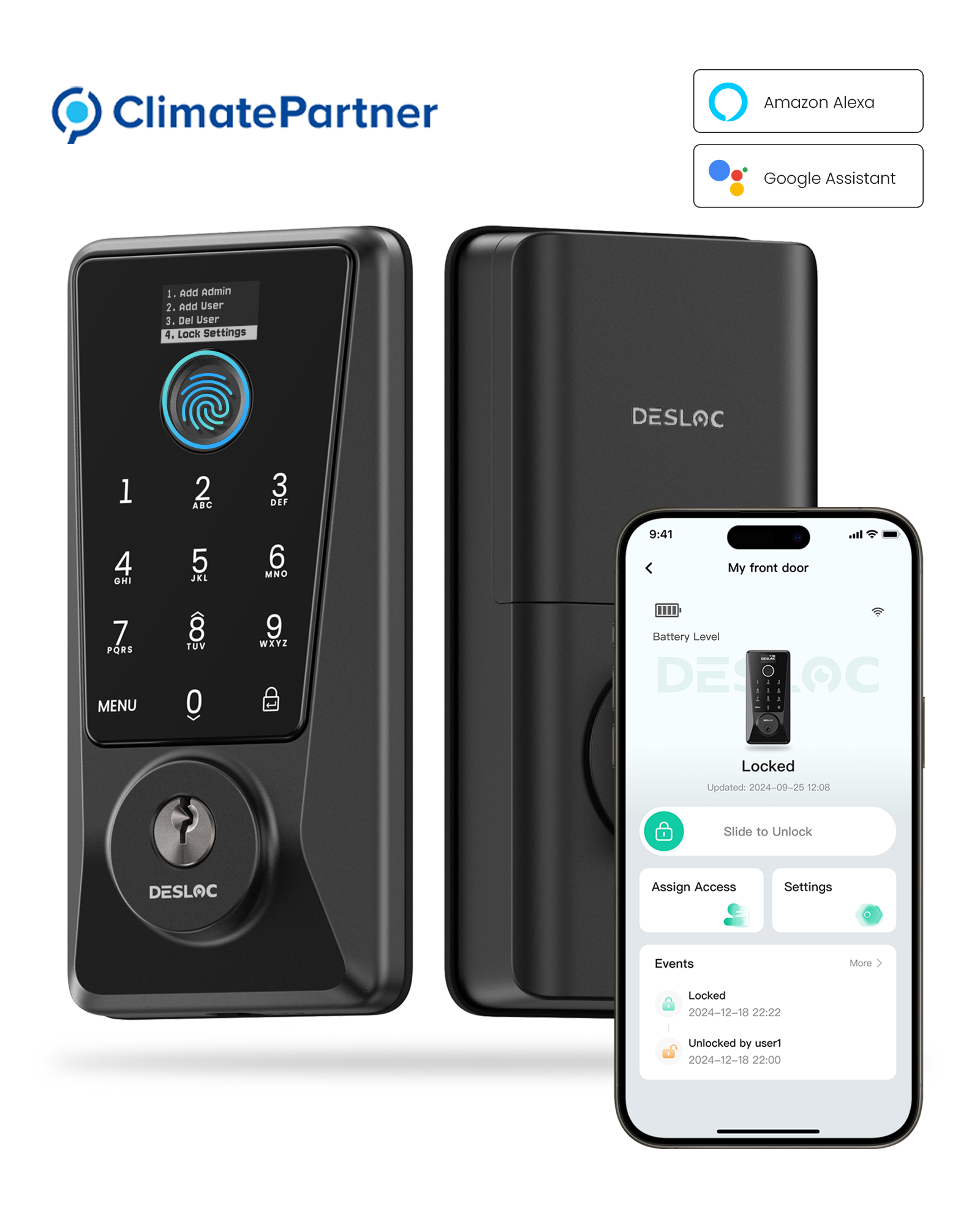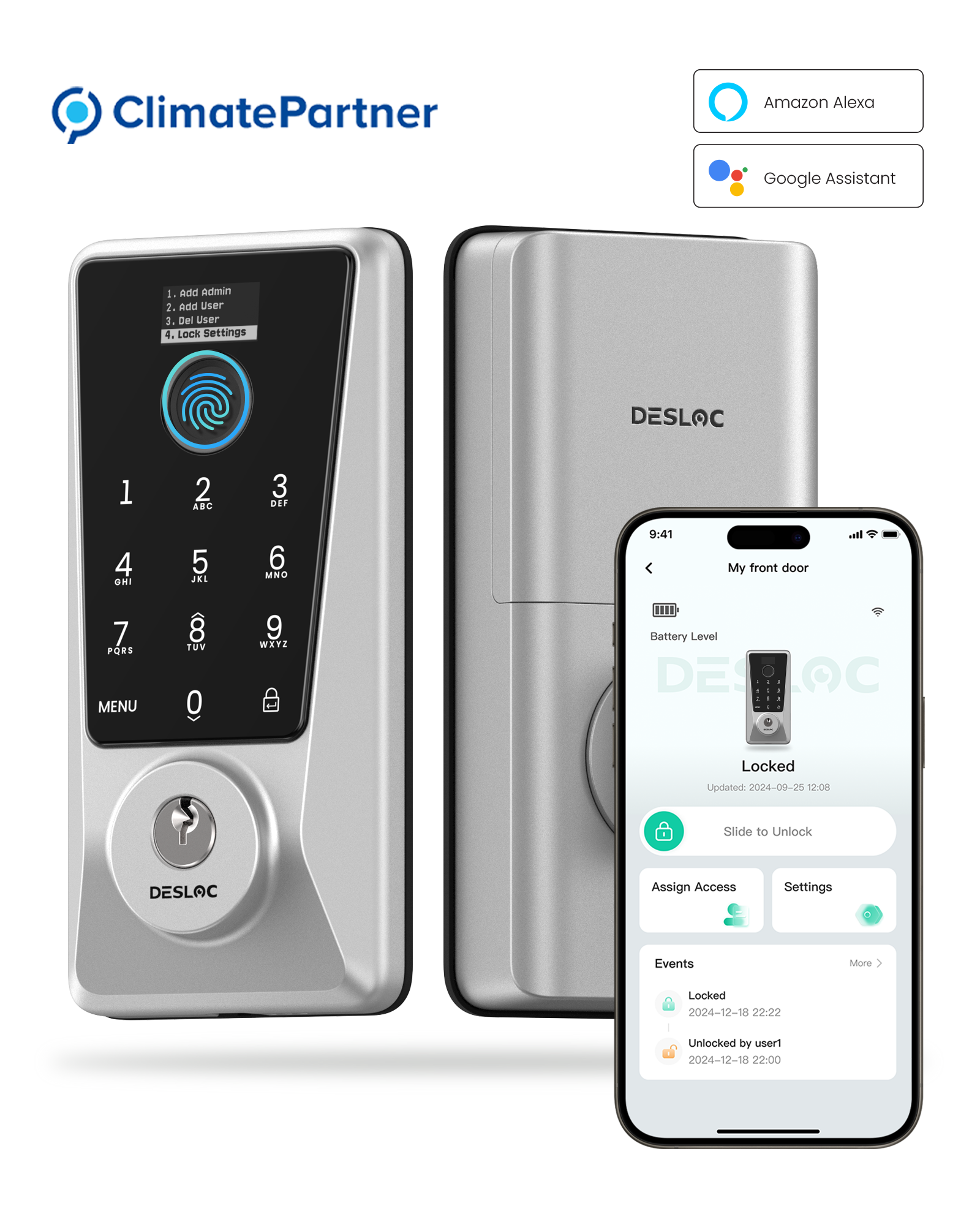
DESLOC Curved Fingerprint Smart Lock K221 Latch
Features:
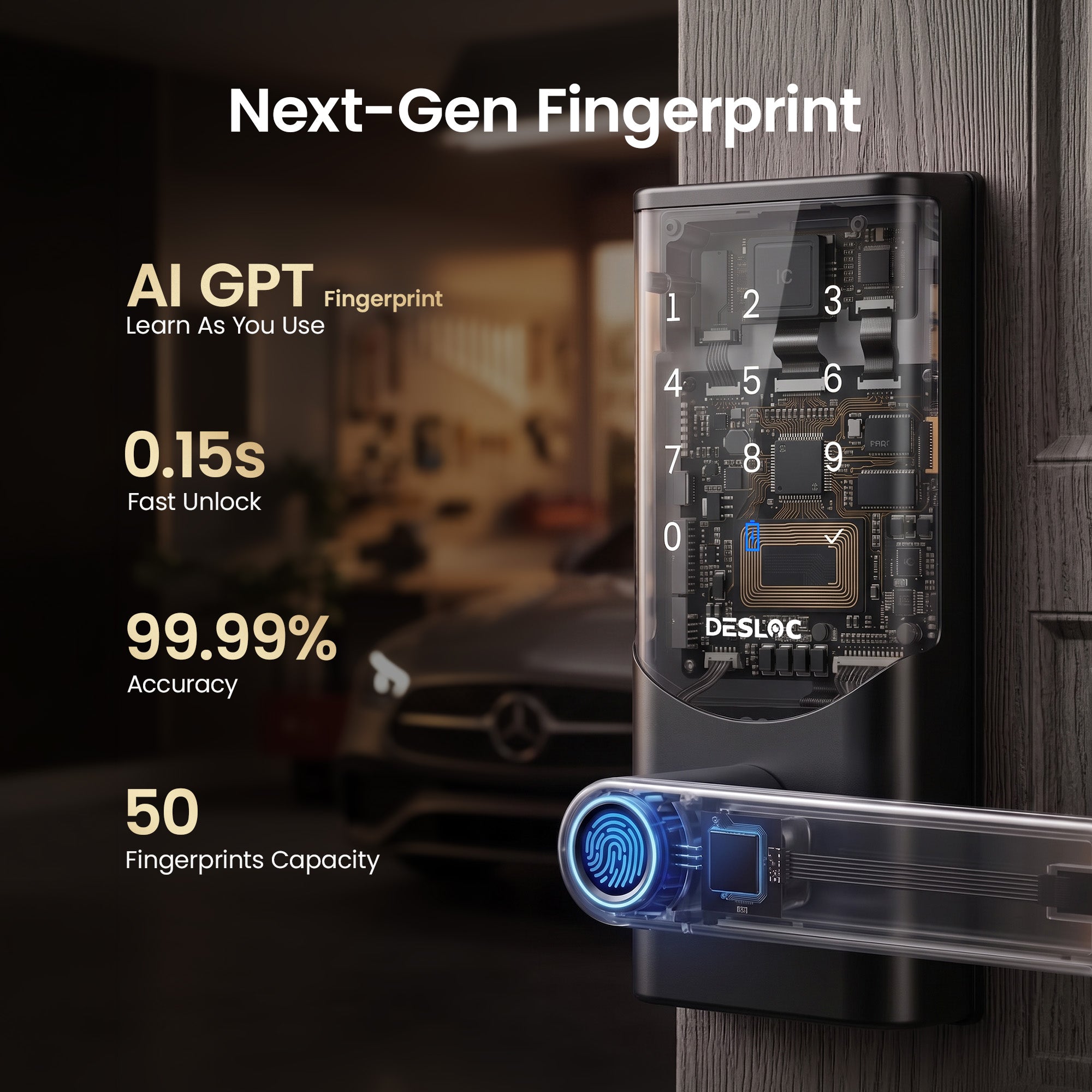
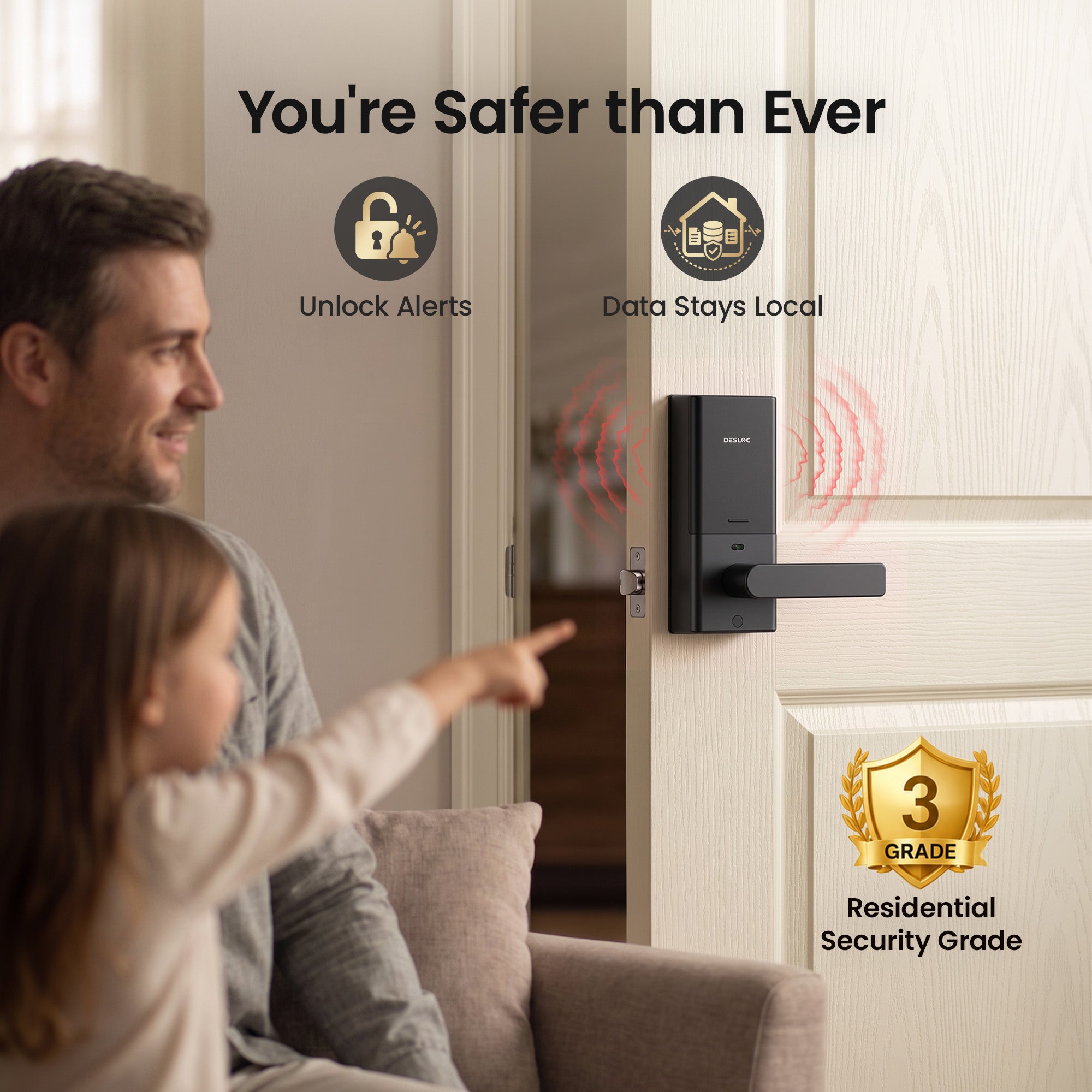
- GPT-Powered 3D Fingerprint Recognition
- Up to 0.15-Second Fingerprint Unlock
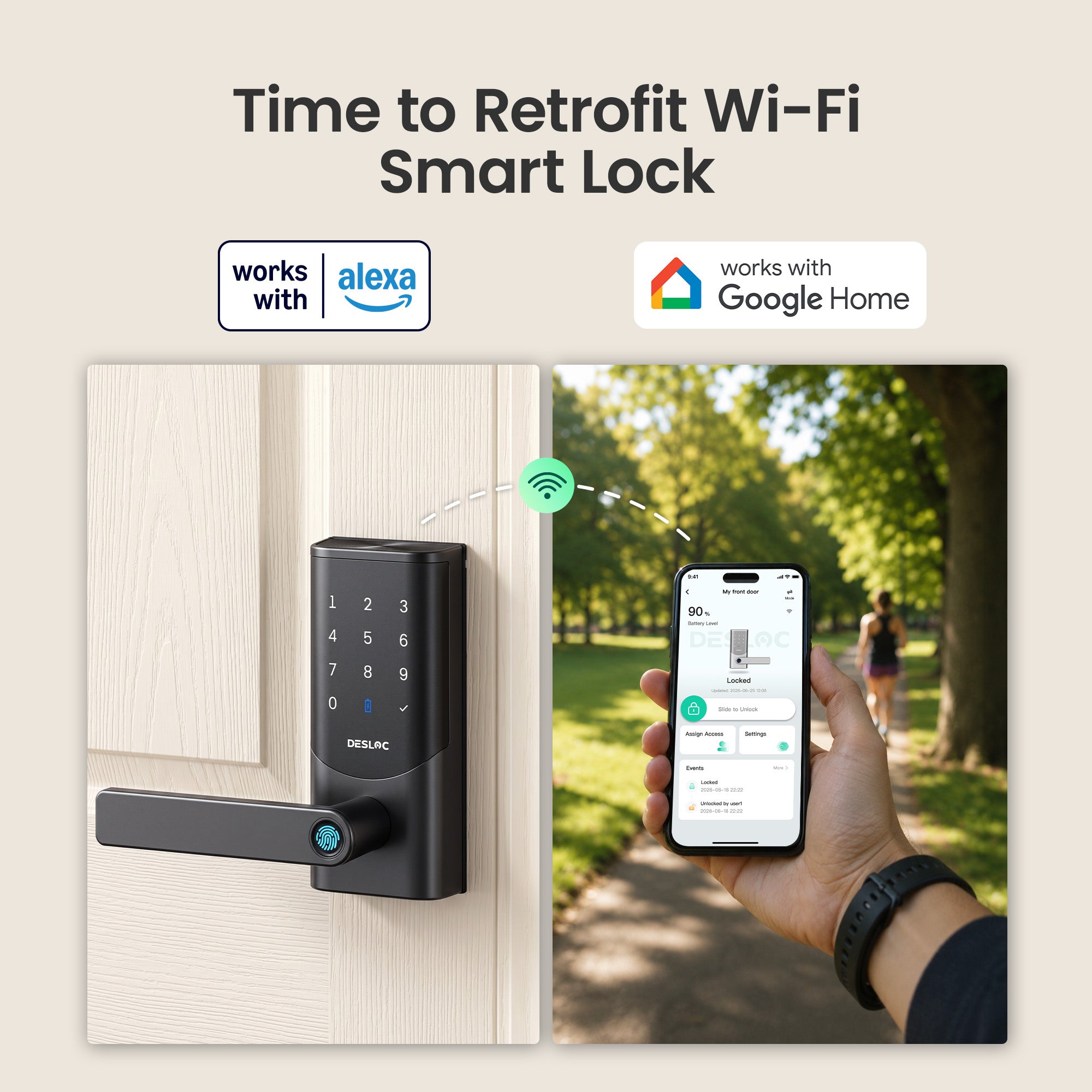
- Built-in Wi-Fi & Remote App Control
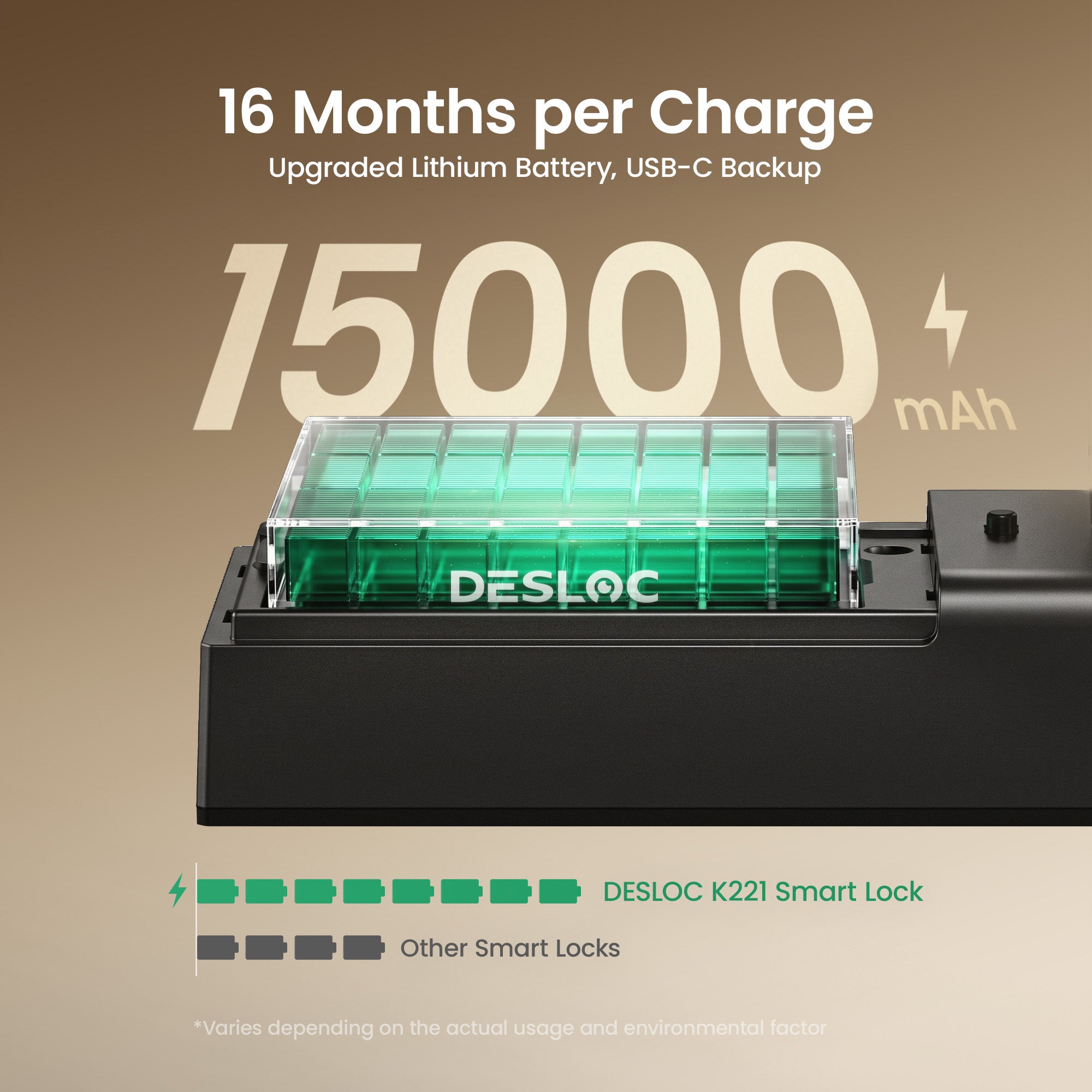
- Up to 16-Month Rechargeable Battery Life
- Door Status Detection & Auto-Lock
- SafeMode Child Lock
- Multiple Ways to Unlock
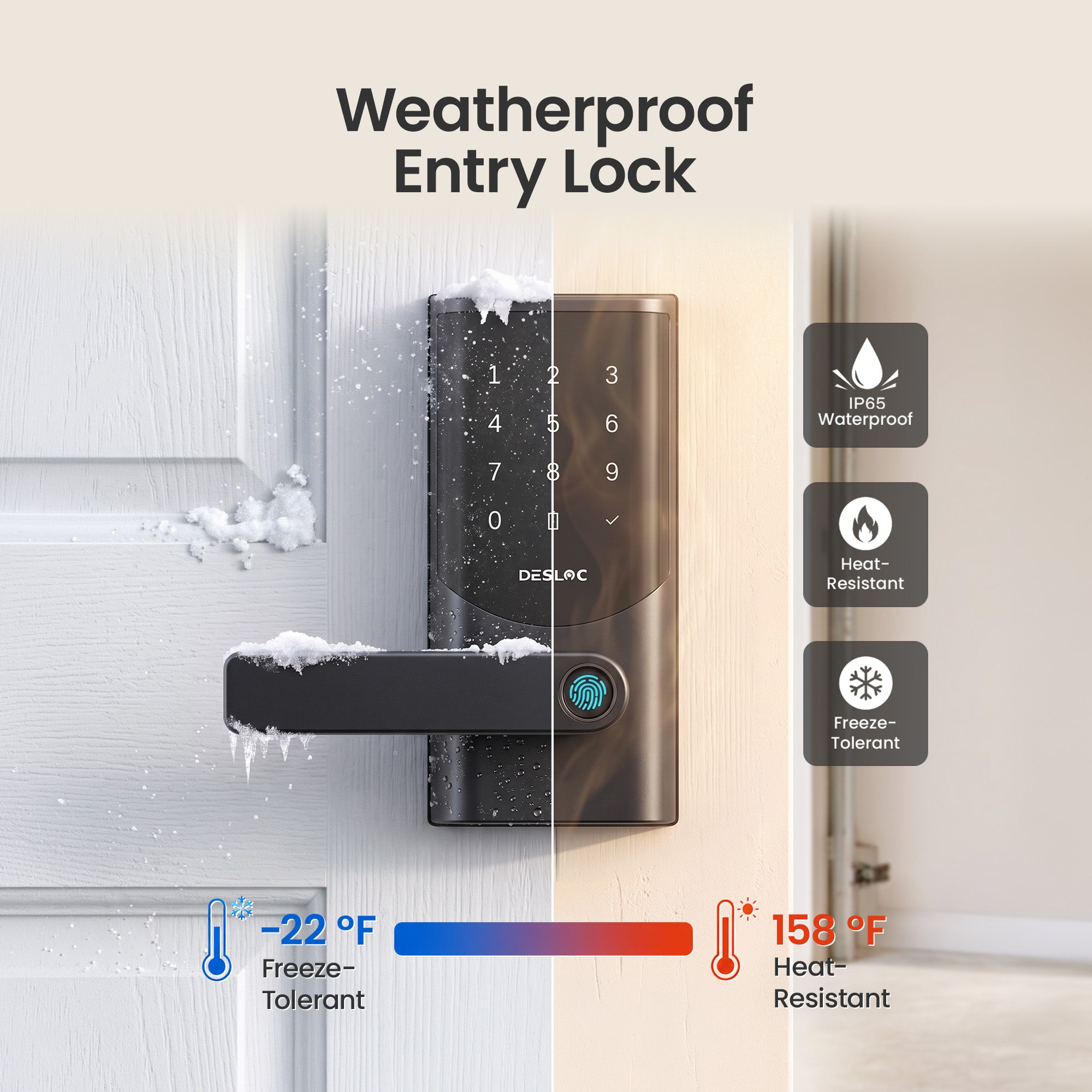
- IP65 Weather Resistance
𝐔𝐩 𝐭𝐨 𝟏𝟔-𝐌𝐨𝐧𝐭𝐡 𝐁𝐚𝐭𝐭𝐞𝐫𝐲 𝐋𝐢𝐟𝐞
A high-capacity 15000mAh rechargeable lithium battery works with DESLOC’s intelligent power management system to deliver up to 16 months of battery life, helping reduce the need for frequent charging. Low-battery alerts give you time to recharge, while the built-in Type-C emergency power cable lets you connect a power bank and unlock the door if the battery is fully depleted.
𝐆𝐏𝐓-𝐏𝐨𝐰𝐞𝐫𝐞𝐝 𝟑𝐃 𝐅𝐢𝐧𝐠𝐞𝐫𝐩𝐫𝐢𝐧𝐭 𝐔𝐧𝐥𝐨𝐜𝐤
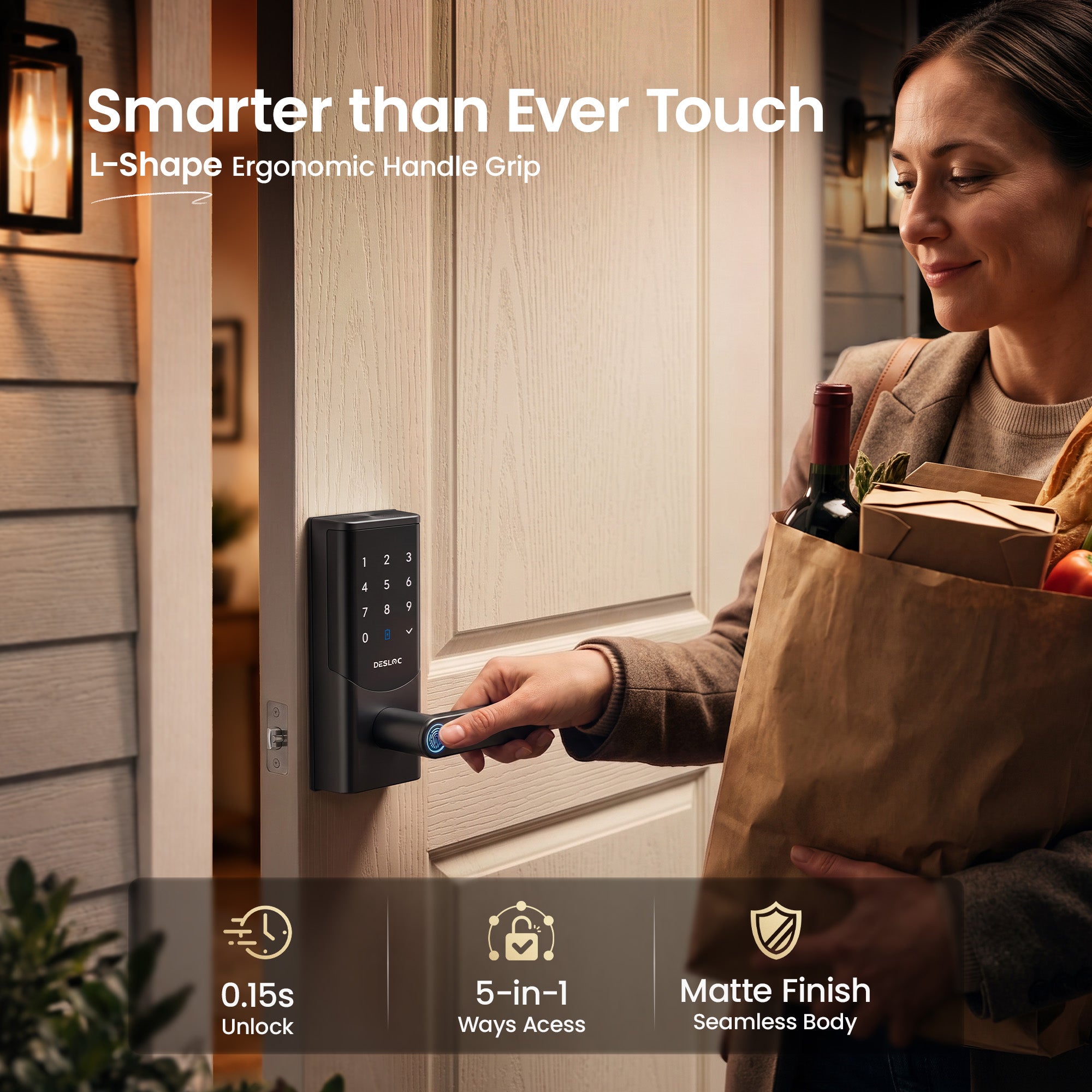
Advanced 3D fingerprint matching and liveness detection help deliver accurate, secure access with a false acceptance rate of less than one in a million. The adaptive recognition algorithm is designed to work more reliably with faint, worn or partially captured fingerprints, helping children, older adults and other family members unlock the door in as little as 0.15 seconds.
𝐁𝐮𝐢𝐥𝐭-𝐢𝐧 𝐖𝐢-𝐅𝐢 — 𝐍𝐨 𝐇𝐮𝐛 𝐑𝐞𝐪𝐮𝐢𝐫𝐞𝐝
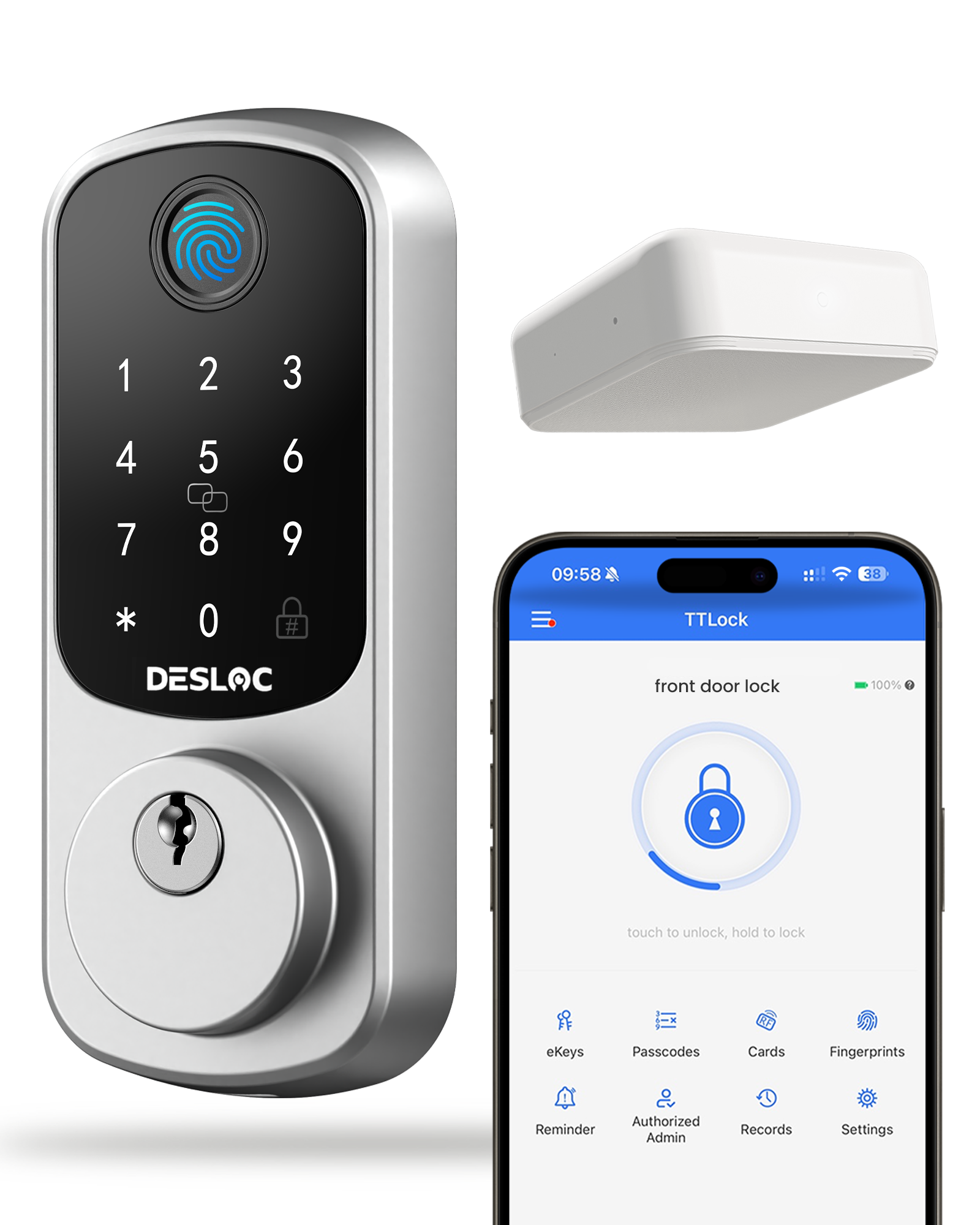
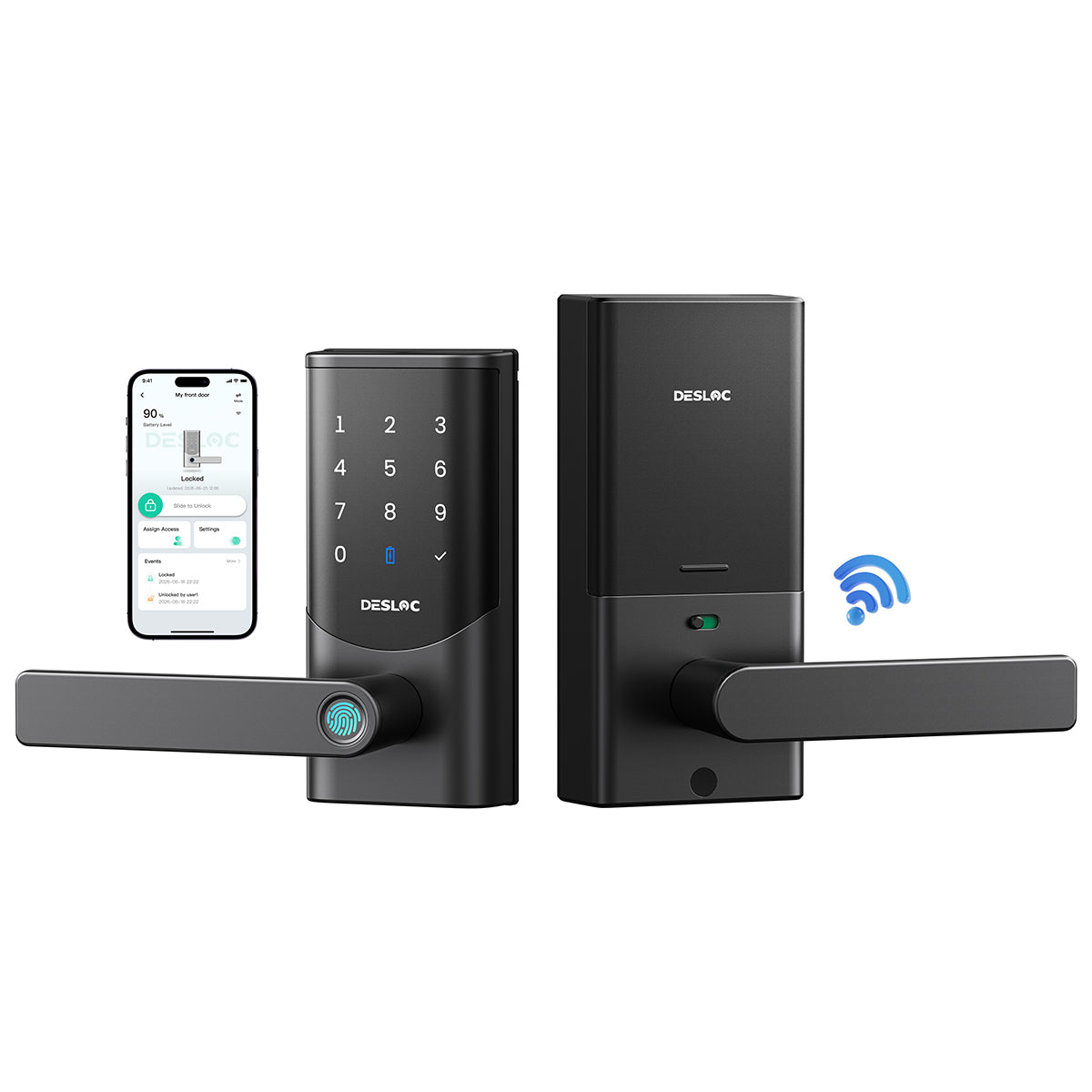
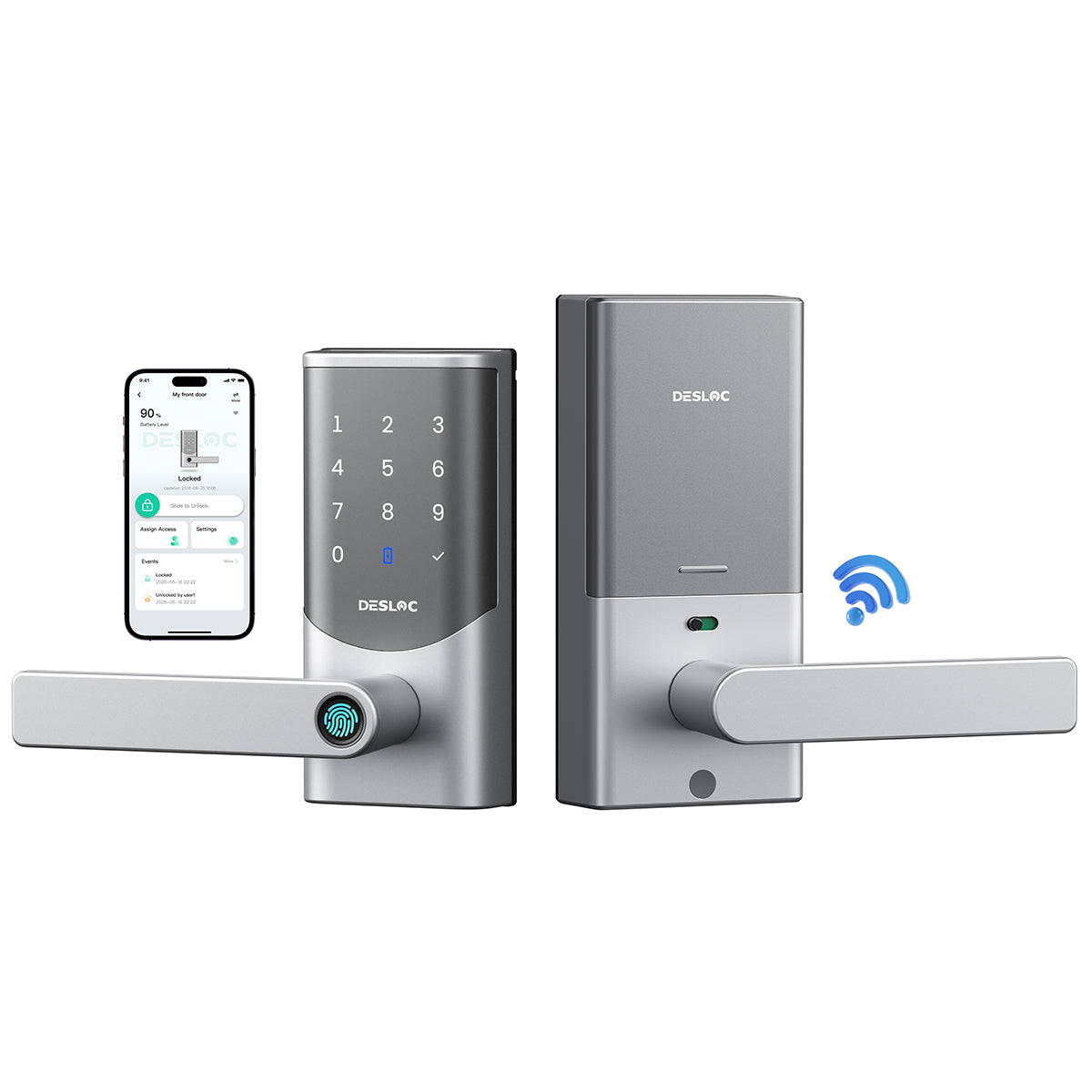
Connect the K221 directly to your home Wi-Fi and manage your door through the DESLOC App without purchasing an additional gateway. Check lock activity, manage access permissions, receive security notifications and control the lock remotely whether you are at work, traveling or managing a rental property.
𝐒𝐚𝐟𝐞𝐌𝐨𝐝𝐞 𝐂𝐡𝐢𝐥𝐝 𝐋𝐨𝐜𝐤 & 𝐃𝐨𝐨𝐫 𝐒𝐭𝐚𝐭𝐮𝐬 𝐃𝐞𝐭𝐞𝐜𝐭𝐢𝐨𝐧
SafeMode temporarily disengages the interior lever to help prevent children or pets from accidentally opening the door. Door status detection identifies whether the door is fully closed, sends an App alert when it is left ajar and supports automatic locking after the door has been properly shut—helping reduce forgotten locks and false-lock situations.
𝐈𝐏𝟔𝟓 𝐖𝐞𝐚𝐭𝐡𝐞𝐫-𝐑𝐞𝐬𝐢𝐬𝐭𝐚𝐧𝐭 𝐏𝐫𝐨𝐭𝐞𝐜𝐭𝐢𝐨𝐧
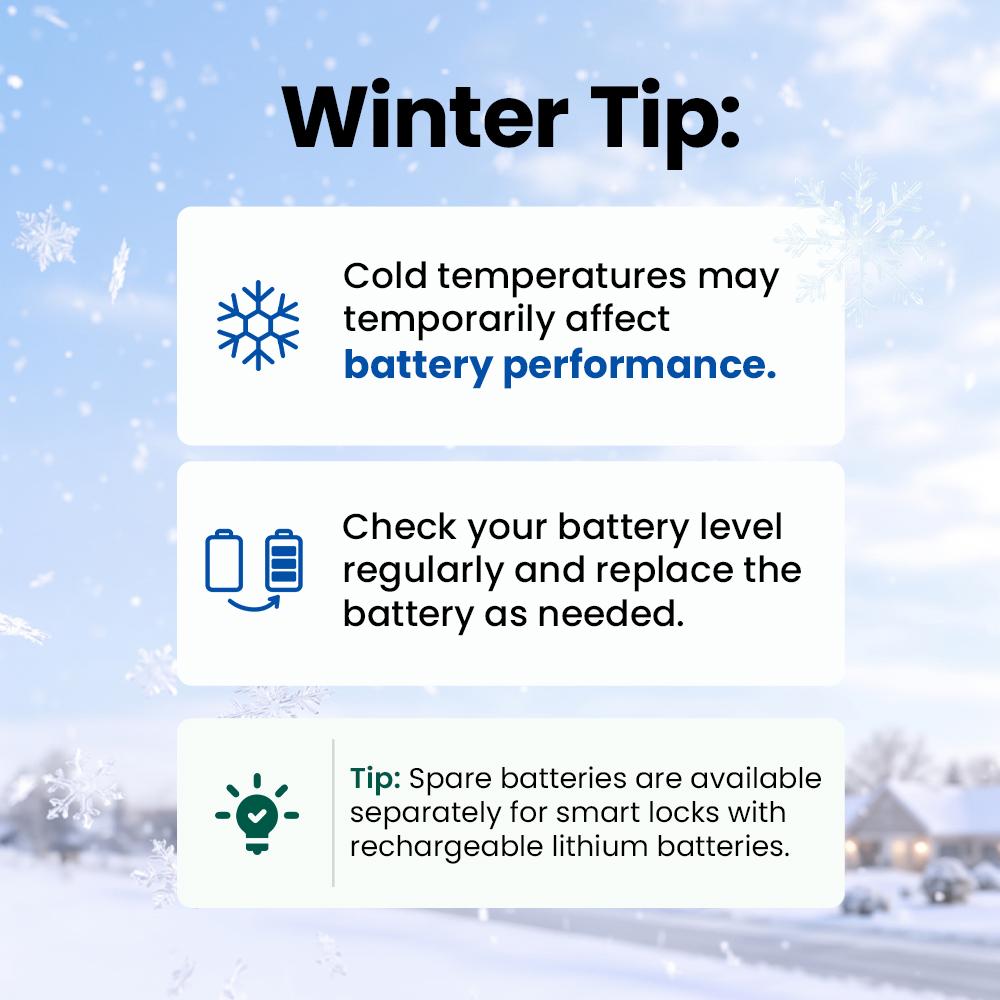
Built for everyday outdoor conditions, the K221 features an IP65-rated exterior that helps protect against rain and dust. Moisture-, dust- and corrosion-resistant internal protection supports reliable operation in temperatures from approximately -22°F to 158°F, making the lock suitable for changing seasons and challenging climates.









FAQ
Does it support adding fobs?
No, this model does not support adding fobs.
Currently, the unlocking methods vary across different Desloc products: passcodes, fingerprints and the app are all designed to be more convenient than carrying physical items like cards or mechanical keys. The aim is to provide users with a seamless entry experience, eliminating the need to carry physical keys—which can be lost, damaged, or stolen. However, in case a customer prefers carrying a physical key, we have retained the mechanical key function.
Can I register a fingerprint through the app? Do I need to be in front of the lock to add my fingerprint?
The fingerprint enrollment must be done in person, directly at the lock, and cannot be performed remotely. As biometric recognition data are stored locally on the lock’s own chip for security and privacy reasons. This design ensures that your biometric information remains under your direct control, reduces potential risks associated with data transmission, and allows the lock to continue functioning even when offline.
How do you lock from the outside?
You can lock the door from the outside using the Auto Lock feature or by pressing the "√" key.
What is the Child Lock feature and how does it work?
When the status is green: the door can be opened from both inside and outside. Pressing the indoor handle down opens the door; successful outdoor recognition also allows the door to be opened.
When the status is red: the indoor handle is disabled to prevent children and pets from pushing the handle down and opening the door; successful outdoor recognition still allows the door to be opened normally.
How to switch between Standard mode and Landlord mode?
To switch between Standard mode and Landlord mode, simply go to the main device page in the app, tap the Mode button in the top right corner, and select the desired mode.
You may also like