



How Palm Vein Unlock Works

How to Enroll Your Palm Vein


Does a shorter Proximity Detection sleep interval affect battery life?
Yes. A shorter sleep interval allows Proximity Detection to respond more quickly, but it also increases standby power consumption.
Choose the interval that best matches your usage needs to balance wake-up responsiveness and battery life.
How can I tell whether Proximity Detection is active?
If the numeric keypad lights are off, Proximity Detection may be in its periodic sleep cycle, and palm vein recognition will be temporarily unavailable.
Simply touch the keypad to wake the lock. Once the keypad lights turn on, palm vein recognition is ready to use.
What should I do when Proximity Detection enters its periodic sleep cycle?
Simply touch the numeric keypad to wake the entire lock. Once the keypad lights turn on, you can use palm vein recognition normally.
Can I disable Proximity Detection?
Yes. If you do not need the lock to wake automatically when someone approaches, you can disable Proximity Detection in the App settings.
Why does Proximity Detection behave differently between App versions?
In App version V1.1.3 and earlier, disabling the Auto-Lock feature in the app will also disable Proximity Detection. The lock will no longer be actively awakened by Proximity Detection.
This mode is suitable for scenarios such as keeping the door open for extended periods, store operations, or frequent temporary access.
With the new App version V1.2.0 (a lock firmware upgrade is also required), disabling the Auto-Lock feature in the app will no longer disable Proximity Detection.
Customize Proximity Detection
In the DESLOC App, you can adjust Proximity Detection based on your daily routine. K140 Plus uses Energy-saving mode by default to balance wake-up responsiveness and battery life.
Sleep interval: 5 seconds
Recommended for Frequent entry and faster wake-up
Power consumption: Higher
Sleep interval: 10 seconds
Recommended for Everyday household use
Power consumption: Medium
Sleep interval: 15 seconds
Recommended for Longer standby time
Power consumption: Lower
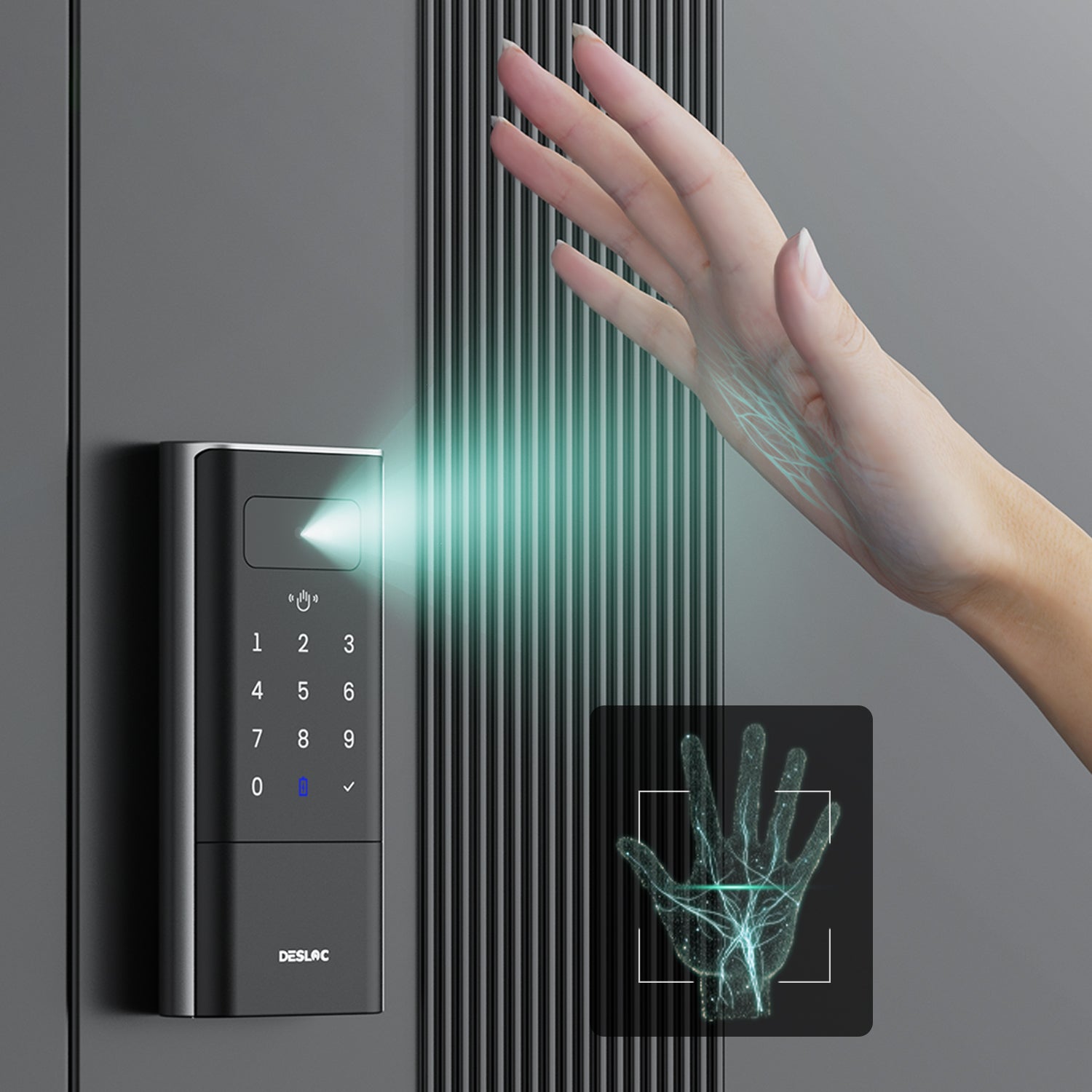
Palm vein recognition is a biometric technology that identifies individuals by analyzing the unique vein patterns beneath the skin of the palm.
What Is Palm Vein Technology?
- Uses near-infrared light
- Reads vein patterns under the skin
- Contactless authentication
- Extremely difficult to forge
FAQ
Why is palm vein recognition slow or fails?
The K140 Plus uses palm vein recognition to identify unique palm patterns.
Recognition speed or success rate may drop due to strong direct sunlight, wet/dry/dirty hands, improper distance/angle, incorrect positioning, or insufficient enrollment data.
For better results: keep palm clean and dry, hold at recommended distance, and re-enroll from multiple angles.
As backups, use passcode, DESLOC app, or mechanical key in challenging conditions.
Why does palm vein recognition not work well under direct sunlight?
Palm vein recognition uses optical sensing technology. Strong direct sunlight may affect the sensor’s ability to capture palm vein data.
Performance may be affected if:
* The lock is installed outdoors without cover.
* The sensor is exposed to direct sunlight.
* The surrounding area has strong light reflections.
**Recommendations:**
* Avoid prolonged direct sunlight whenever possible.
* Add a canopy or shade if needed.
* Use the passcode, app, or mechanical key as backup access methods.
Why doesn't the lock automatically detect my palm when I approach?
The K140 Plus supports proximity sensing to wake the lock automatically. This feature works only when:
* Auto Lock is enabled.
* Proximity Detection is enabled.
* You are within the sensor's detection range.
If Auto Lock is disabled, the lock enters a low-power mode and must be woken by lightly touching the keypad.
Why does the K140 Plus feel bigger than a standard door lock?
The K140 Plus integrates multiple smart features, including:
* Palm vein recognition
* Wi-Fi connectivity
* A rechargeable battery
* Smart control components
These built-in technologies make it larger than a traditional mechanical lock.
**Before installation, please confirm:**
* Door thickness compatibility
* Existing lock hole dimensions
* Sufficient clearance for the lock components
Why does the app show a different lock status from the actual door status?
The app status may be affected by:
* Wi-Fi signal strength
* Network delays
* Router connection stability
**Recommendations:**
* Connect the lock to a stable 2.4 GHz Wi-Fi network.
* Keep the lock within a reasonable range of the router.
* Update the DESLOC app to the latest version.
* If the issue persists, contact our Customer Experience Team.
My door has a round deadbolt, but it is not compatible with the lock. What should I do?
The lock comes with a square faceplate deadbolt by default, and a round deadbolt is also available.
If your door requires a round deadbolt, please contact our Customer Experience Team with your door or lock details. We'll be happy to help confirm compatibility and provide a suitable solution.
Why doesn't the palm vein recognition activate immediately when I approach the lock?
The lock uses a radar sensor with an intelligent sleep cycle to balance responsiveness and battery life. After each detection cycle, the sensor enters sleep mode before scanning again.
You can adjust **Proximity Detection** in the DESLOC App:
* **Sensitive:** 5-second sleep interval
* **Balanced:** 10-second sleep interval
* **Energy-saving (Default):** 15-second sleep interval
For faster wake-up, select a higher sensitivity mode. Shorter sleep intervals may increase standby power consumption.
How can I quickly tell if the radar is active, and how do I wake it up?
If the keypad lights are off, the radar is in sleep mode and palm vein recognition is temporarily unavailable. Simply touch the keypad to wake the lock. Once the keypad lights turn on, palm vein recognition will work normally.