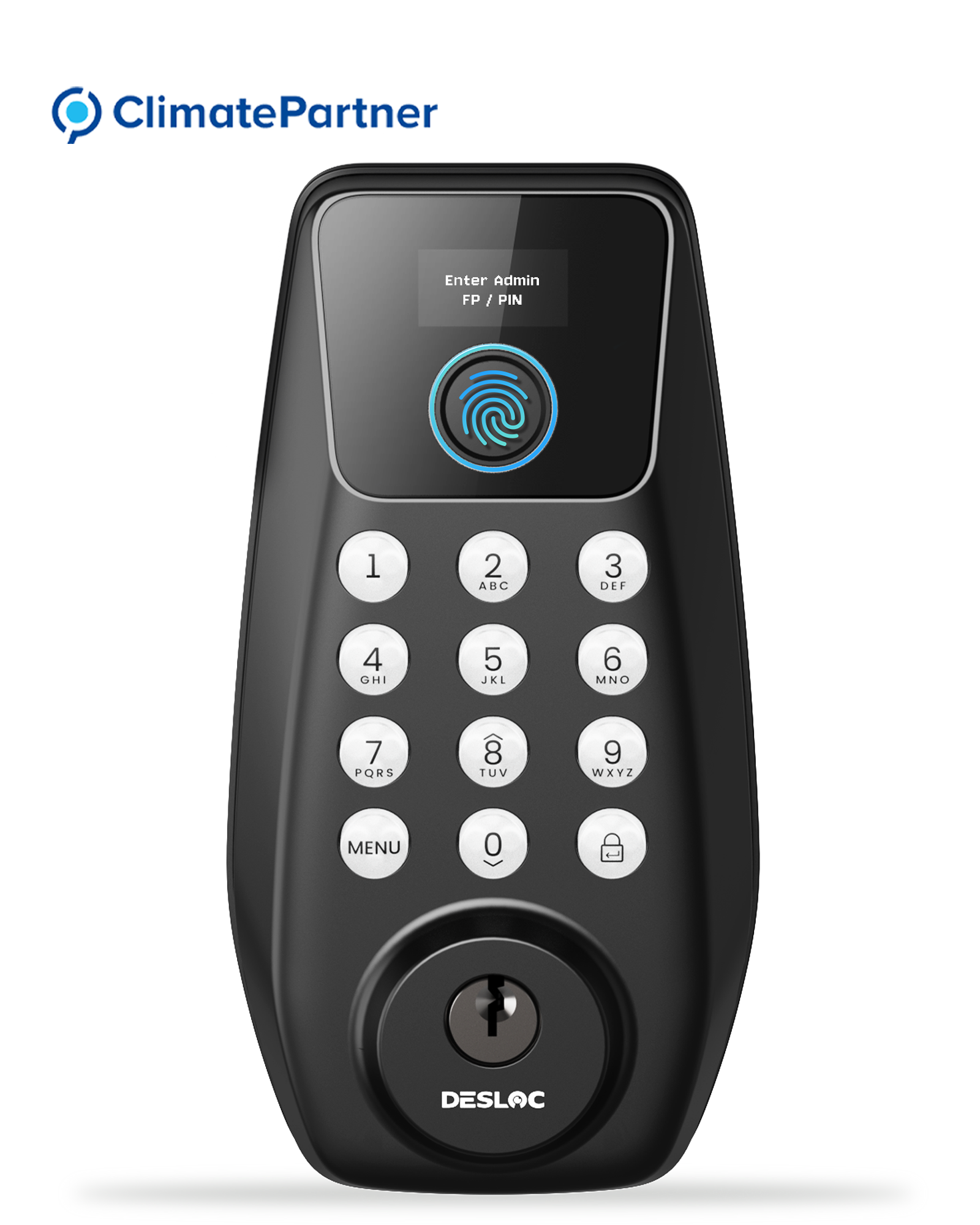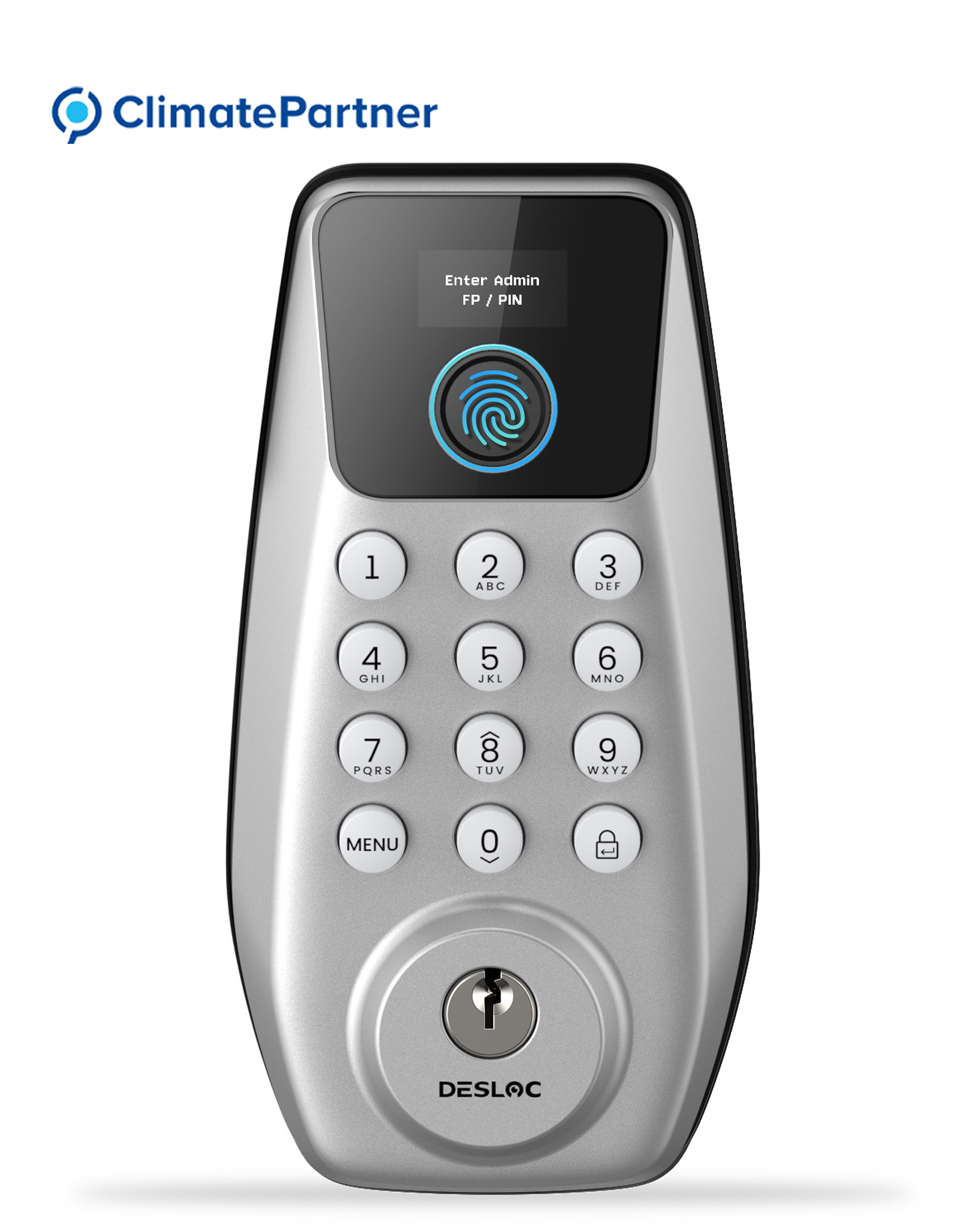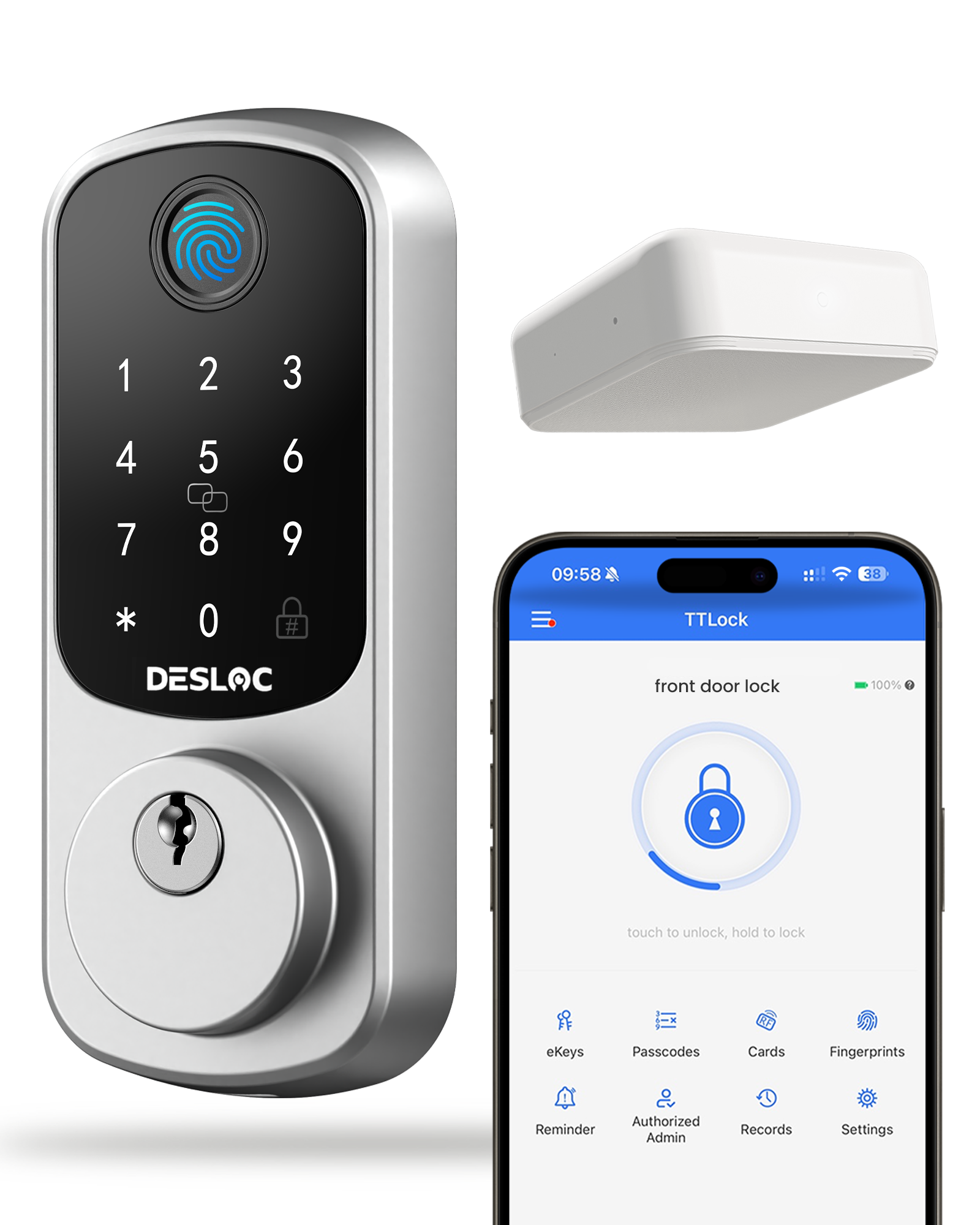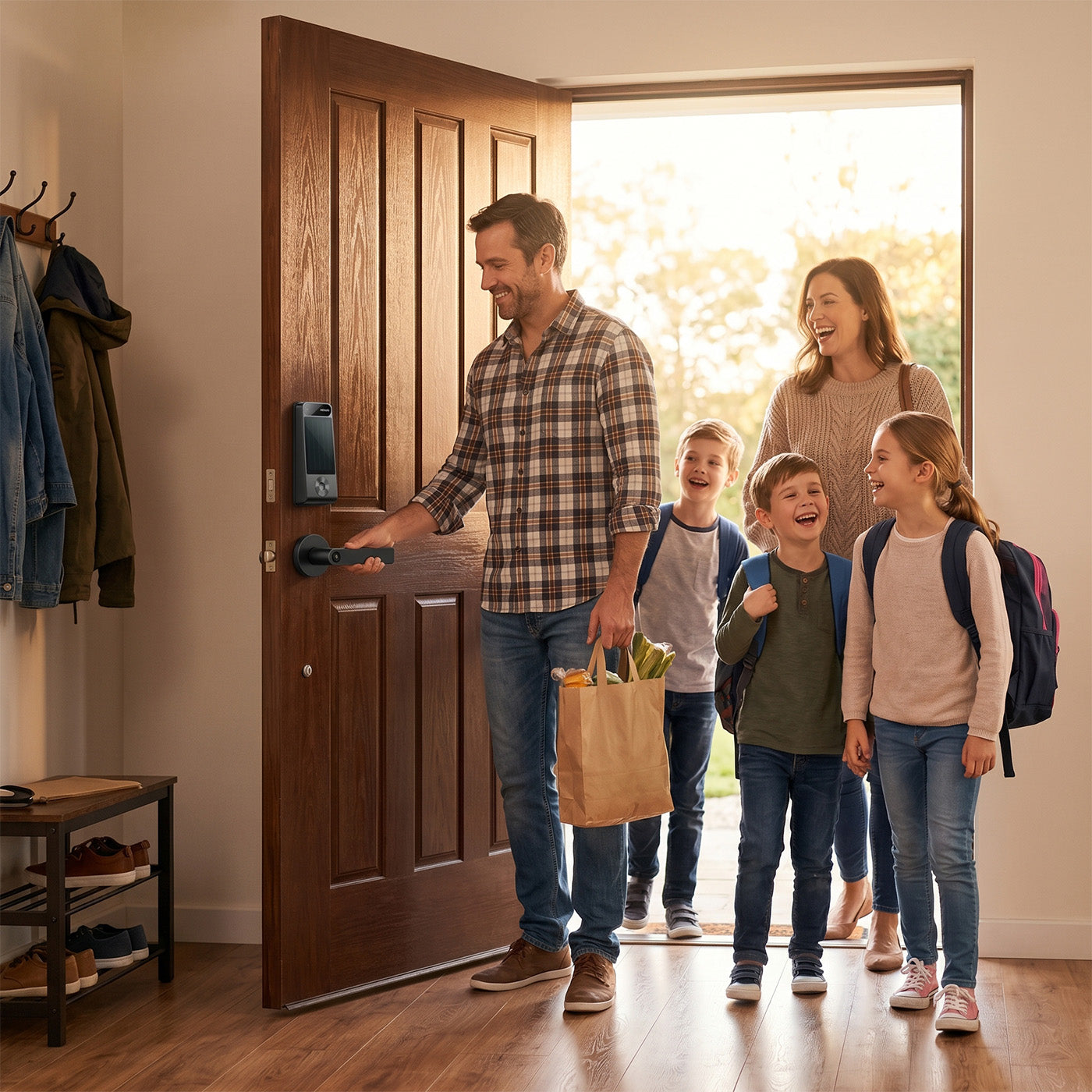




DESLOC Smart Lock C100
🚚 Free Standard Shipping
🛡️ 30-Day Money-Back Guarantee
Features:
- Visible Display Screen
- Passcodes & Physical Keys
- Easy Installation & Auto-Lock
- 12 Months Battery Life
- Compliant with BHMA 3 Standard
- Local Data Security
- Emergency Power Port
- Climate Partner Certified
**Handles are not included**



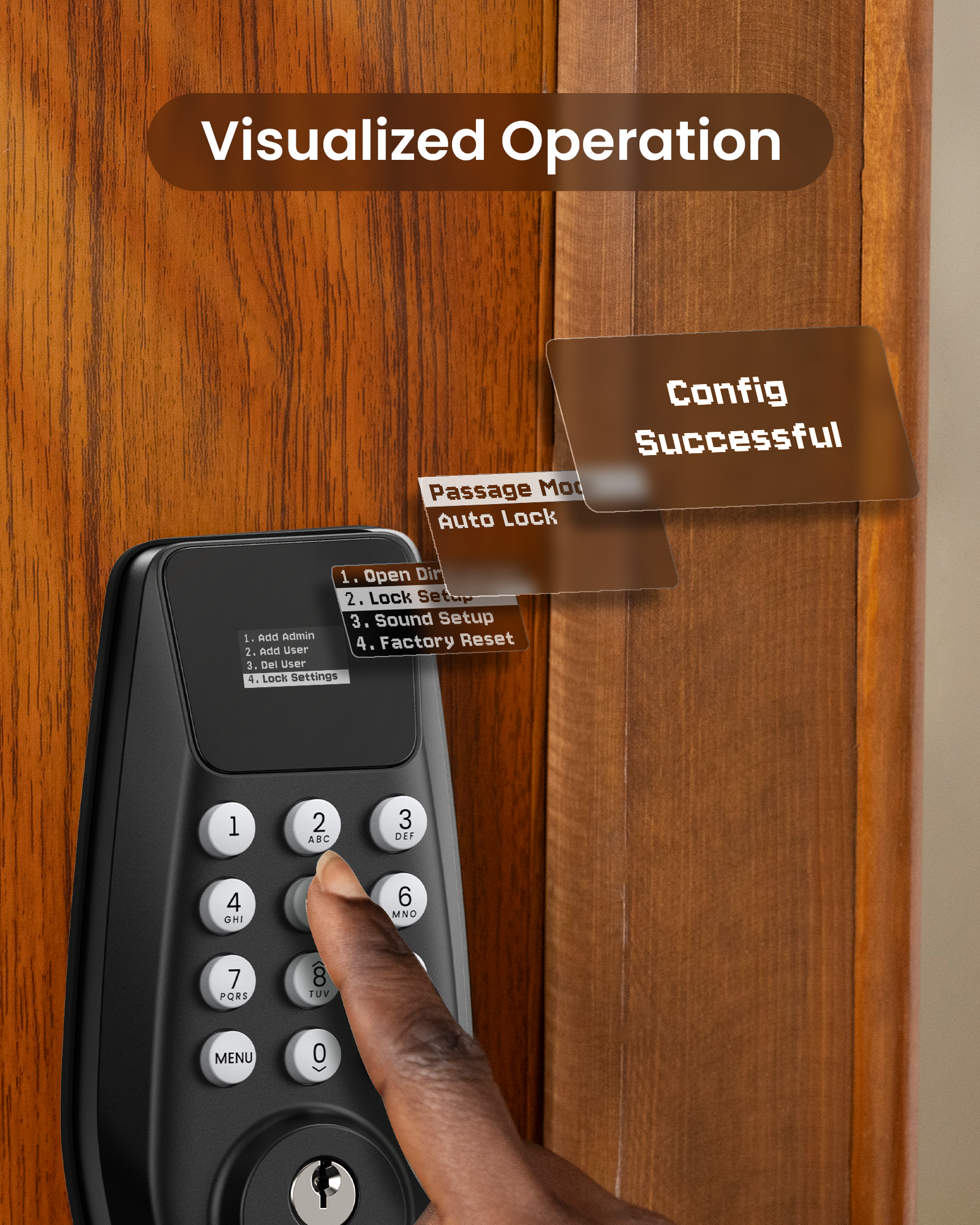
Visible Display: Manage settings, set passcodes, assign users, and view alerts on a smart lock with a built-in display that provides a clear overview. No internet connection is required.
𝐊𝐞𝐲𝐥𝐞𝐬𝐬 𝐄𝐧𝐭𝐫𝐲: Unlock using passcodes and store up to 100 PINs, with two physical keys provided as emergency backups.
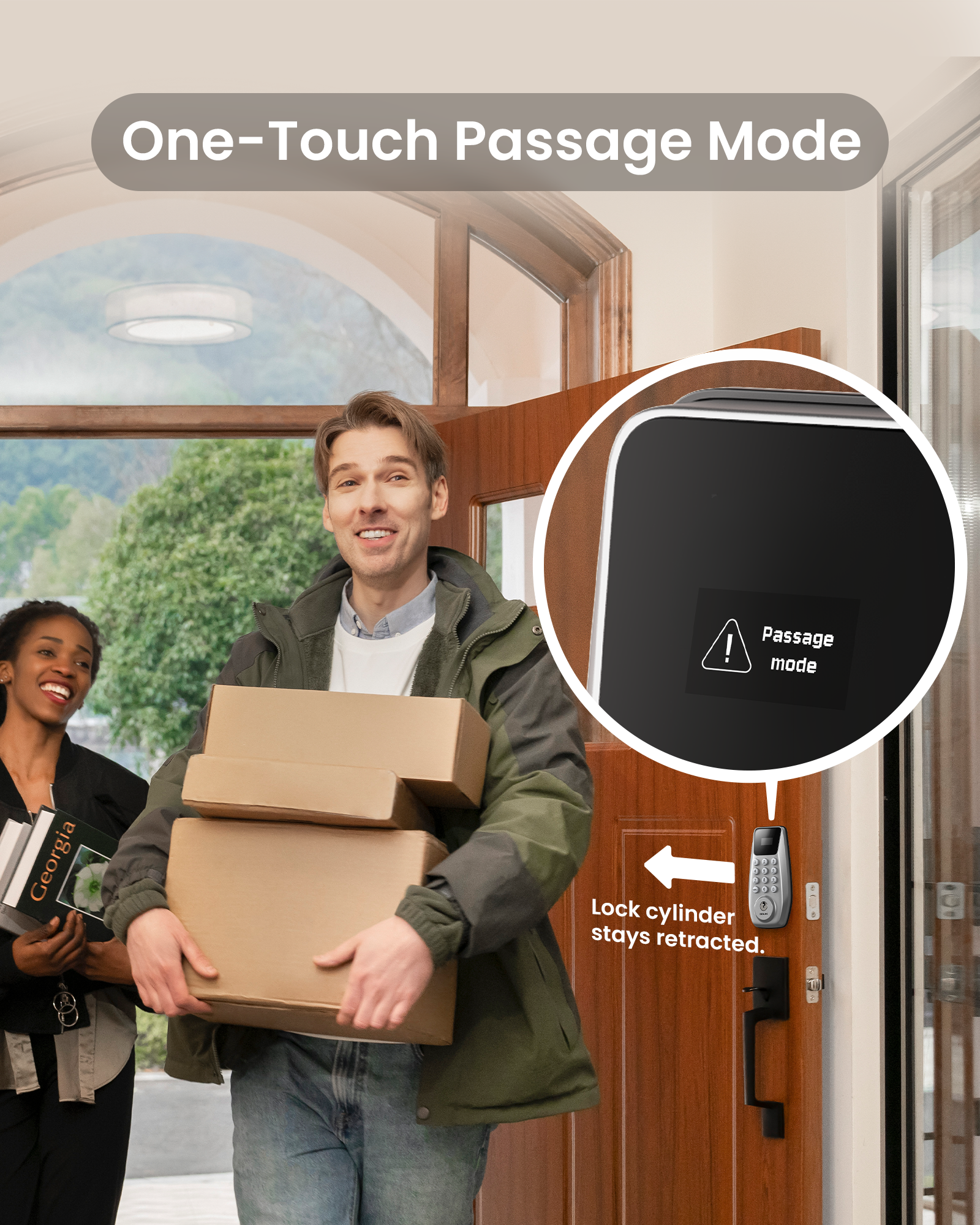
𝐏𝐫𝐞𝐦𝐢𝐮𝐦 𝐒𝐞𝐜𝐮𝐫𝐢𝐭𝐲: This smart lock for front door is BHMA Grade 3 certified with a robust lock cylinder, IP54, anti-peeping PIN code protection, and auto-lock. Your data is stored locally, reducing the risk of duplication and remote attacks
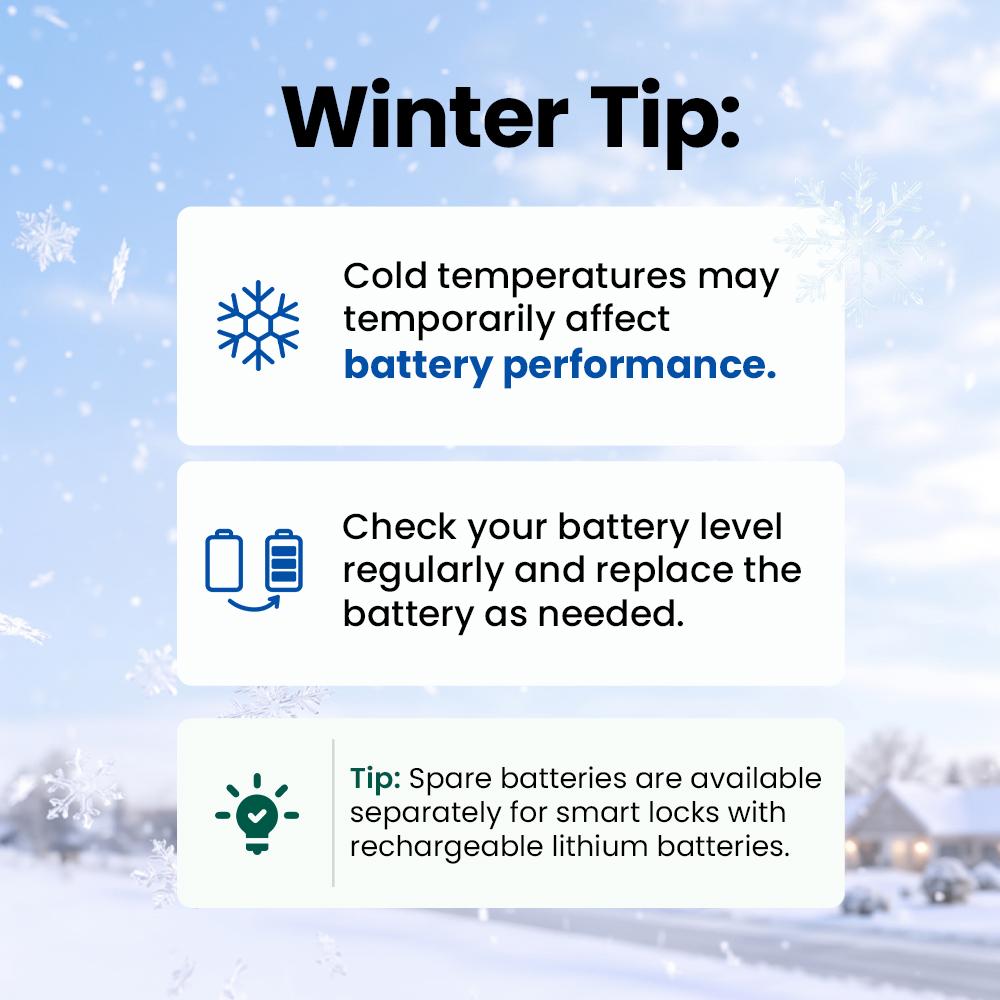
𝟏𝟐-𝐌𝐨𝐧𝐭𝐡 𝐁𝐚𝐭𝐭𝐞𝐫𝐲 𝐋𝐢𝐟𝐞: The C100 smart lock is equipped with the PowerMax smart power management system, ensuring up to 12 months of battery life. It features a built-in low-battery indicator and a Type-C emergency power port. *Battery life may vary depending on usage frequency
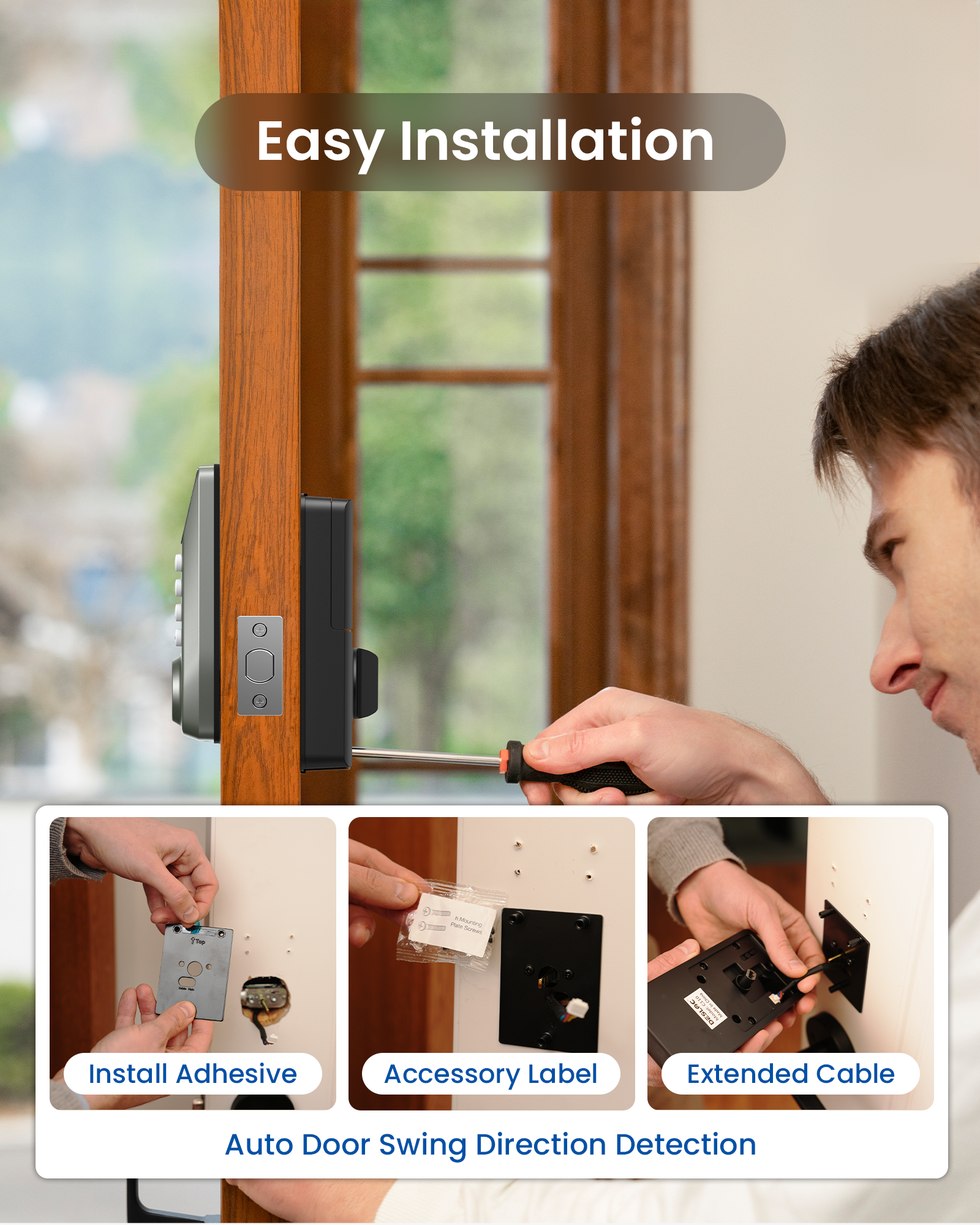
𝐄𝐚𝐬𝐲 𝐈𝐧𝐬𝐭𝐚𝐥𝐥𝐚𝐭𝐢𝐨𝐧 𝐚𝐧𝐝 𝐄𝐱𝐜𝐞𝐥𝐥𝐞𝐧𝐭 𝐂𝐮𝐬𝐭𝐨𝐦𝐞𝐫 𝐒𝐞𝐫𝐯𝐢𝐜𝐞: Install the DESLOC front door lock in minutes with just a screwdriver and automatic door swing direction detection. The interior lock back cover with adhesive allows for hands-free setup. DESLOC offers a 1-year product warranty and lifetime after-sales service. Contact us via hotline (Mon-Fri, 9am-5pm EST) or 24/7 email support
At DESLOC, we’re committed to delivering more than just exceptional smart door locks. As a Climate Partner Certified company, we place equal importance on sustainable development and customer satisfaction.
Whether you need help with installation, troubleshooting, bulk purchasing, or potential collaboration opportunities, our team is here to assist. Your satisfaction is our priority.
Feel free to contact us using the details below.
Customer Service & Technical Support
Need help with installation or have questions about your DESLOC smart lock? Contact our Customer Care Team:
Email: support@desloc.com
Availability: 24/7 support
Emergency Hotline: +1 (888) 572-6136
Hours: Monday–Friday, 9:00 a.m.–5:00 p.m. EST
B2B Partnerships & Bulk Order Inquiries
Interested in becoming a DESLOC business partner, placing a bulk order, or exploring distribution and commercial opportunities?
Email: b2b@desloc.com
Media & Partnership Inquiries
For press inquiries, media requests, or brand collaboration opportunities related to DESLOC smart lock solutions, please contact:
Email: press@desloc.com
Company Address
DefendNet LLC
8 The Green, Suite R
Dover, Delaware 19901
United States
Stay Connected
Follow us for smart door lock tips, product updates, new feature announcements, and exclusive DESLOC offers:
Facebook | X (Twitter) | Instagram | YouTube | TikTok | LinkedIn
We look forward to hearing from you and helping you secure what matters most—with fast, reliable support for every smart lock we build.


FAQ
Can I turn off the lock sound?
Yes, our lock has the silent mode and can turn the sound off.
How to operate the lock in dark?
The button has backlighting.
Why I couldn’t add the PIN code after I reset the smart lock? It still couldn’t work.
Please make sure that the installation and reset steps are correct, and if you confirm that they are, then it is highly likely that the lock's electronics are not functioning.
How can I make sure the installation of C100 smart lock is done properly?
There are three ways to check if the smart lock has been properly installed. After installing the smart lock, please check the following things:
1. Make sure the lock is tightly secured by trying to move the lock with your hands.
2. Use the supplied keys to turn the deadbolt to ensure the deadbolt is able to operate smoothly.
3. Close your door and make sure the deadbolt can lock and unlock smoothly.
How to reset the lock?
Method 1:Click the [Menu button]> select "Lock Settings"> "Factory Reset"> "YES", and click the [Enter button] to confirm.
Method 2:
Lock the battery cover after sliding up, press and hold the Reset button> select"YES" to the front lock>click the [Enter button] to confirm.
NOTE:
1. After reset, the lock will be restored to its factory default settings, reverting theMaster PIN code to 123456 and erasing all User PIN codes and User fingerprints;
2. After the factory settings are restored, please change the initial administrator PIN immediately, otherwise the motor not work;
3. After the factory settings are restored, when the battery is reinstalled or theinitial PIN is changed, the lock will automatically adapt to the door opening direction.
You may also like