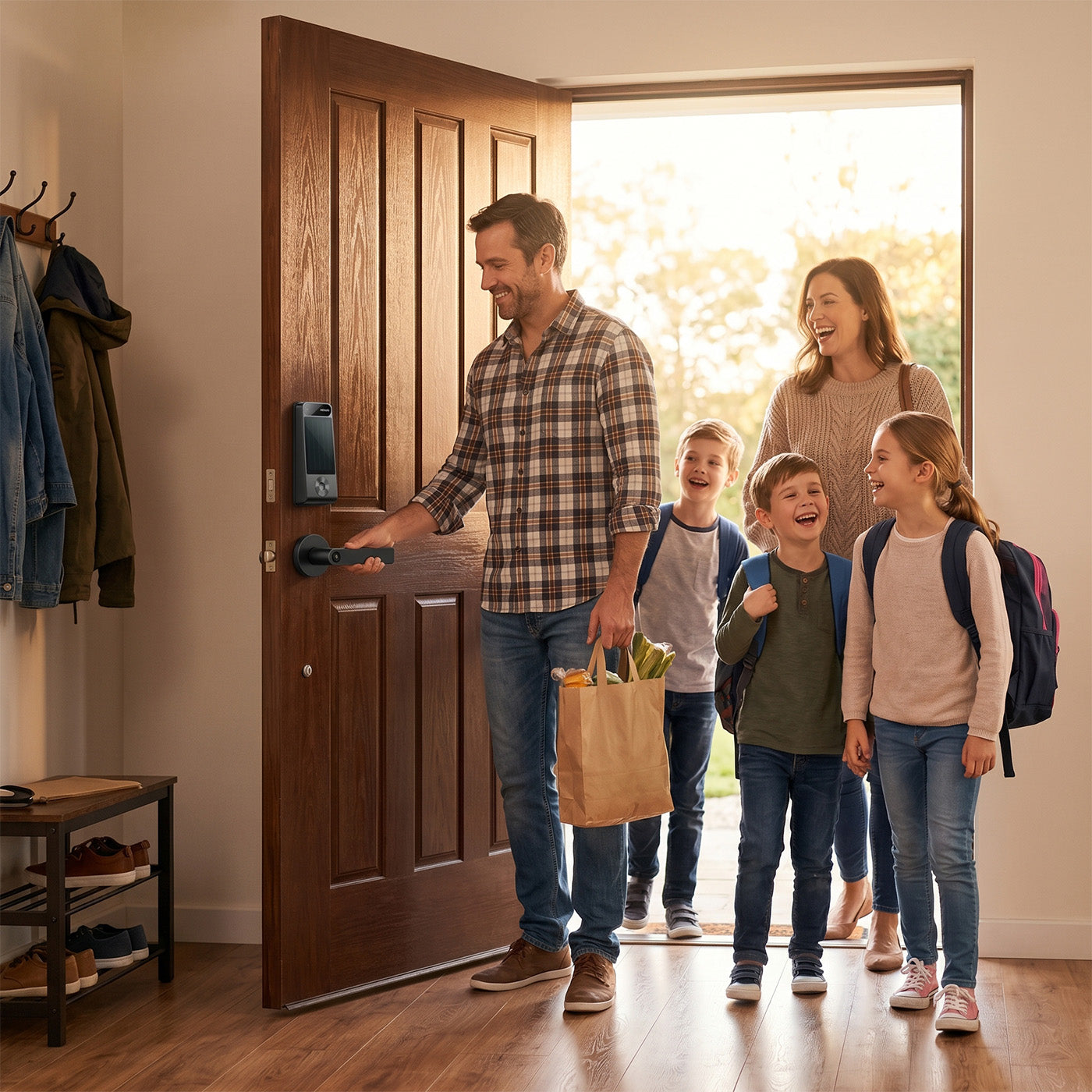
At DESLOC, we pride ourselves on providing innovative smart locks that enhance security and convenience. Our flagship product, the DESLOC B200 Touchscreen Smart Door Lock, exemplifies our commitment to quality and user experience. Designed for ease of use, our keyless door locks are perfect for homeowners looking for reliable security solutions.

Understanding Your Keyless Door Lock
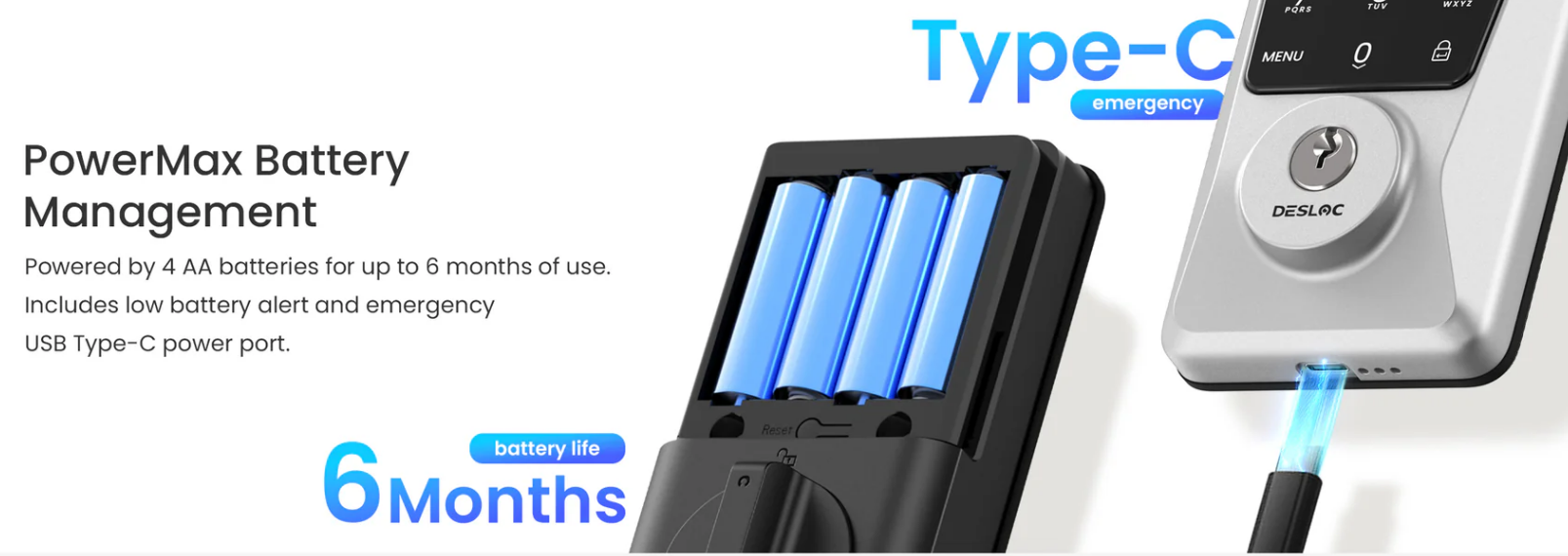
Keyless door locks, such as the DESLOC B200 Touchscreen Smart Door Lock, offer a modern alternative to traditional locking mechanisms. These locks operate on battery power, with the DESLOC B200 Touchscreen Smart Door Lock, specifically using 4 AA batteries(not included). Knowing how to maintain and replace the batteries in your keyless door locks is crucial to ensuring they function effectively. With a battery life of up to 12 months, it’s essential to monitor performance and replace batteries proactively to avoid lockouts.
Signs That It’s Time to Replace the Battery
The best keyless entry door lock will alert you when it’s time to replace the battery. With the DESLOC B200 Touchscreen Smart Door Lock, users will receive a low battery alert, indicating that the batteries are running low. Other signs include a delayed response when entering a code or unlocking the door. If you notice any of these symptoms, it’s important to replace the batteries promptly to maintain the lock's functionality.
How to Replace the Battery in Your Keyless Door Lock
Replacing the batteries in your keyless door locks is a straightforward process. Here’s a step-by-step guide for the DESLOC B200 Touchscreen Smart Door Lock,:
Gather Your Tools: You’ll need a small screwdriver to open the battery compartment.
Remove the Lock Cover: Locate the screws on the lock cover and carefully remove them with the screwdriver.
Take Out Old Batteries: Once the cover is off, carefully remove the old batteries. Ensure you note their orientation for proper installation of the new ones.
Insert New Batteries: Place 4 AA batteries(not included) into the compartment, ensuring they are oriented correctly according to the markings inside.
Replace the Cover: Once the new batteries are in place, reattach the lock cover and secure it with the screws.
Test the Lock: After replacing the batteries, test the lock using the touchscreen to ensure it’s functioning properly.
By following these steps, you can ensure your DESLOC B200 keyless door lock continues to provide reliable security for up to a year.
Keeping Your Keyless Entry Door Lock Functional
Regular maintenance of your keyless door locks is essential for optimal performance. The DESLOC B200 keyless door lock features a built-in low battery alert, so you are always informed of battery status. Additionally, the emergency USB Type-C power port provides peace of mind; if your batteries die unexpectedly, you can still access your home without hassle.
It's important for homeowners to know how to maintain and replace the batteries in their smart locks. By learning these simple steps, homeowners can enjoy a seamless and hassle-free experience with their DESLOC B200 keyless door lock.
Ensuring Reliability in Keyless Door Locks
In conclusion, understanding how to replace the battery in keyless door locks like the DESLOC B200 keyless door lock is crucial for maintaining security and convenience. With proper care and timely battery replacements, users can enjoy the full benefits of their keyless entry door lock. At DESLOC, we are committed to providing best smart locks with safety and accessibility. Don’t forget to check out our upcoming Cyber Monday event for additional insights and offerings!