



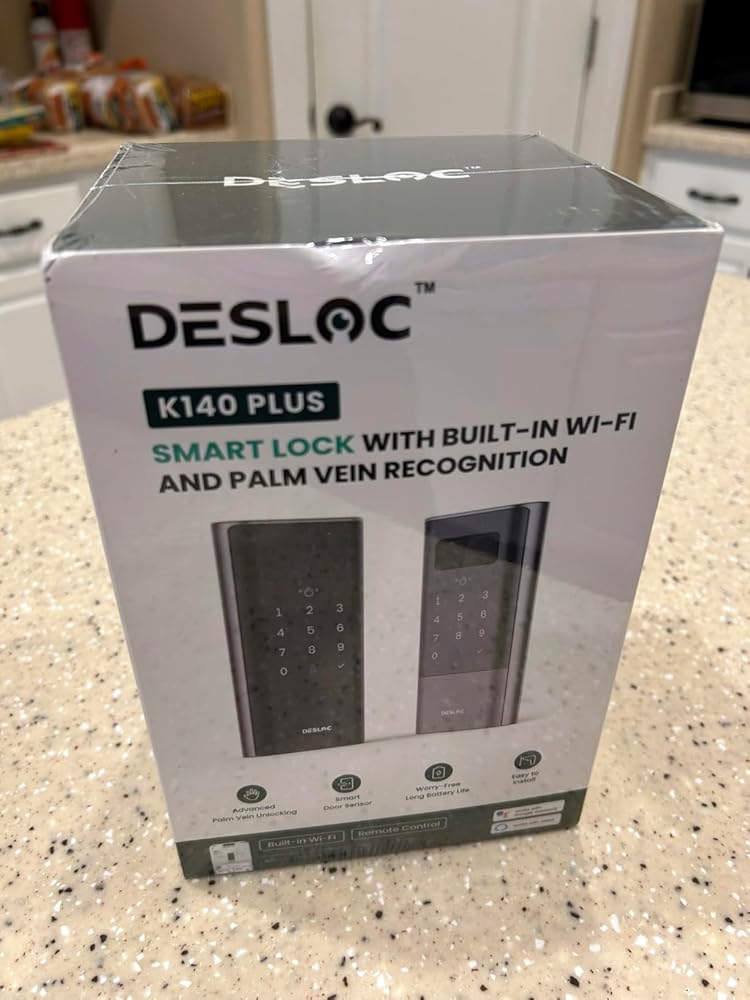
DESLOC Smart Lock K140 Plus
🚚 Free Standard Shipping
🛡️ 30-Day Money-Back Guarantee
🔋Battery Support: 24-month support for the K140 Plus smart lock battery. Replacement batteries available for continued use.
Features:
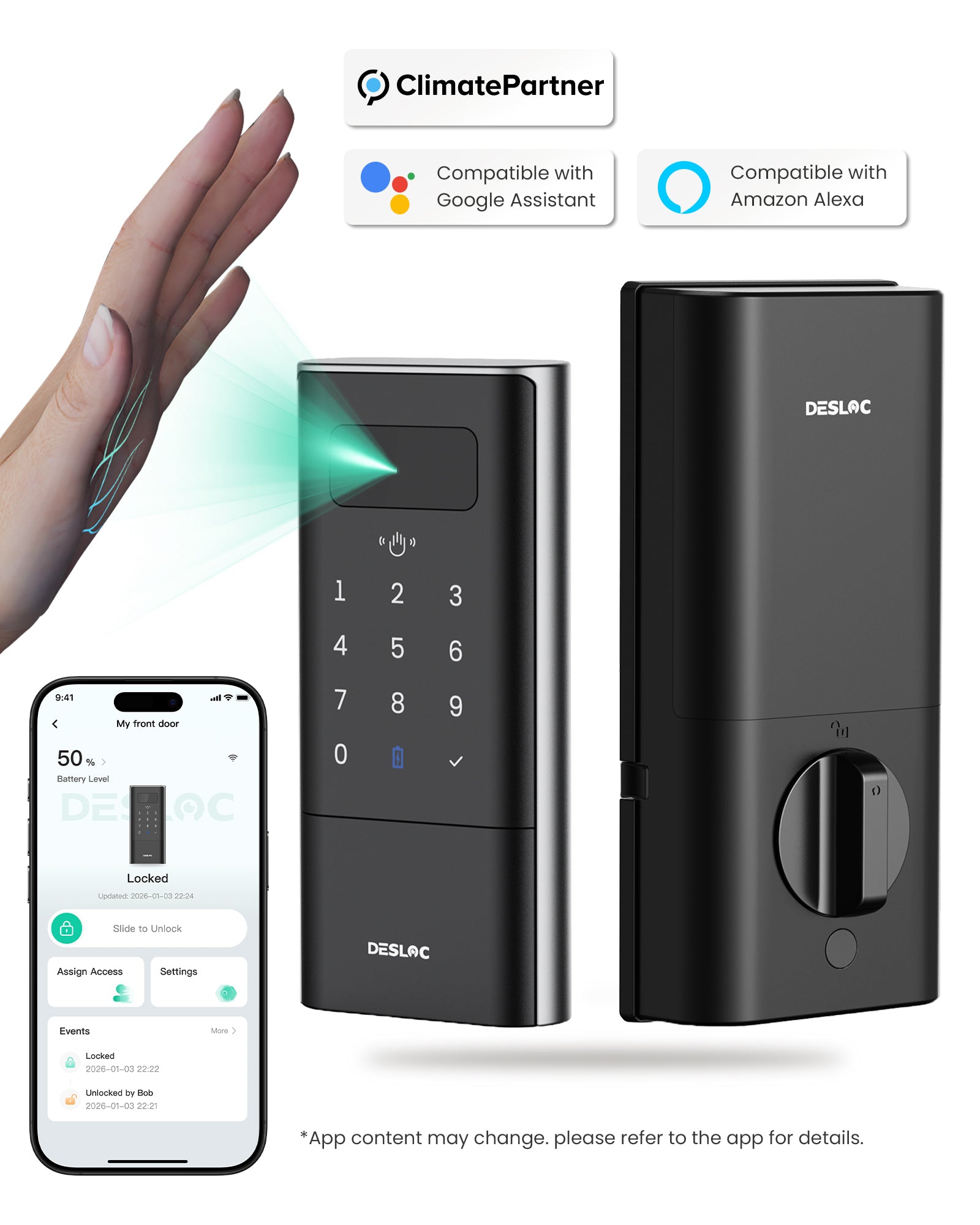
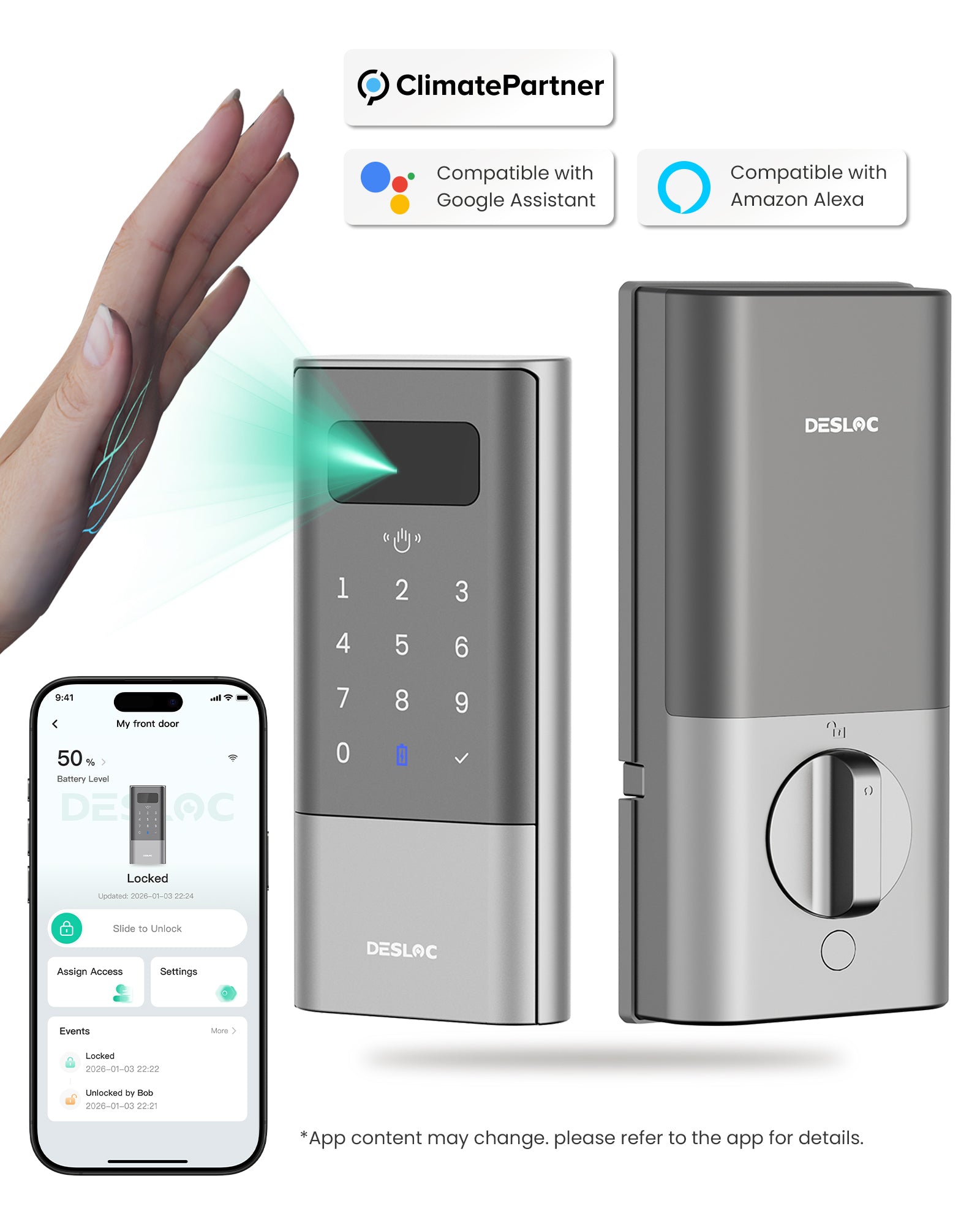
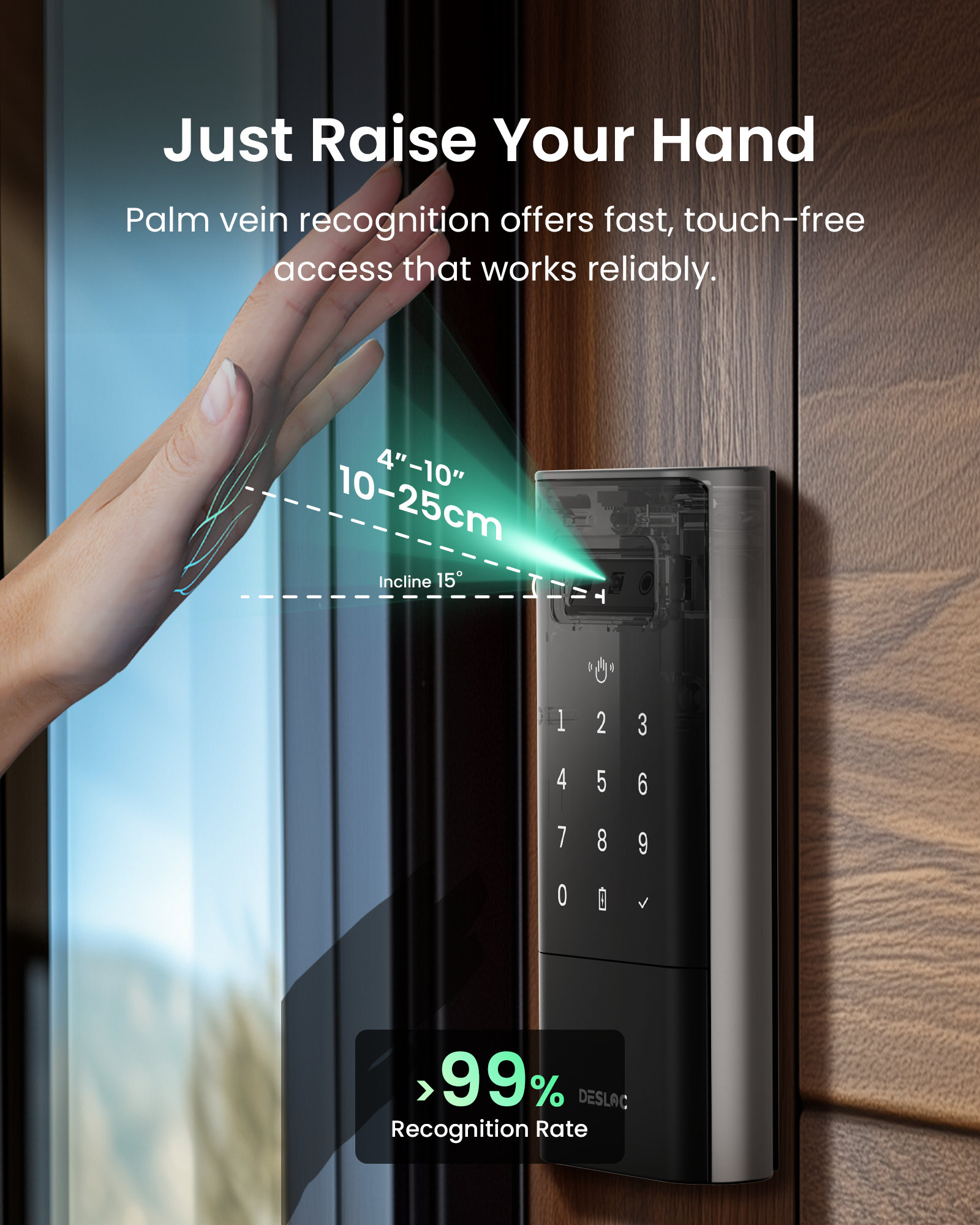
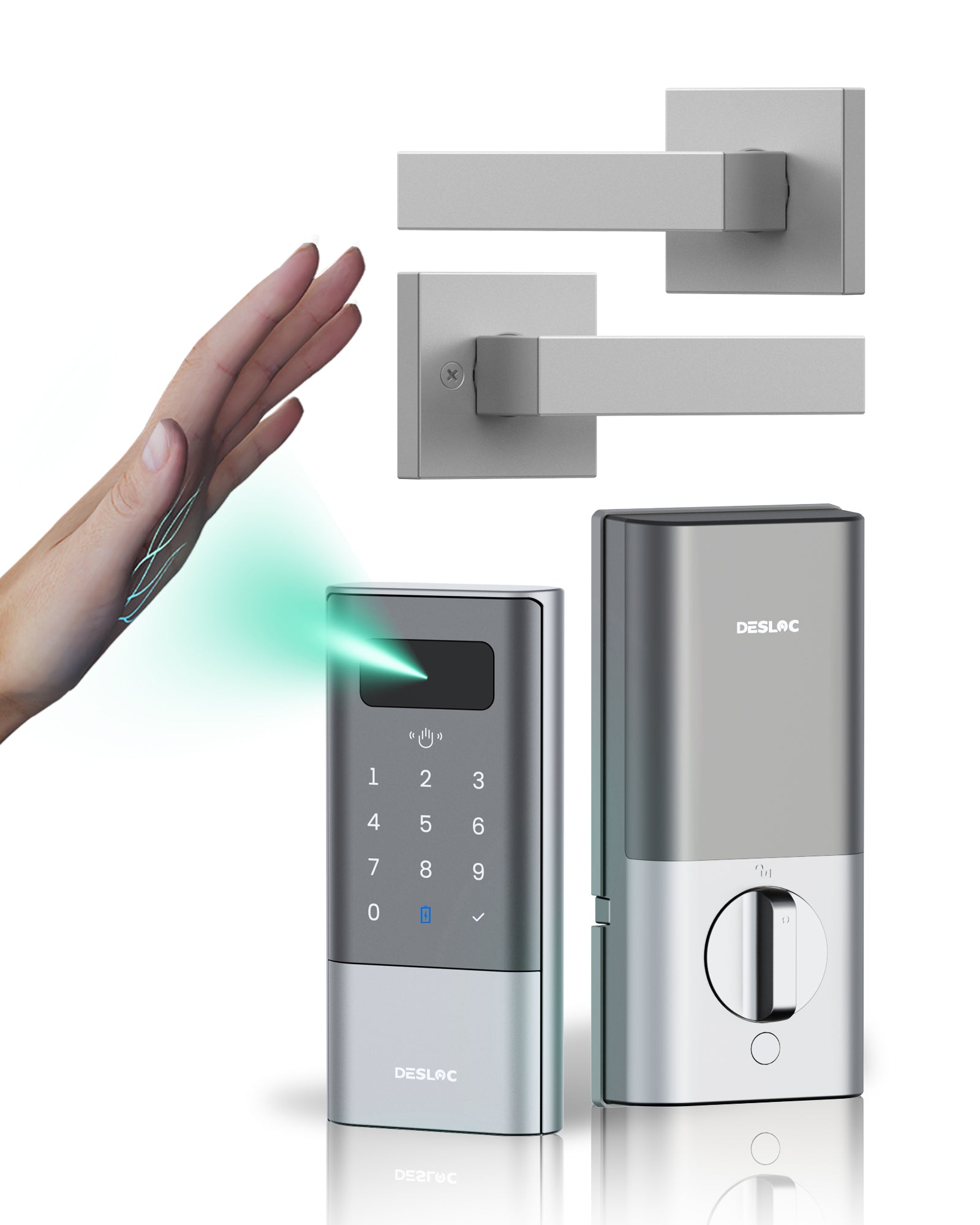
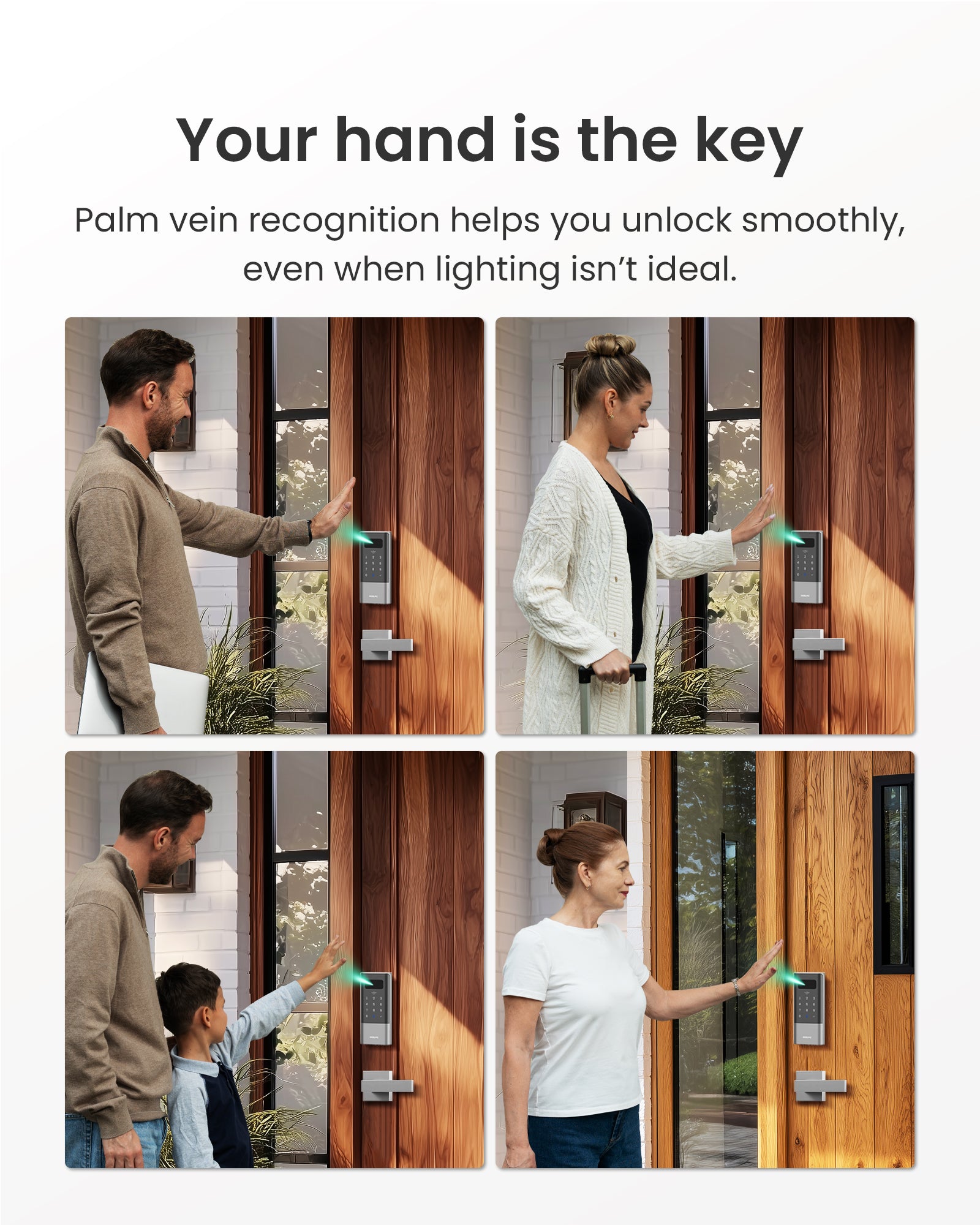
- Palm Vein Recognition
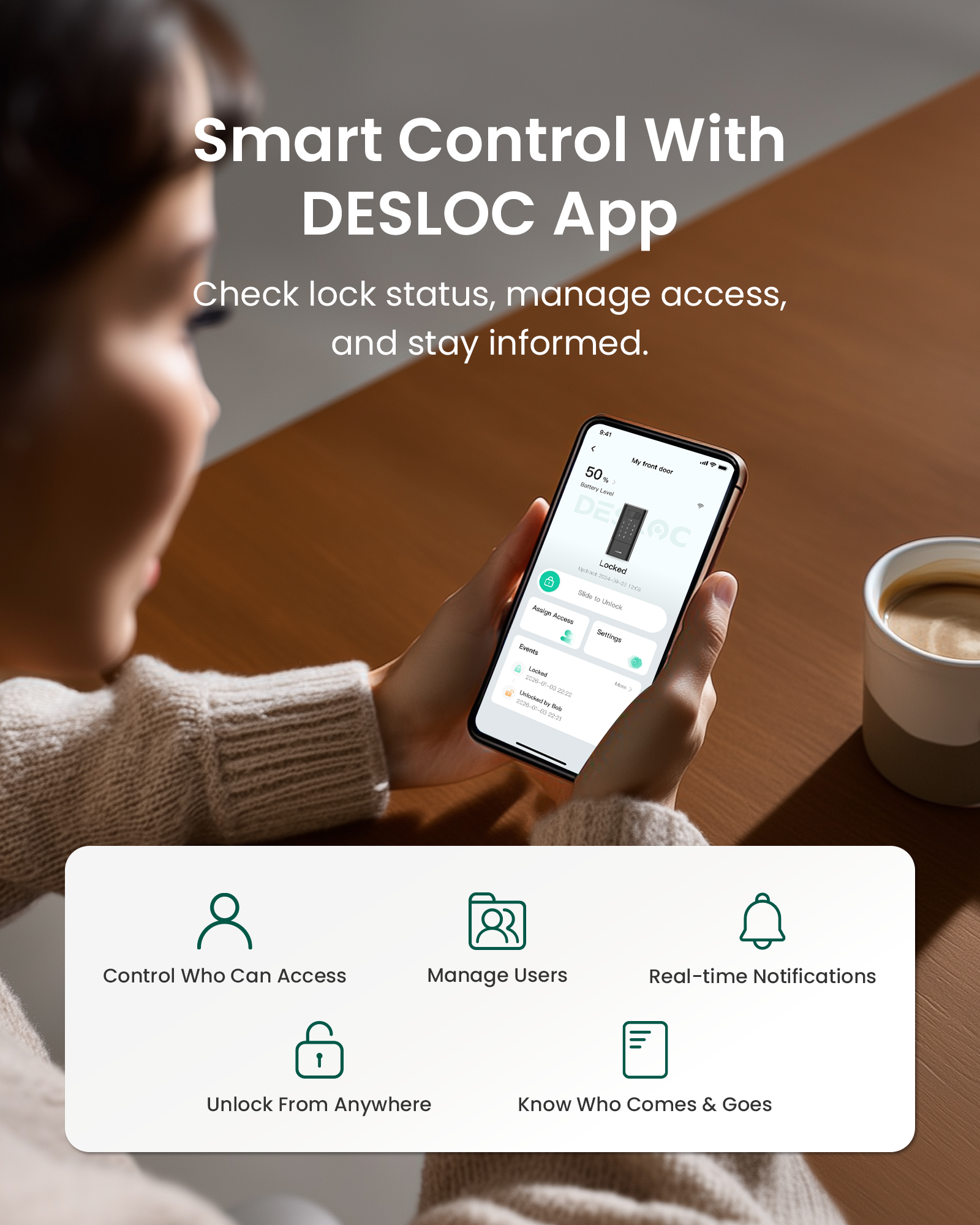
- Built-in WiFi & App Control (No Gateway Required)
- PIN Codes & Physical Keys
- Remote Control & Voice Control
- Vacation Mode & Rest Mode
- Easy Installation & Auto-Lock
- 9 Months Battery Life & Rechargable
- Premium Security
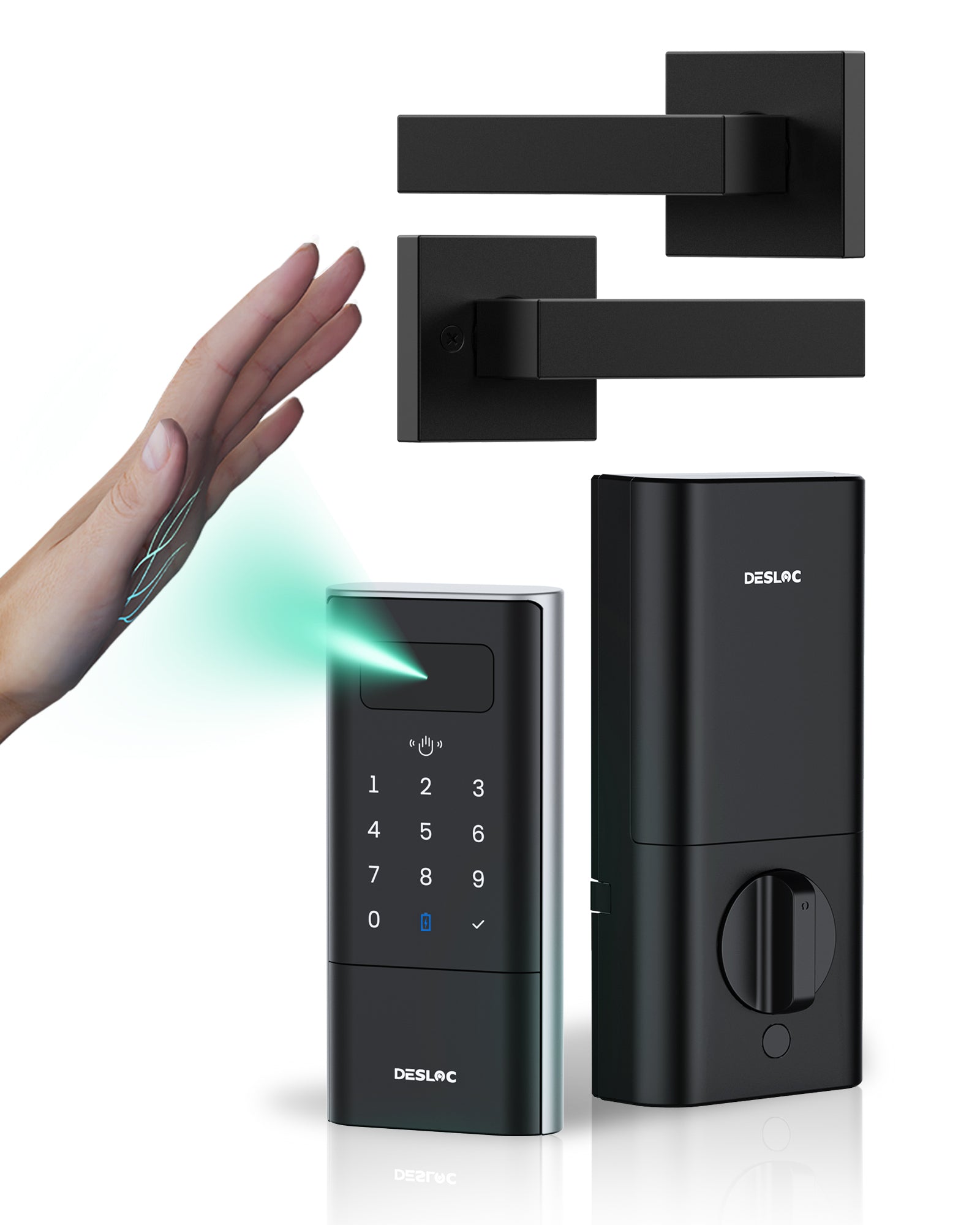
- Palm Vein Unlock
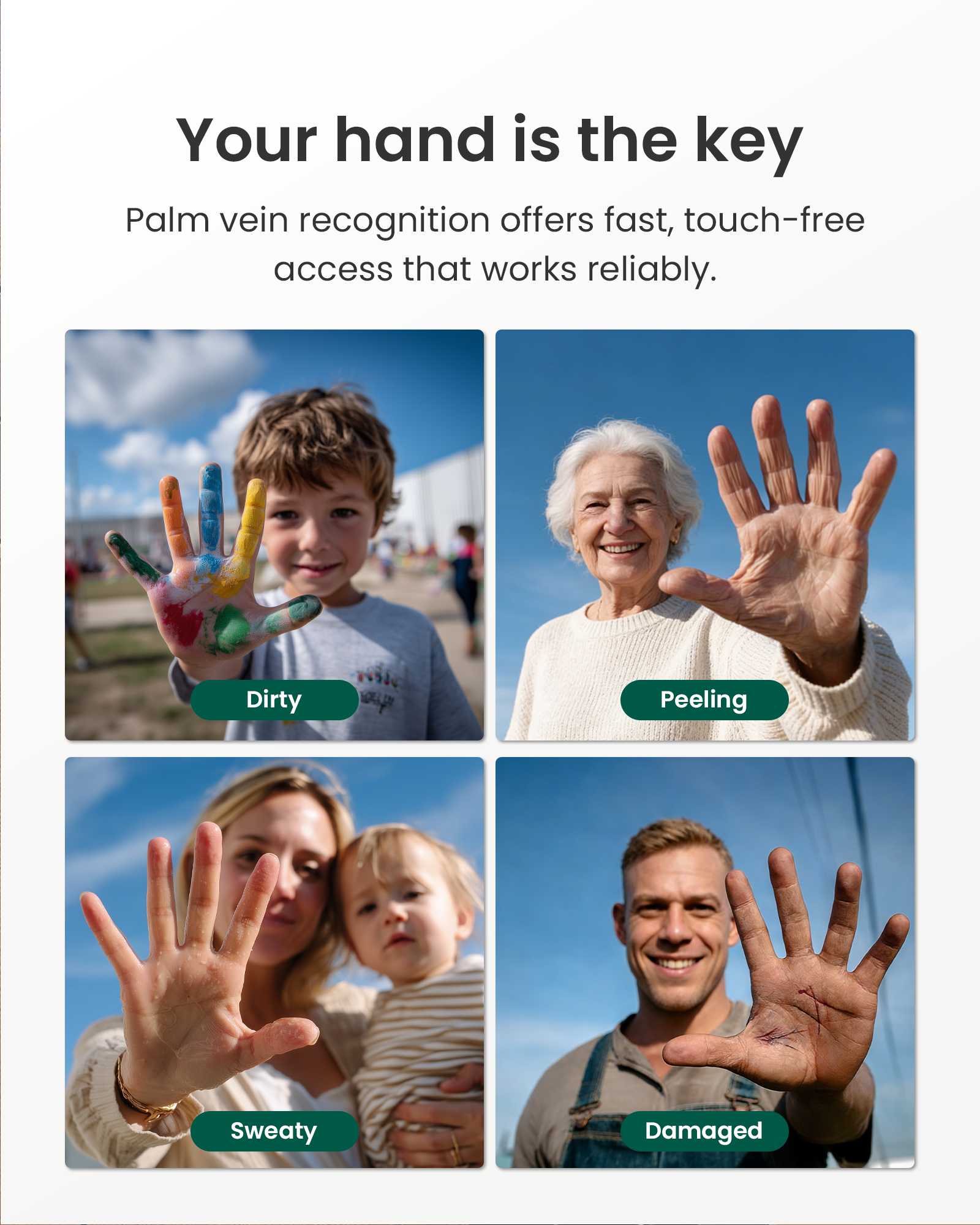
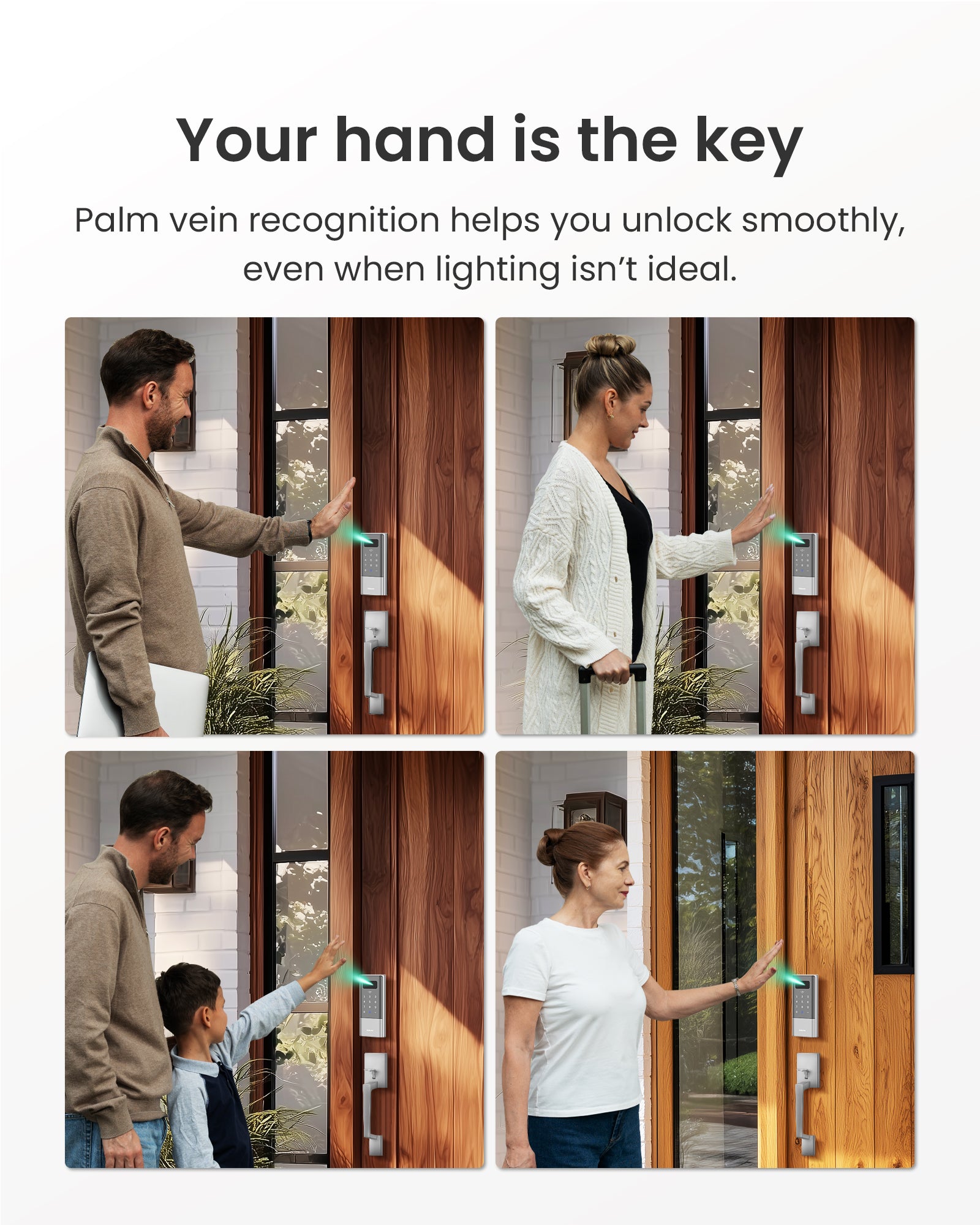
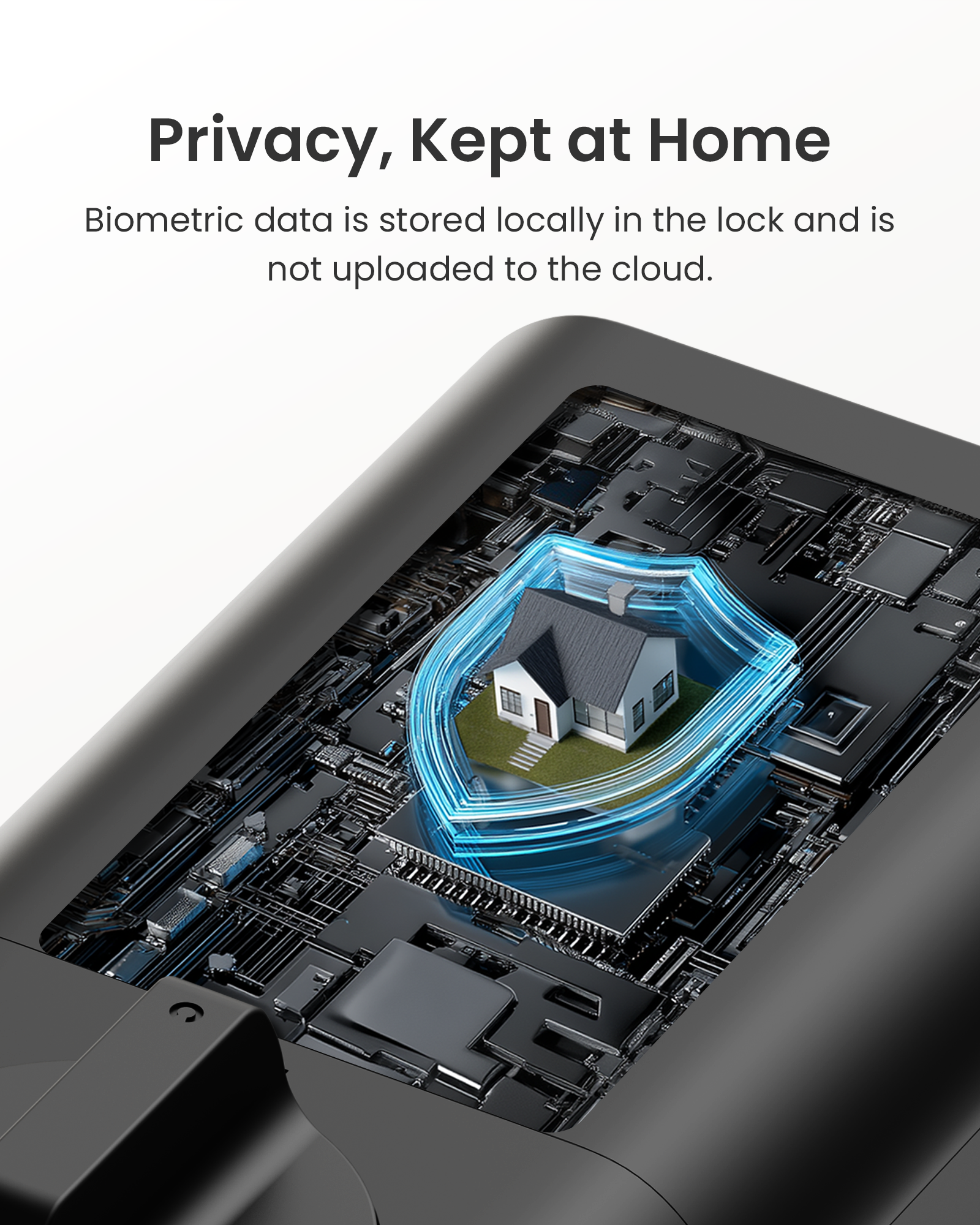
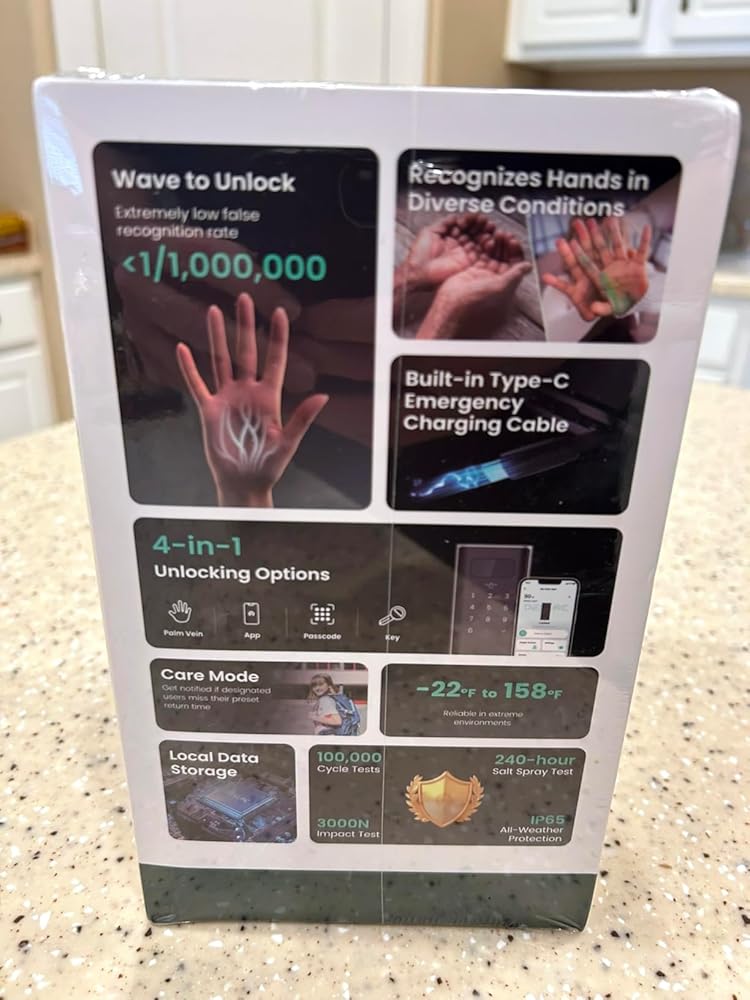
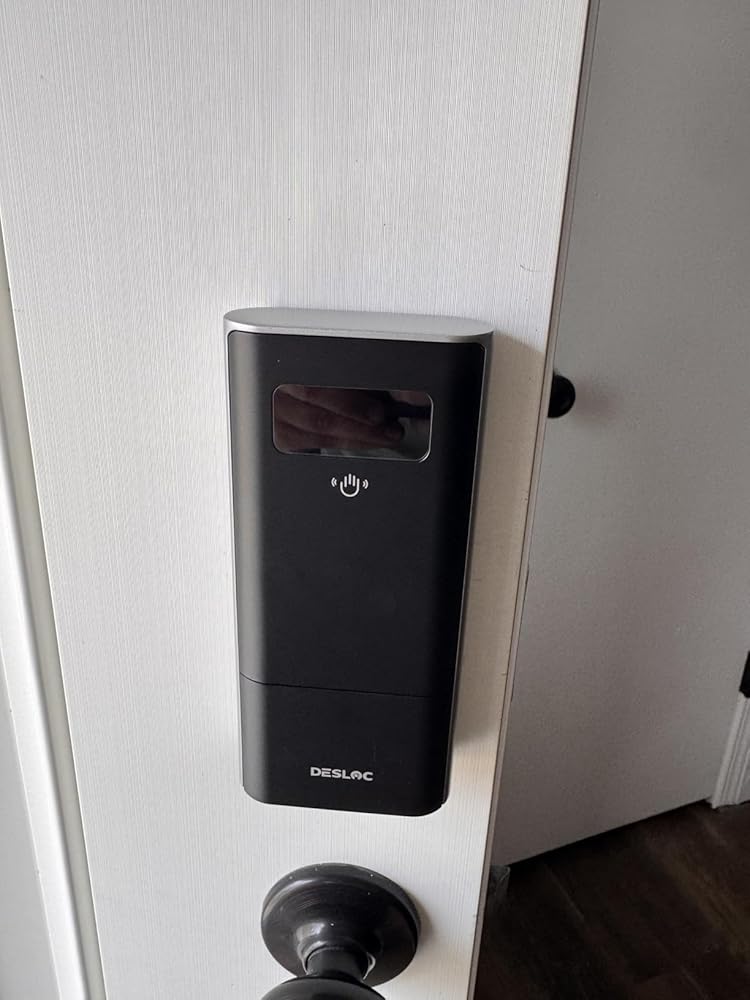
Palm vein recognition uses internal vein patterns that are harder to duplicate, with a very low false recognition rate (less than 0.0001%) and local storage for biometric data, helping protect everyday access while keeping your family’s privacy under your control.
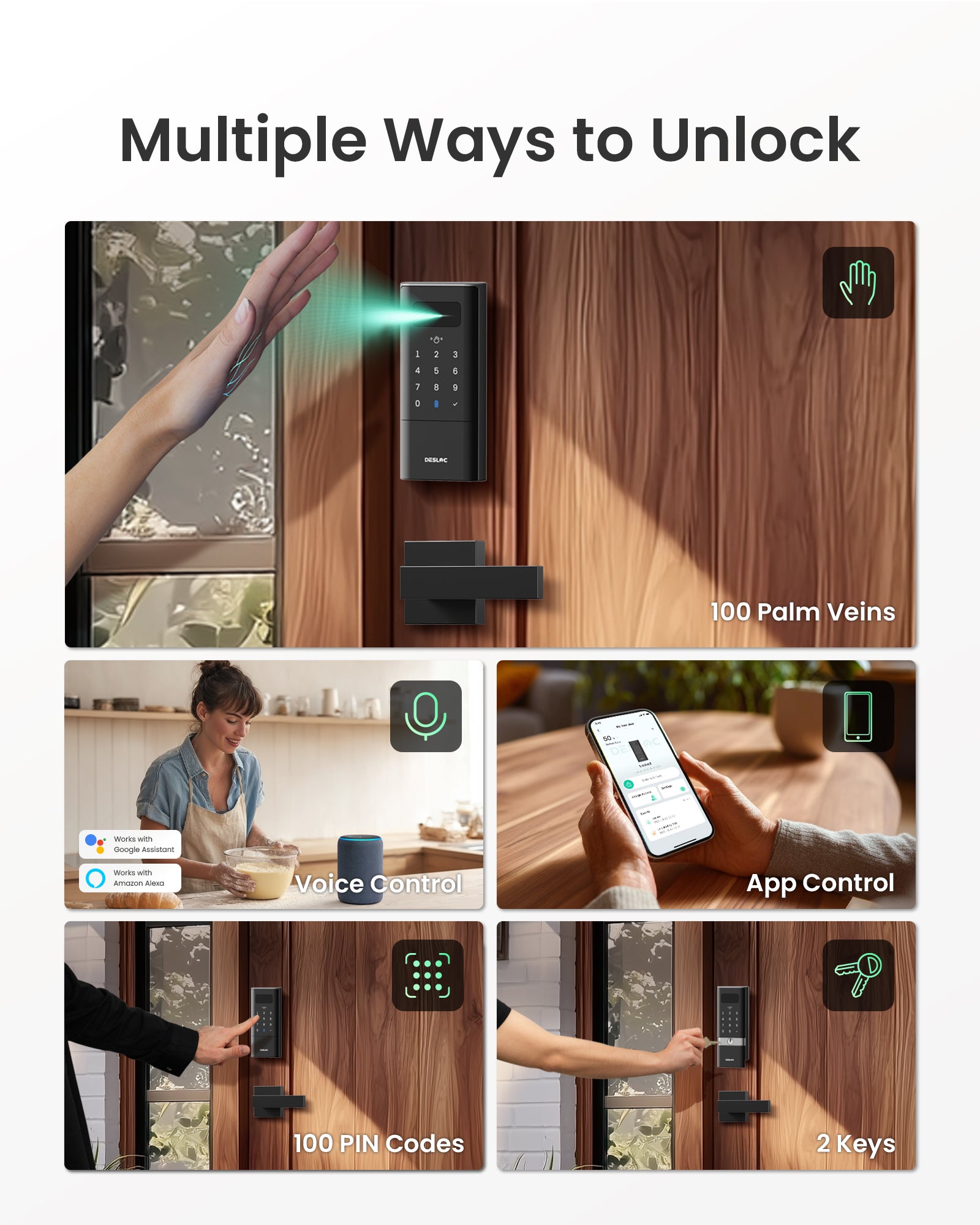
- 5-in-1 Keyless Entry
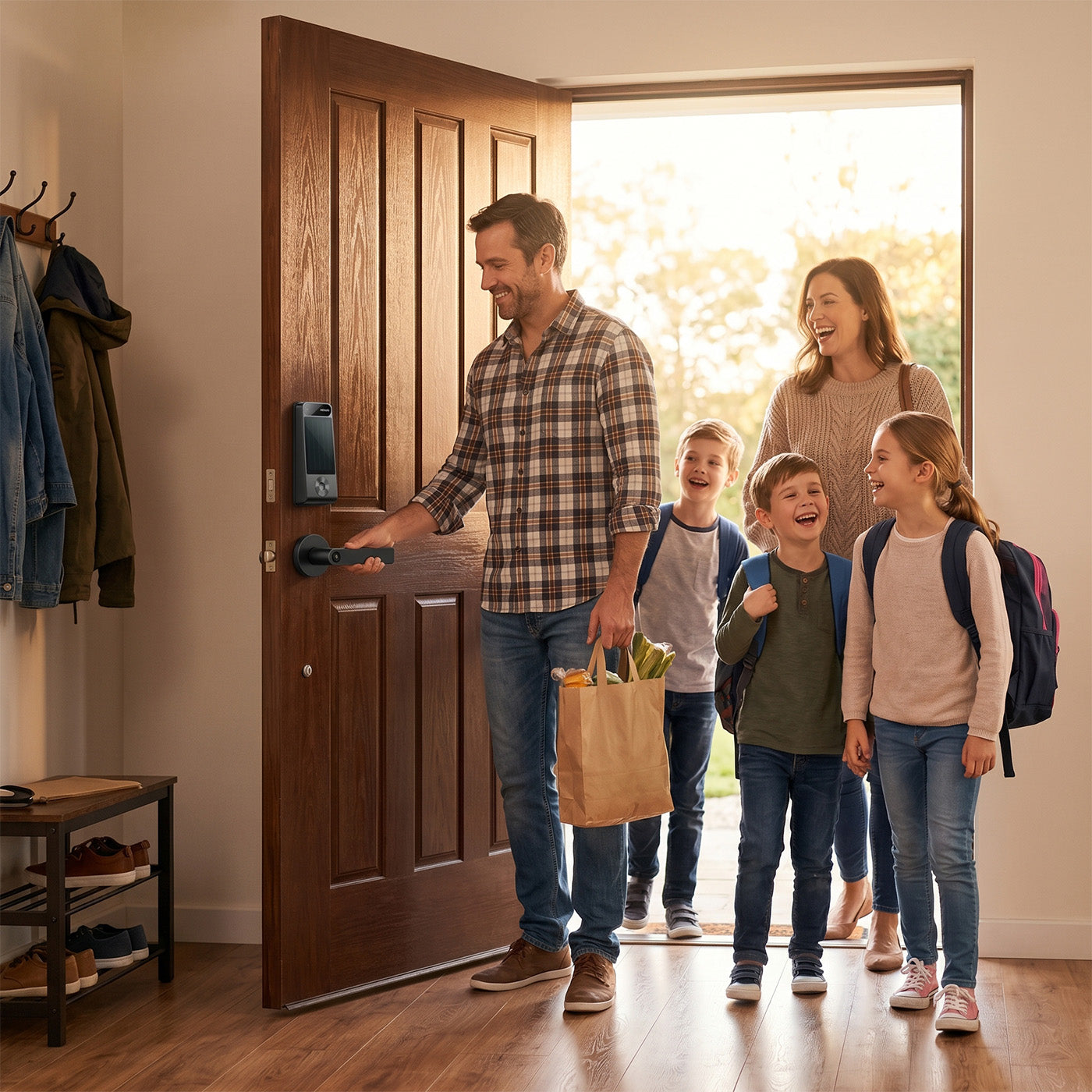
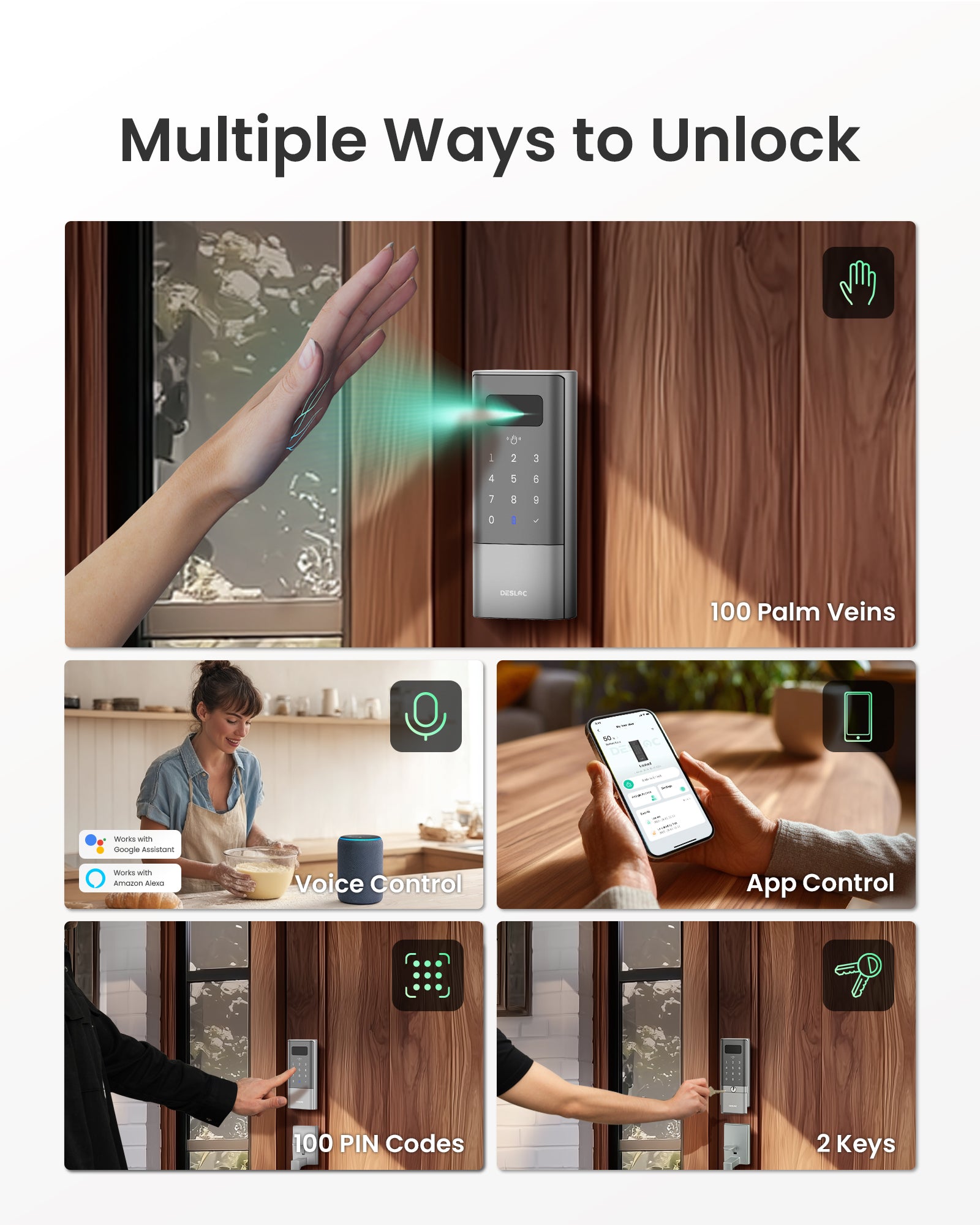
Choose the way that fits each person: palm vein, passcode keypad, App access, voice control and mechanical key backup. A flexible keyless entry door lock setup that works for daily use, guests, and household sharing.
- Easy Installtion
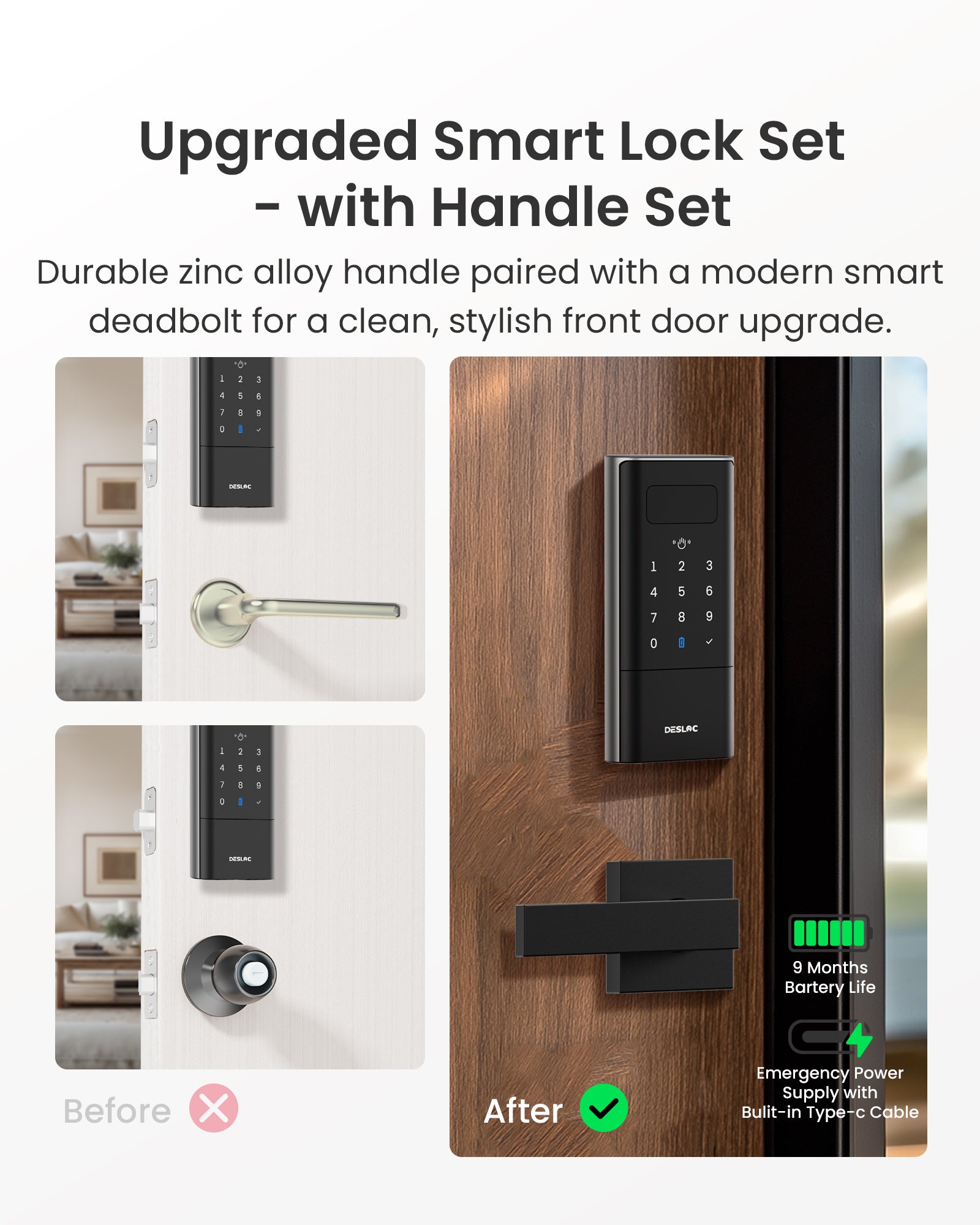
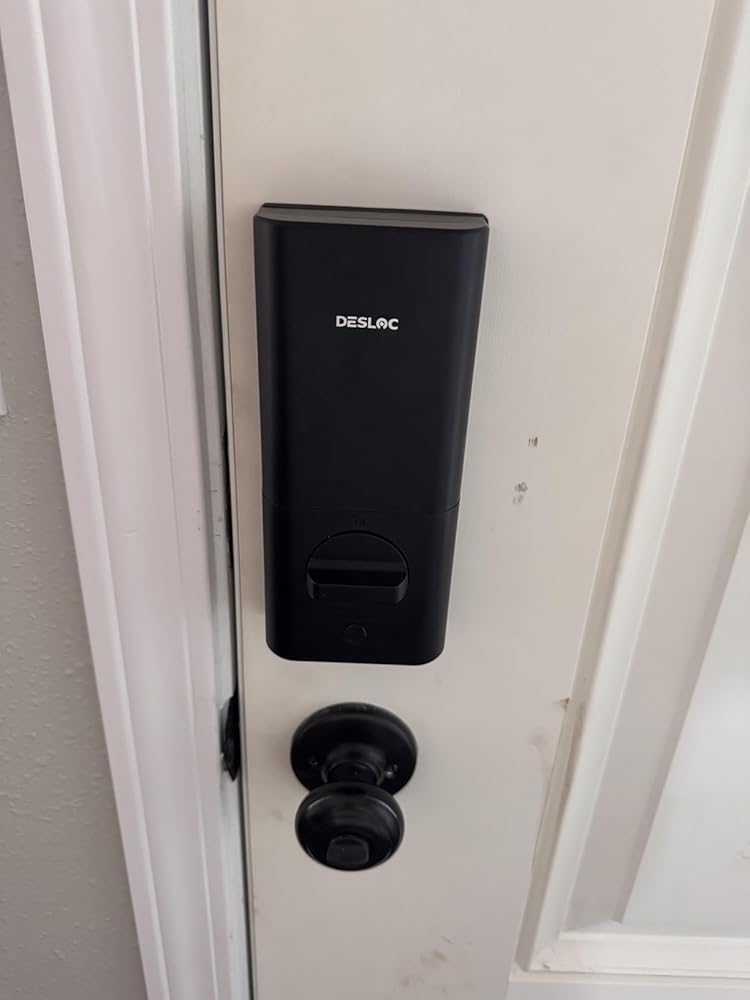
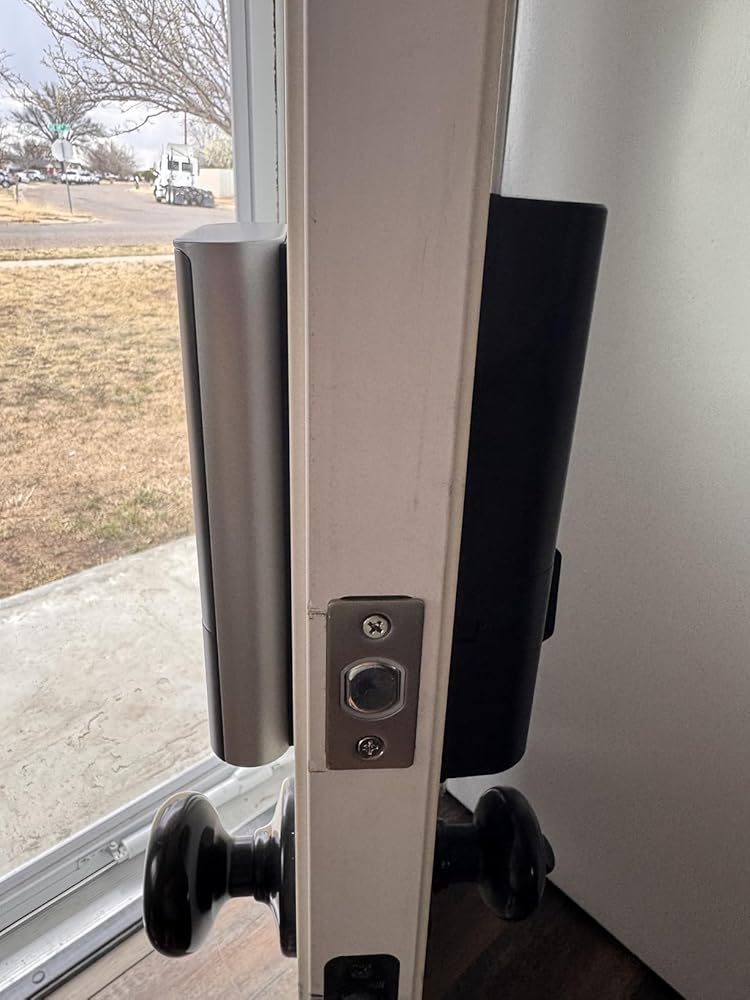
Designed to replace a standard deadbolt lock on most doors, the straightforward installation process reduces setup time and frustration, helping you upgrade your front door without professional help or complicated adjustments.
- Door Sensor Auto-Lock
With the door sensor accessory installed, door open and close status can be detected to support auto lock only after the door is fully closed, helping reduce missed locking and giving you more confidence when leaving home in a hurry.
- Up to 9-Month Battery
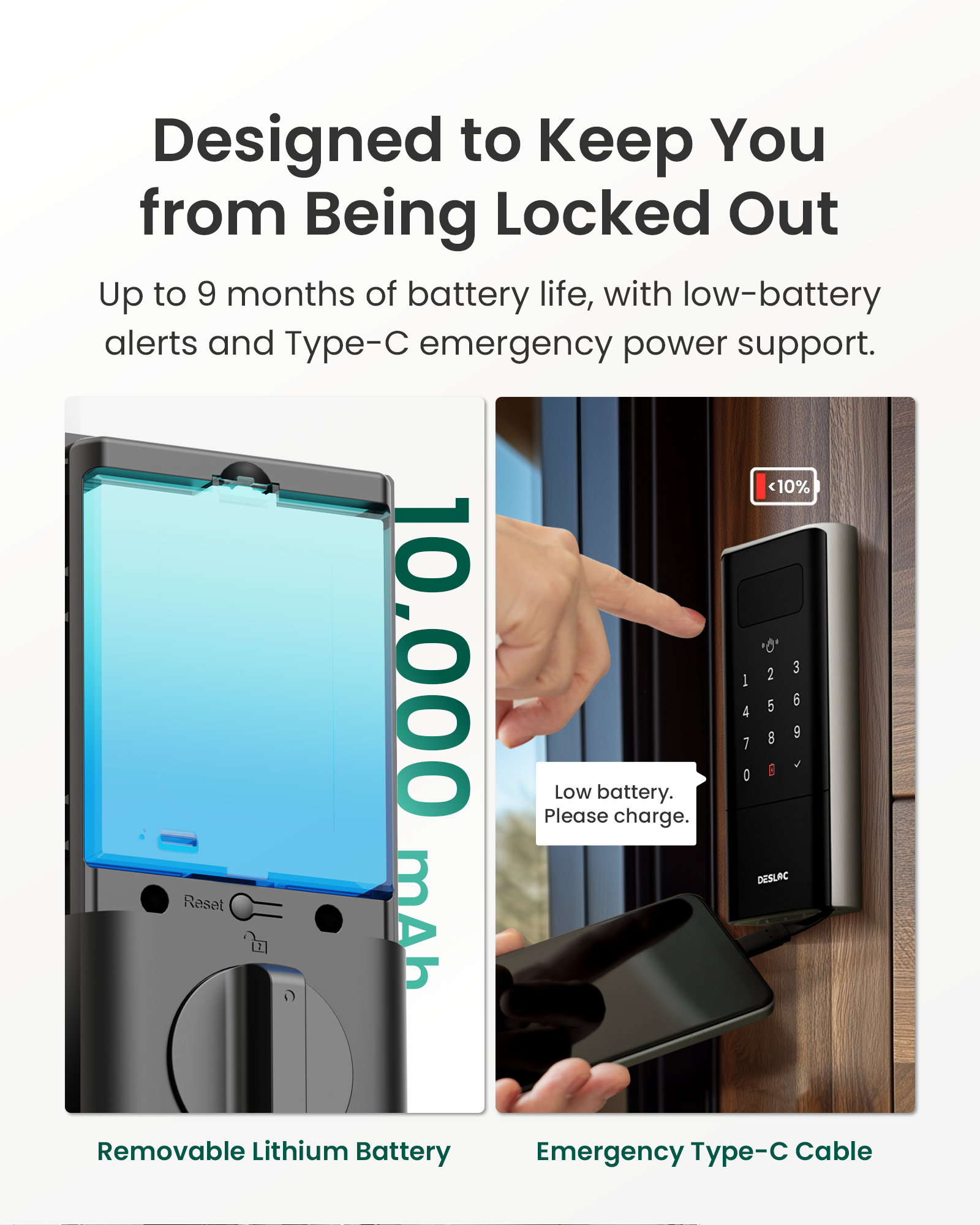
Built with a 10000mAh rechargeable lithium battery to support up to 9-month battery life. Low-battery alerts help you stay prepared, while Type-C emergency power access provides a backup option if the battery runs low.
At DESLOC, we’re committed to delivering more than just exceptional smart door locks. As a Climate Partner Certified company, we place equal importance on sustainable development and customer satisfaction.
Whether you need help with installation, troubleshooting, bulk purchasing, or potential collaboration opportunities, our team is here to assist. Your satisfaction is our priority.
Feel free to contact us using the details below.
Customer Service & Technical Support
Need help with installation or have questions about your DESLOC smart lock? Contact our Customer Care Team:
Email: support@desloc.com
Availability: 24/7 support
Emergency Hotline: +1 (888) 572-6136
Hours: Monday–Friday, 9:00 a.m.–5:00 p.m. EST
B2B Partnerships & Bulk Order Inquiries
Interested in becoming a DESLOC business partner, placing a bulk order, or exploring distribution and commercial opportunities?
Email: b2b@desloc.com
Media & Partnership Inquiries
For press inquiries, media requests, or brand collaboration opportunities related to DESLOC smart lock solutions, please contact:
Email: press@desloc.com
Company Address
DefendNet LLC
8 The Green, Suite R
Dover, Delaware 19901
United States
Stay Connected
Follow us for smart door lock tips, product updates, new feature announcements, and exclusive DESLOC offers:
Facebook | X (Twitter) | Instagram | YouTube | TikTok | LinkedIn
We look forward to hearing from you and helping you secure what matters most—with fast, reliable support for every smart lock we build.


FAQ
What is the required adapter to charge the battery?
5V 2A
What is the lock's Working Temperature?
The exterior assembly can handle temperatures within the range of -22℉ to 158℉ (-30℃ to 70℃, Not Condensation). We do not recommend using the Smart Lock outside of these conditions.
Whats the requirement for installation?
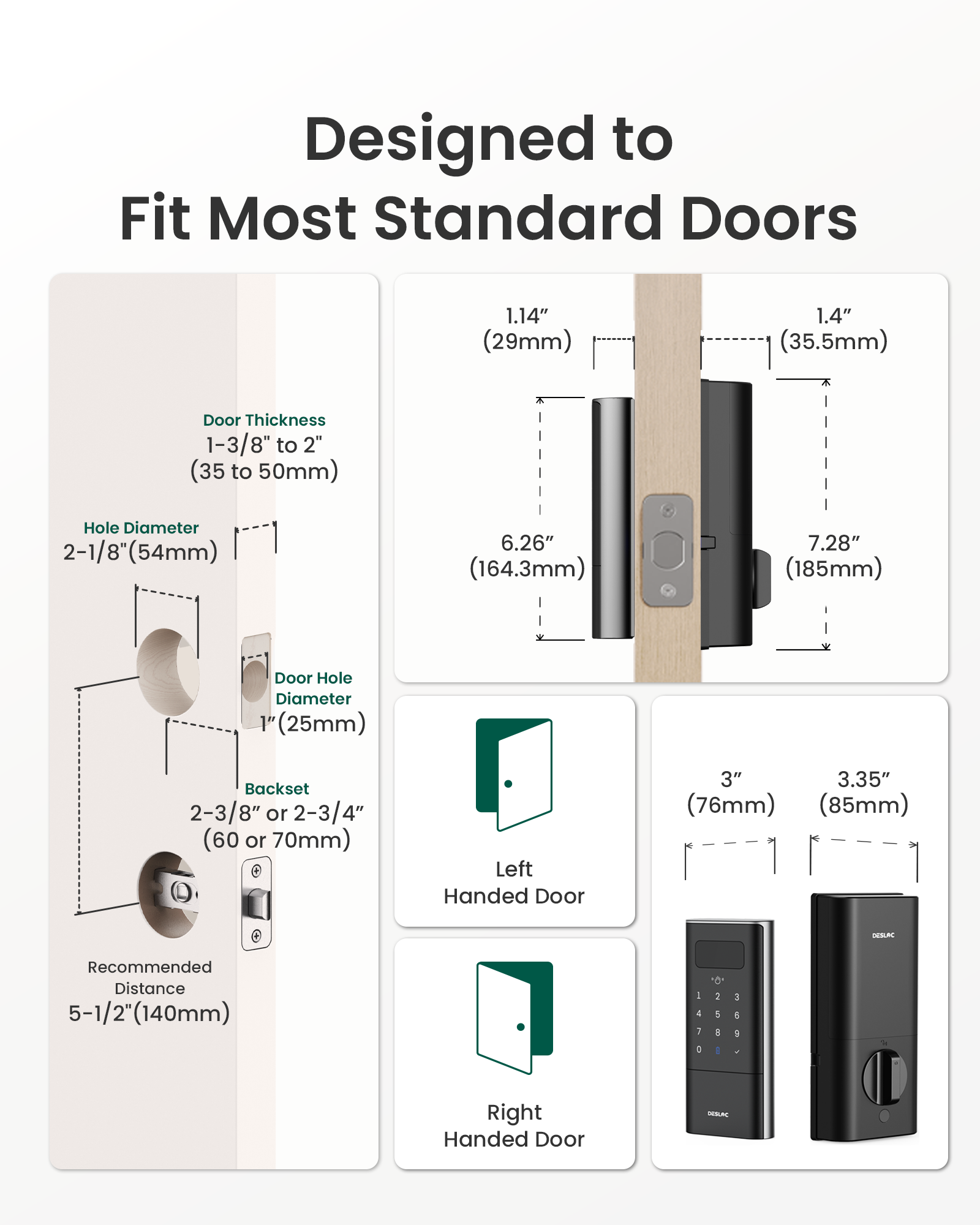
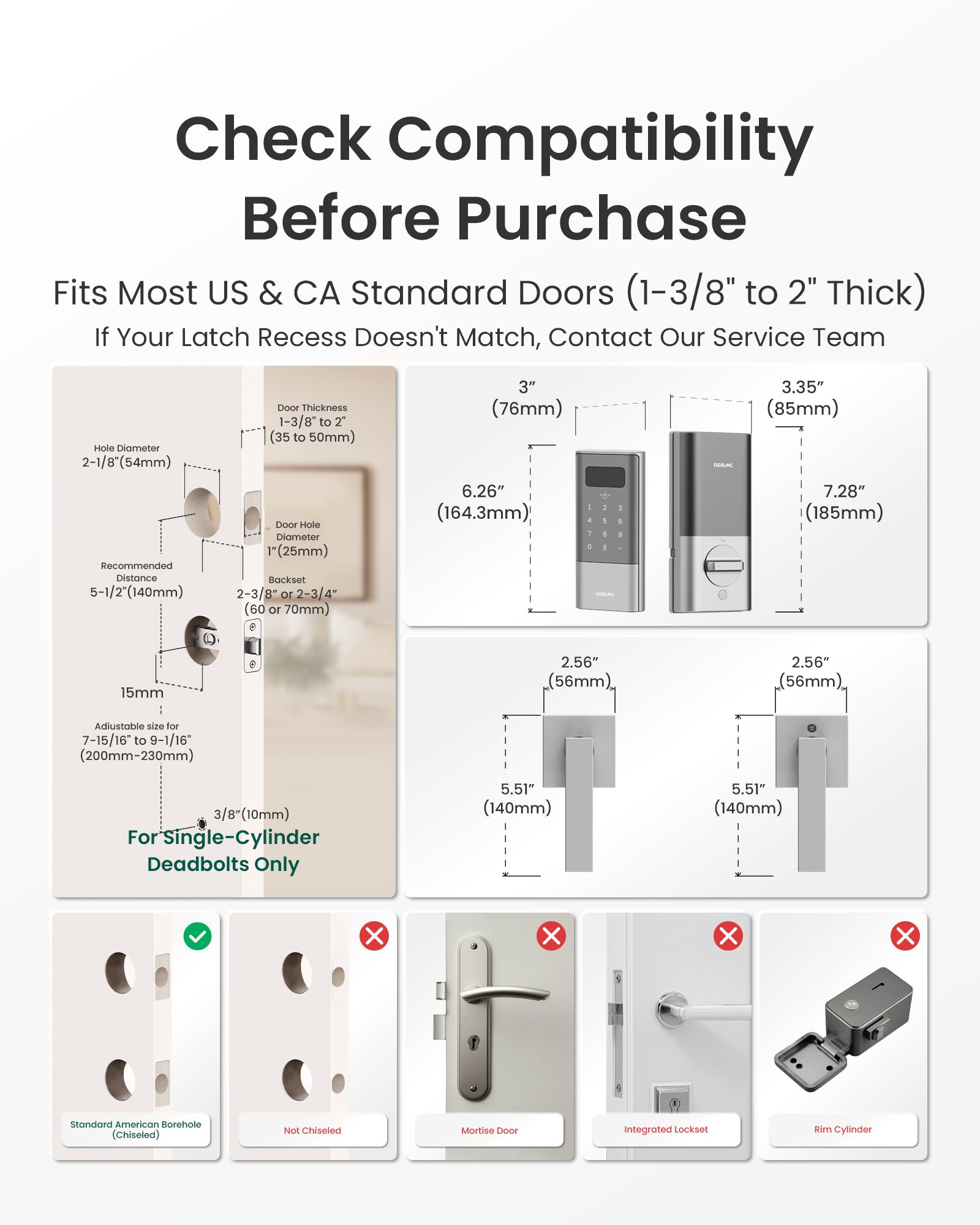
Please check the picture for installation requirement. Dimensions required: thickness of 1-3/8" to 2", hole diameter of 2-1/8",and a measured backset size of2-3/8" or 2-3/4" with the deadbolt.
What if the battery dies?
- Before the battery runs out, the DESLOC smart lock will display a low battery warning, and the DisplayScreen and app will also display a prompt.
- If your smart lock has completely run out of power and cannot open the door before replacing the battery, you can still use the key to open and lock the door.
- If you don't have the key, you can use a Type-C cable and a mobile power bank to charge the smart lock in an emergency. The charging port is located at the bottom of the smart lock.
Note: The port is for emergency power supply only, cannot be used to charge the battery. With no communication circuit, it doesn't allow any data transfer.
Does it work with voice assistants?
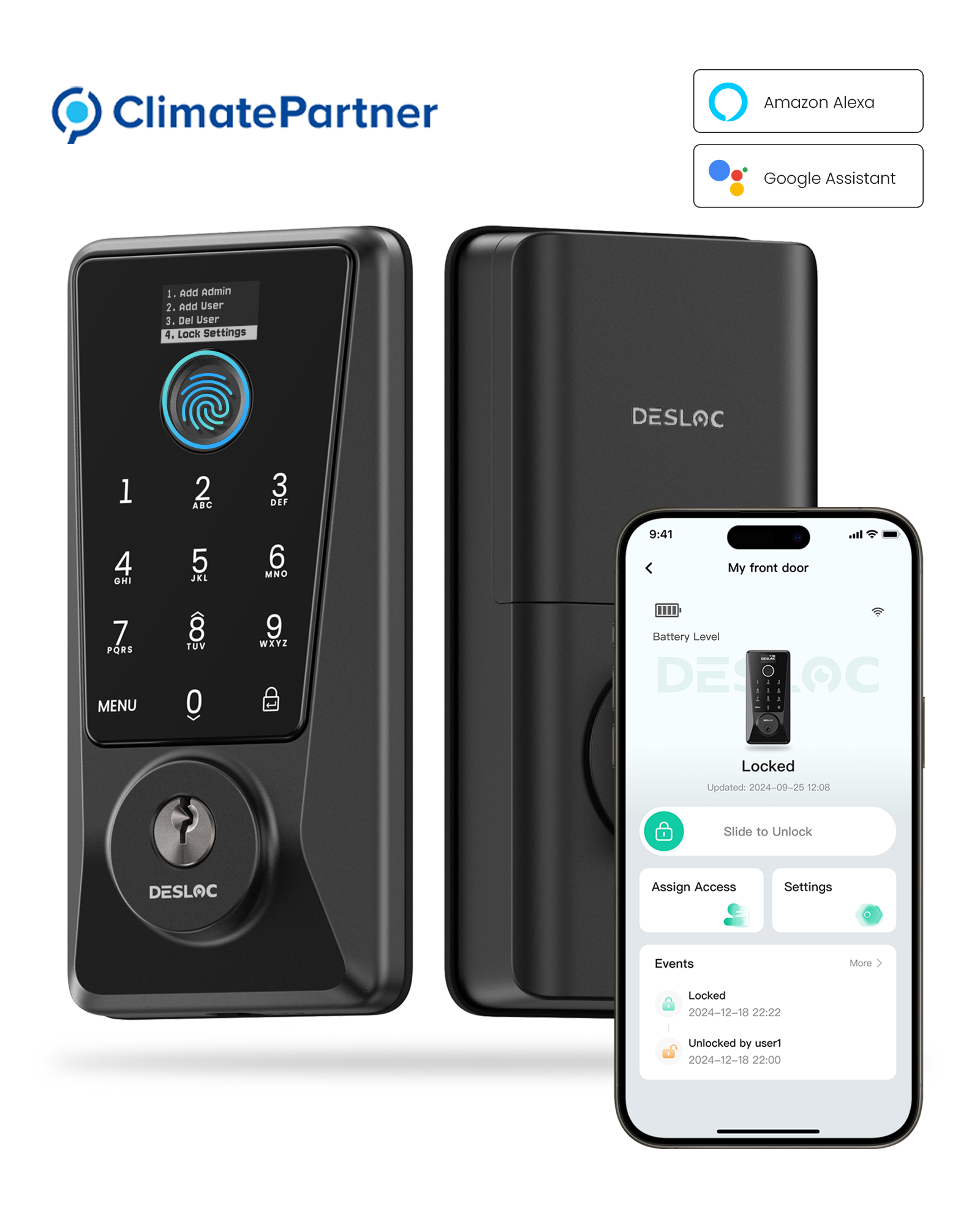
Yes, this smart lock is compatible with voice assistants like Alexa and Google Voice Assistant.
Can I make extra key for the lock?
You can take your original key to any hardware store, where they can easily duplicate it using an SC1 key blank, which is widely available.
How to add a device?
There are three ways to add the device. Before connecting, activate the touch keypad.
Method 1: Bluetooth link:Make sure Bluetooth is enabled and is close to the device.
Method 2: Scan to Add:Please scan the QR code on the inside of the battery cover or on the packaging box to add.
Method 3: Add Manually:Click "Add Manually" on the interface in Step 3 of Method 2 > manually enter the SN code indicated on the inner side of the battery cover or on the packing box until "Connected Successfully" is prompted.
What should I do if there's "Failed, check deadbolt" warning?
The lock tongue may be stuck due to misalignment during installation or use. We recommend troubleshooting as follows:
1. Check the alignment of the lock tongue with the door frame: If the lock tongue is deformed and not fully aligned with the door frame, it may cause the lock tongue to get stuck.
2. Try recalibrating: You can recalibrate the device under Device Page - Settings - General - Device Calibration.
3. Confirm whether the door is closed too tightly or deformed: sagging, deformation, or loose hinges on the door may affect the lock tongue's movement.
If the lock tongue remains stuck after calibration, please contact the after-sales team for further assistance.
You may also like

Blog posts
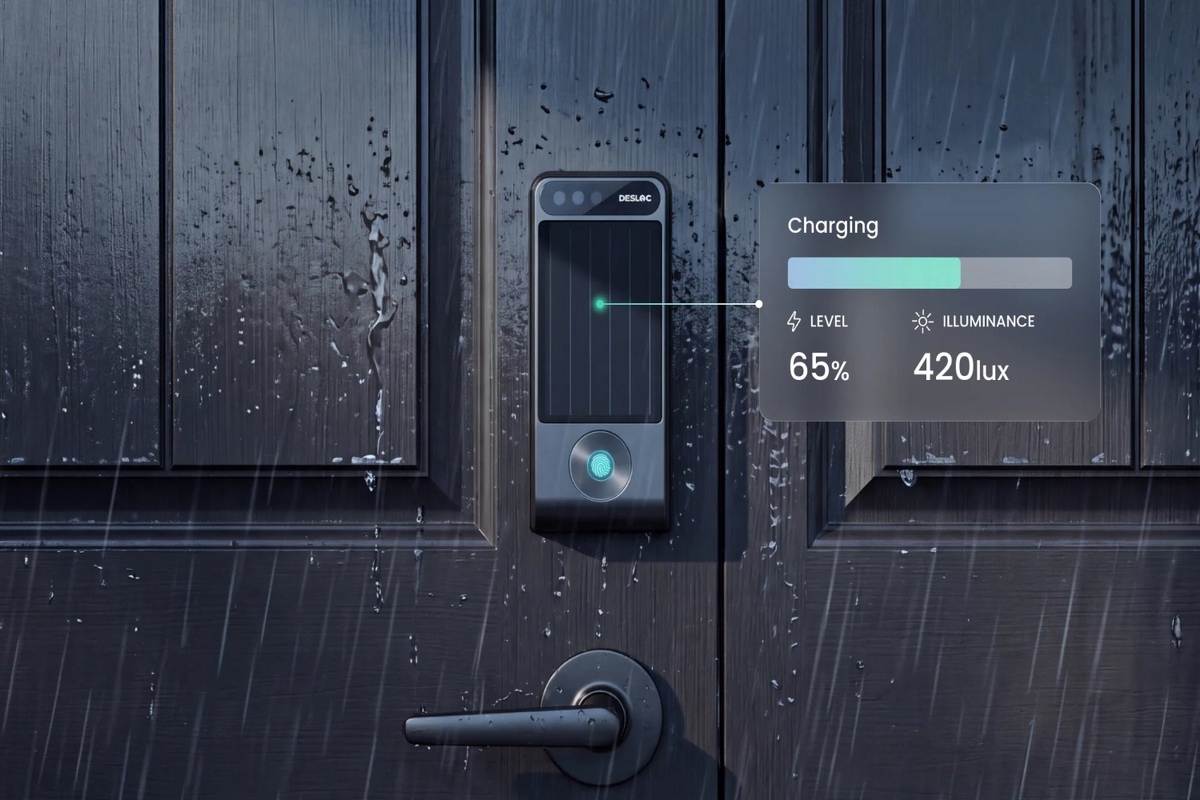
DESLOC V150 Plus: How a Self-Charging Smart Lock Works
A self-charging smart lock needs to collect useful energy, manage it efficiently, and provide dependable backup entry. That is the idea behind the DESLOC V150 Plus. We designed the V150 Plus around...
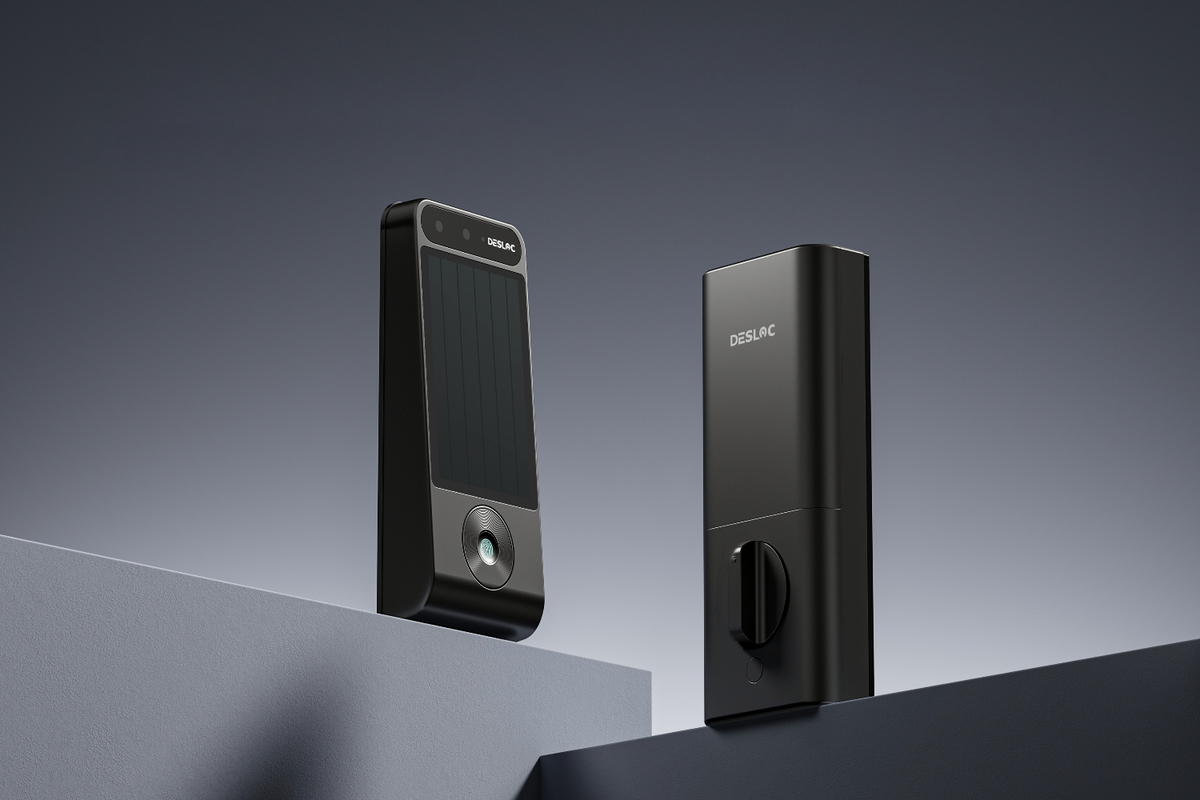
Before You Buy a Solar Smart Lock, Check These 7 Things
A solar powered smart lock can make front-door maintenance easier, but the word “solar” is not a guarantee that every entrance is a good fit. Light conditions, door dimensions, backup access, and w...


%20and%20local%20storage%20for%20biometric%20data,%20...
)