


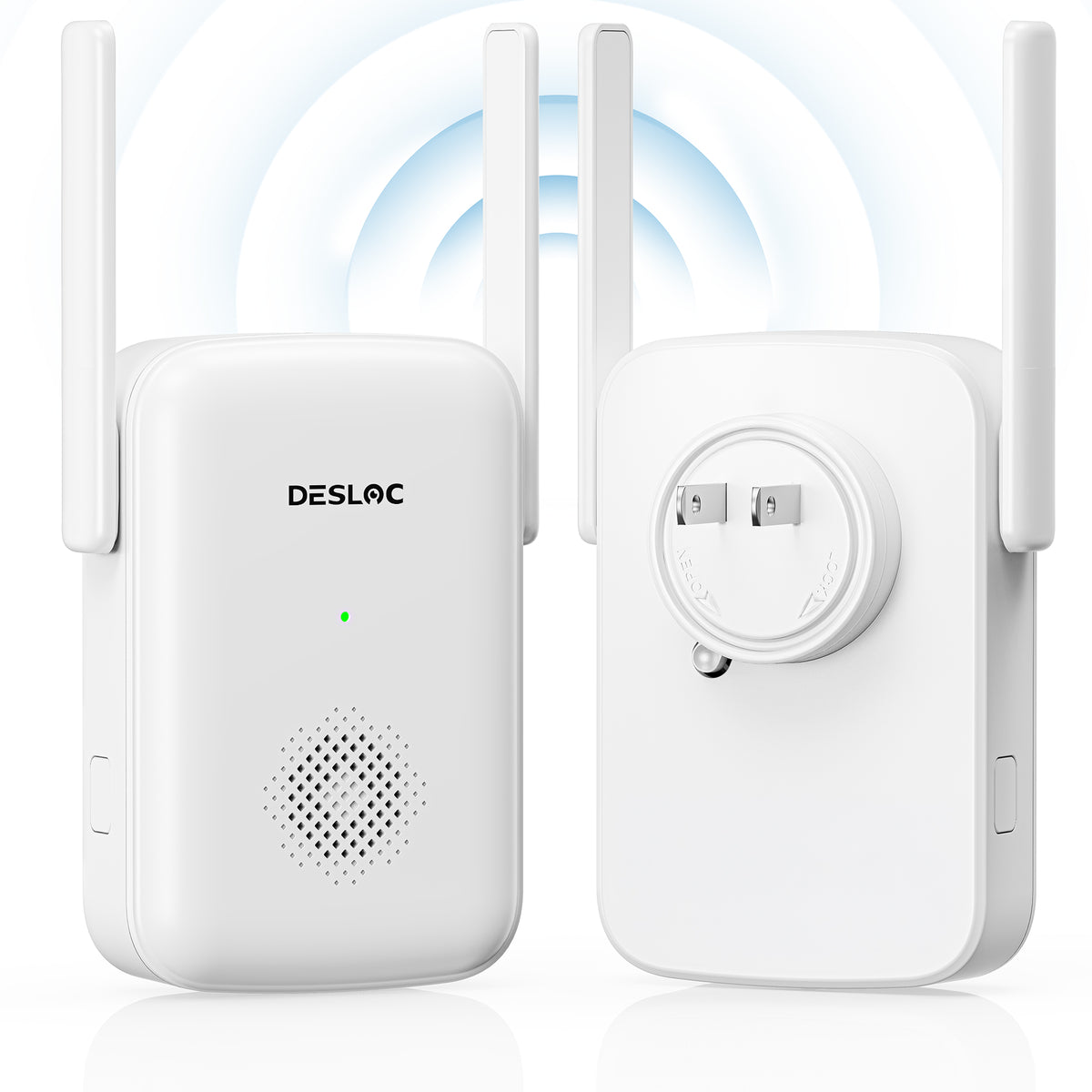
DESLOC GW01 Extender for D110 Plus
Extended Battery Life by Reducing Wi-Fi Power Consumption, Expanded Network Coverage and Stable Connectivity, Easy Setup
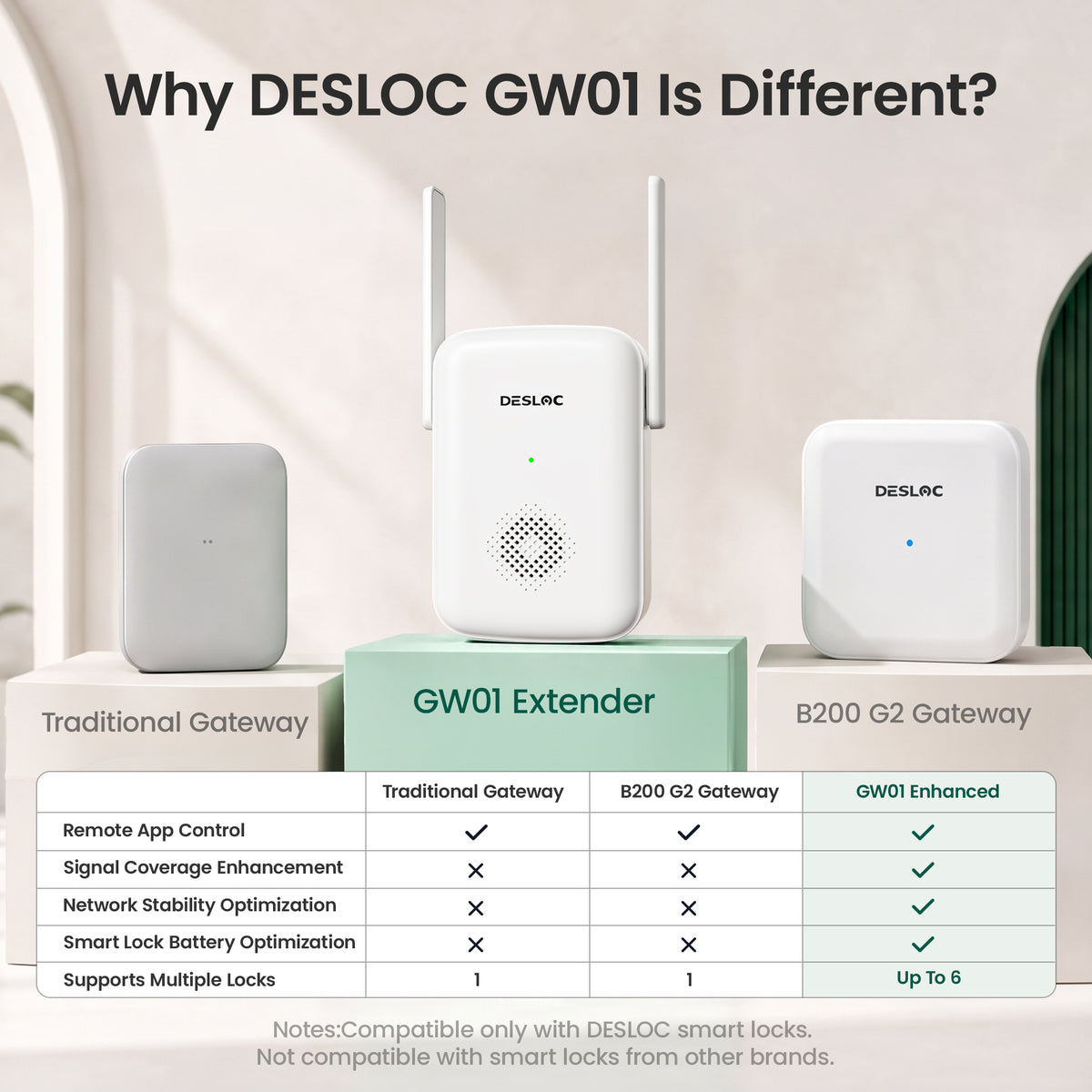
Enhance your DESLOC smart lock experience with stronger connectivity, extended wireless coverage, and improved battery efficiency. GW01 supports up to 6 compatible smart locks, delivering more stable connections and smoother remote access with easy plug-and-play setup.
- Stronger & More Stable Connectivity
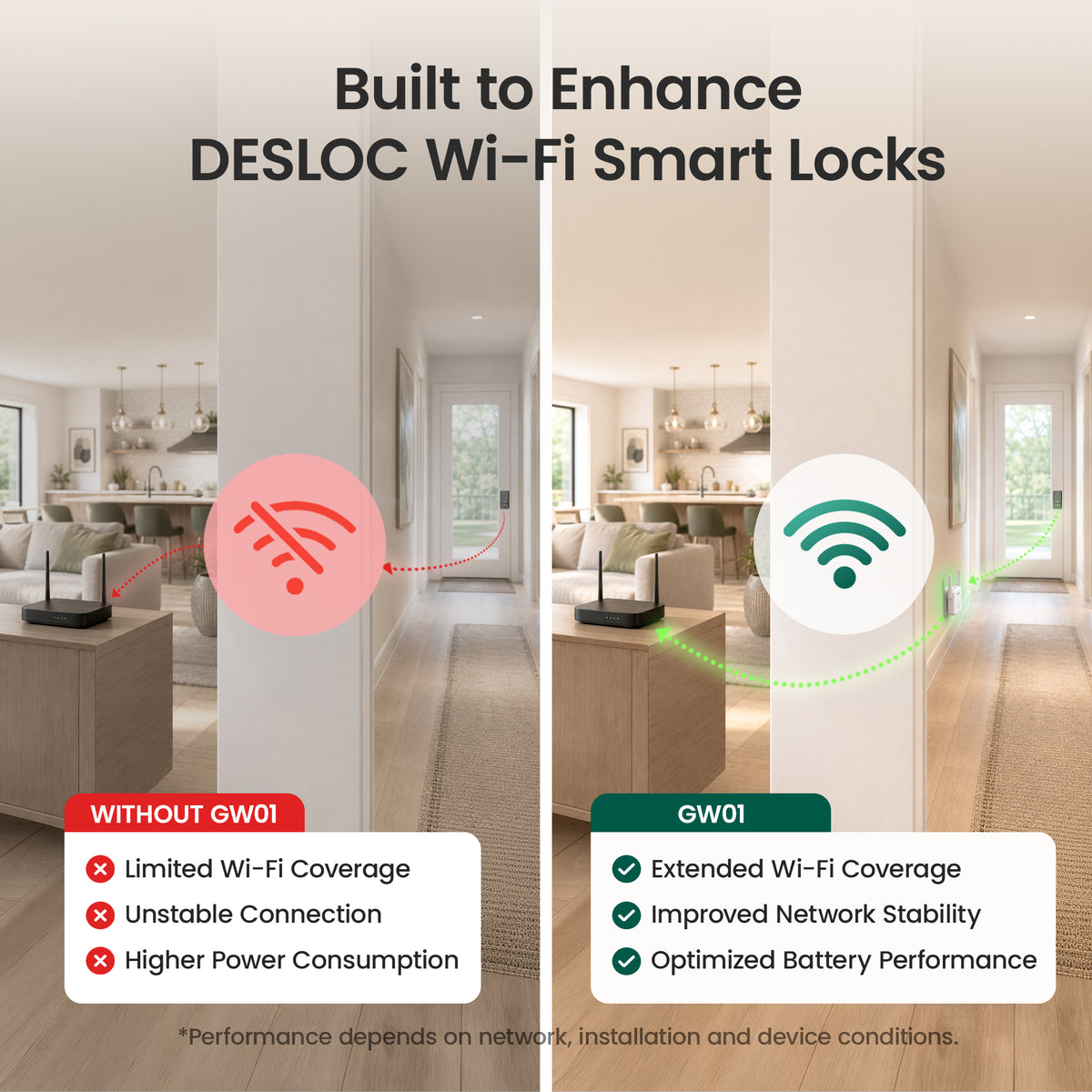
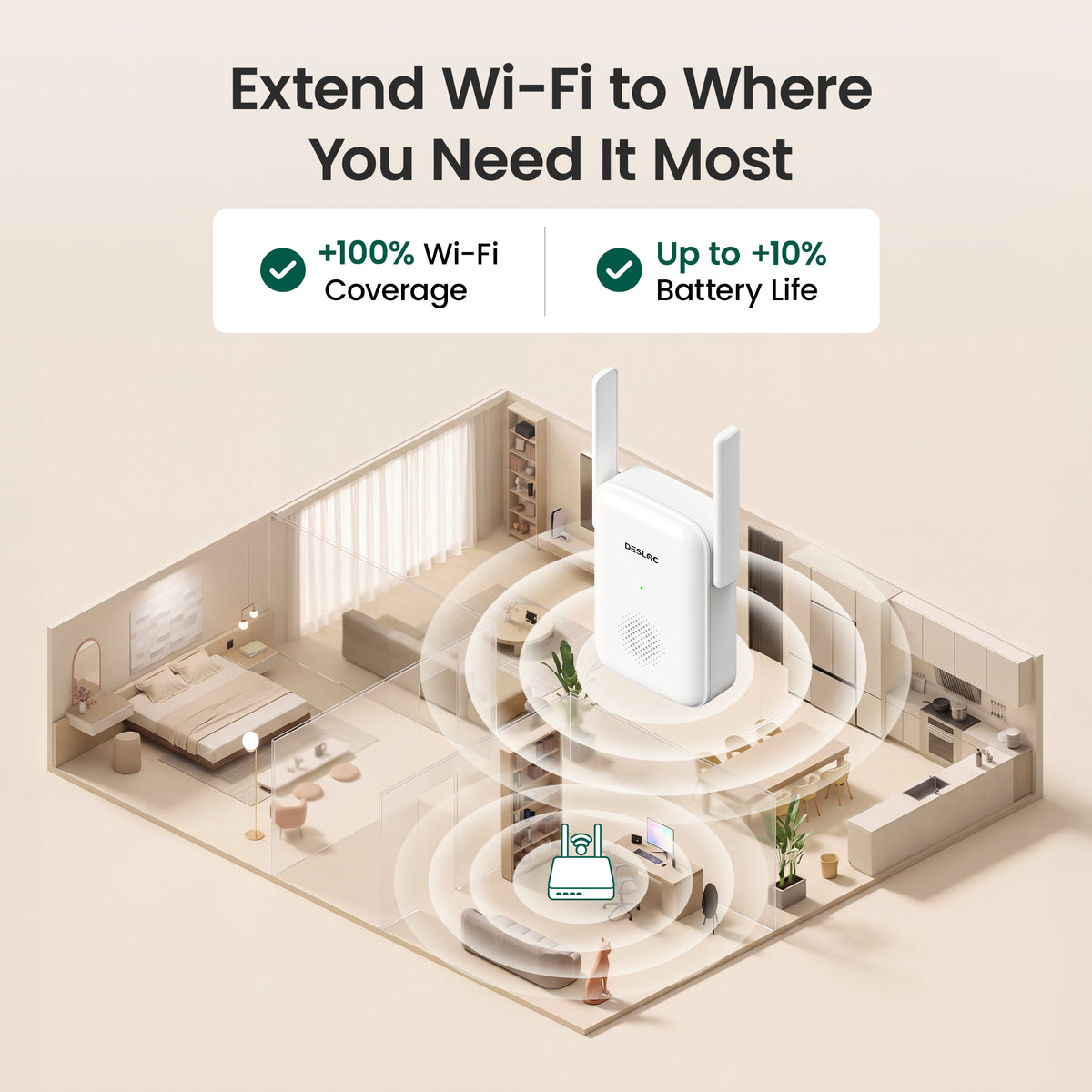
Extends wireless coverage and improves connection stability for smoother smart lock operation, especially in areas with weak Wi-Fi signals. - Improved Battery Efficiency
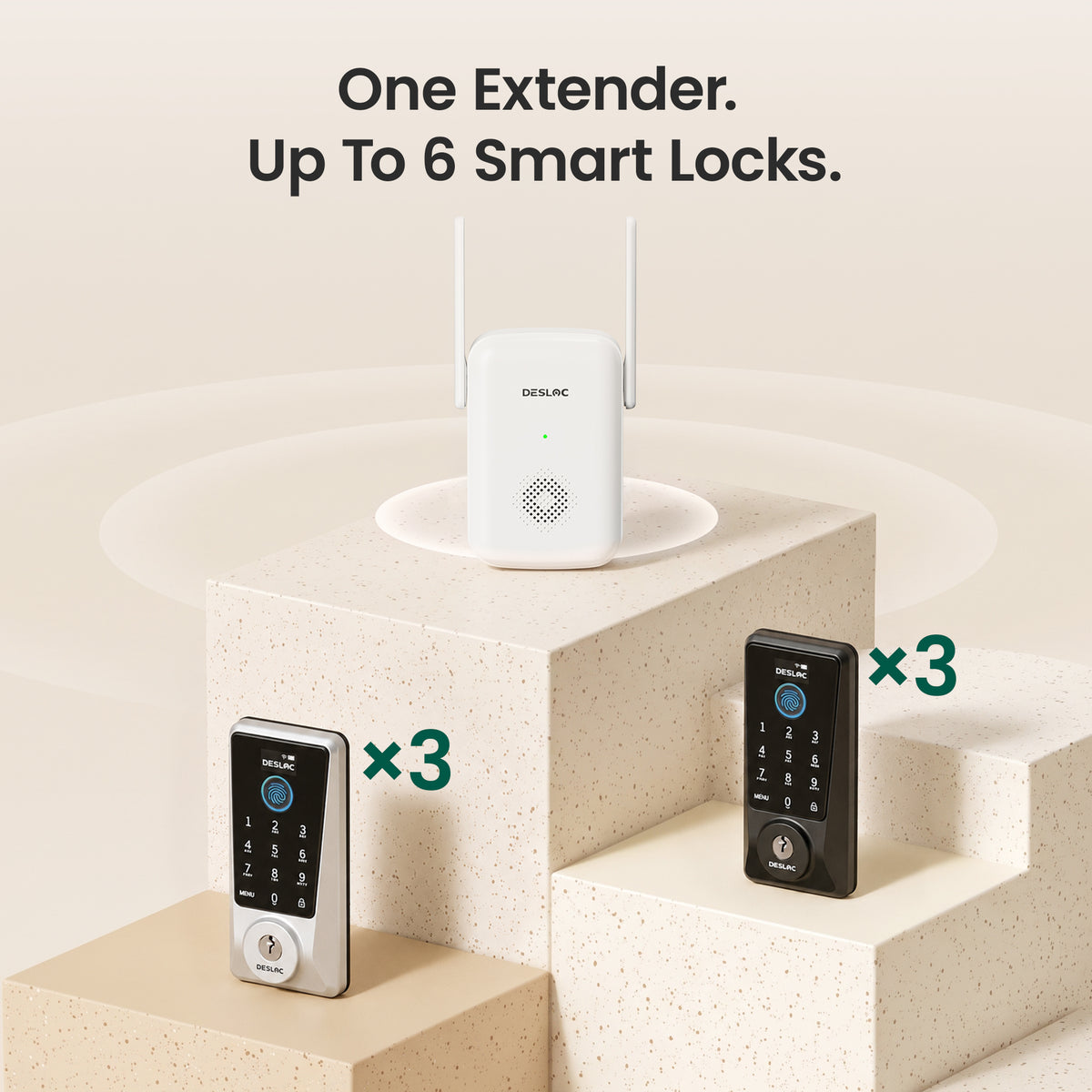
Optimizes wireless communication to reduce unnecessary power consumption, helping extend your smart lock's battery life. - Supports Up to 6 Smart Locks
Connect up to 6 compatible DESLOC smart locks through a single GW01 gateway for convenient multi-door coverage. - Quick & Easy Setup
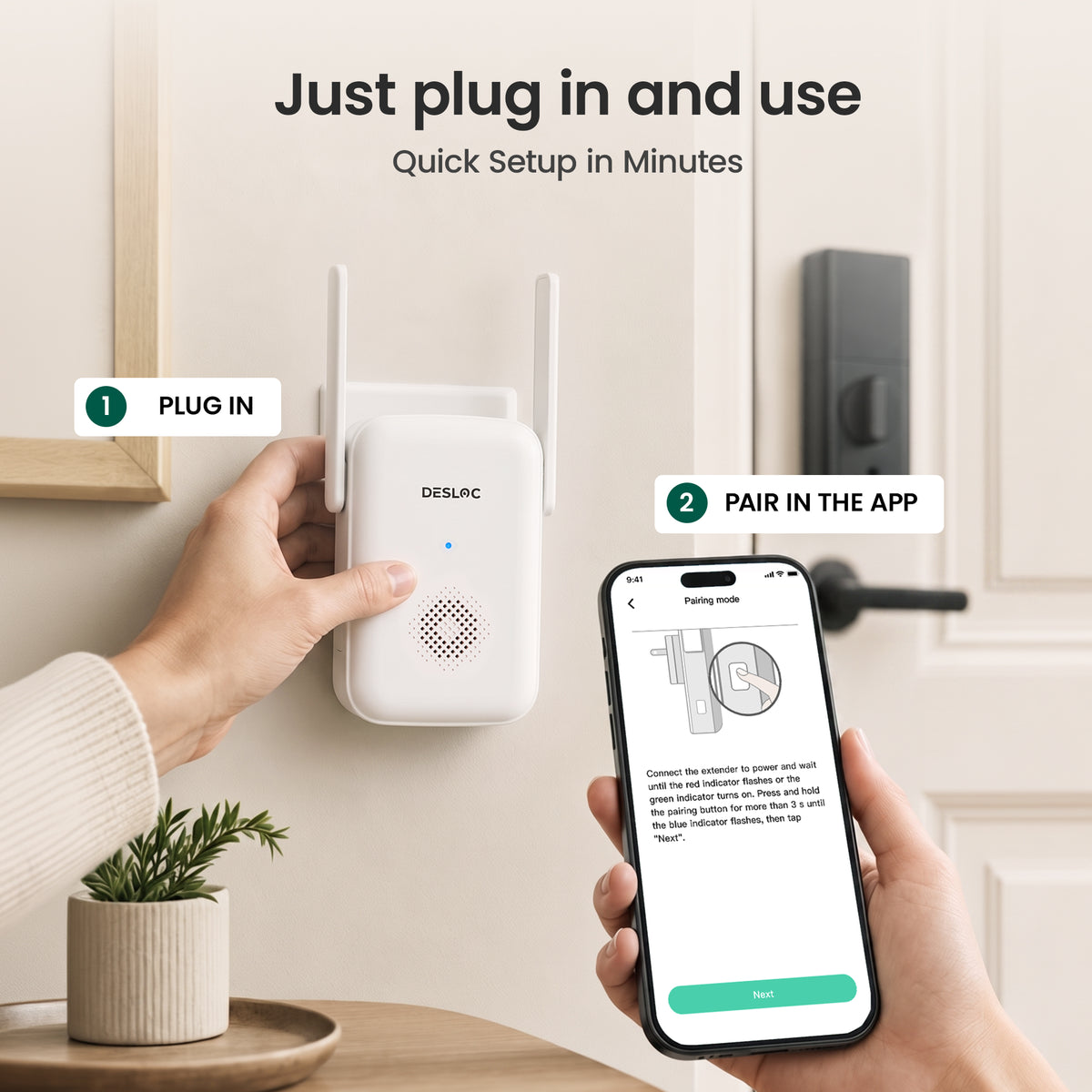
Simply plug in GW01 and pair it through the DESLOC app. No complicated installation required. - Designed for DESLOC Smart Locks
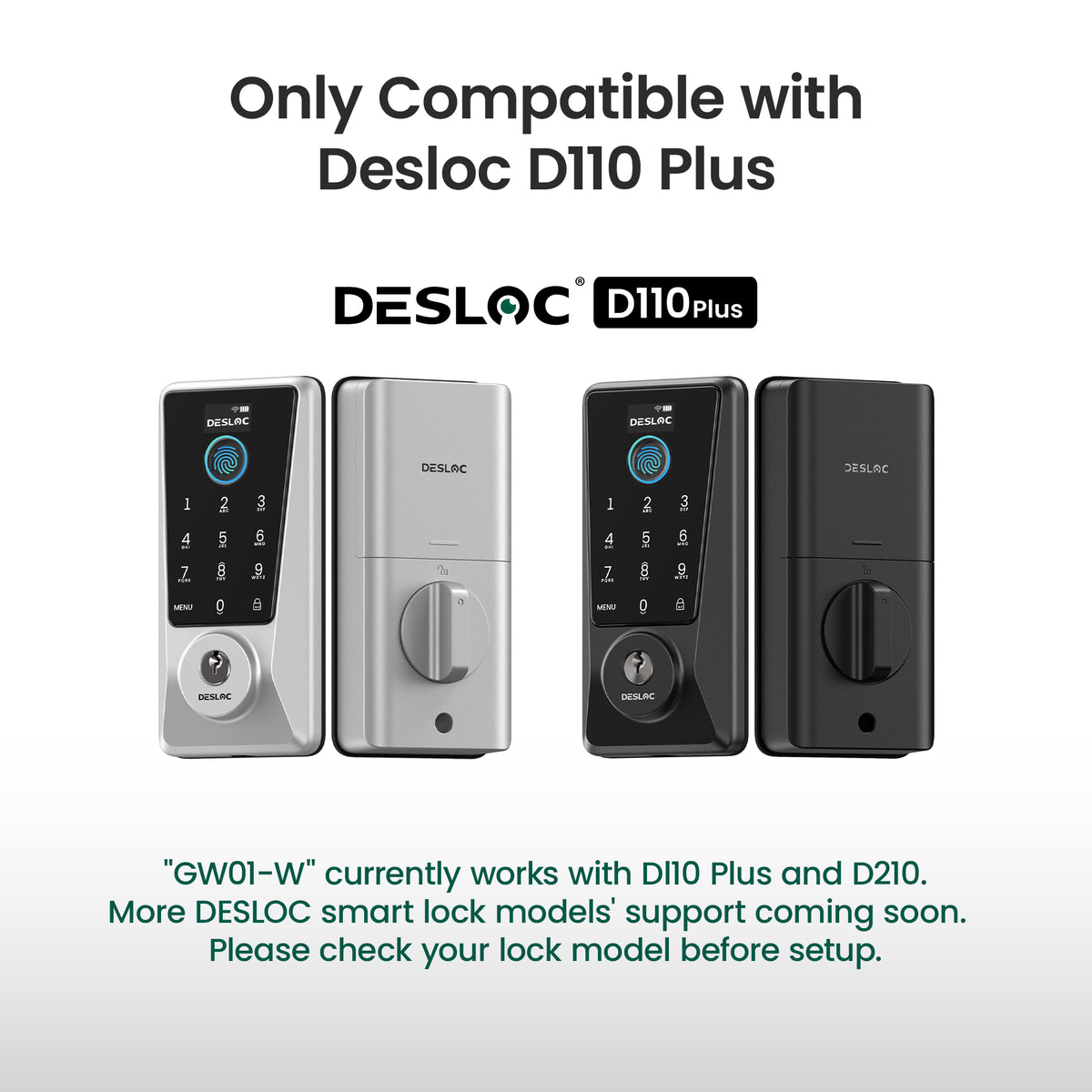
Compatible with DESLOC D110 Plus smart locks only, with support for additional models planned in future updates. - Reliable Warranty & U.S. Support
Backed by a 1-year warranty, lifetime component maintenance, and dedicated U.S.-based customer support.
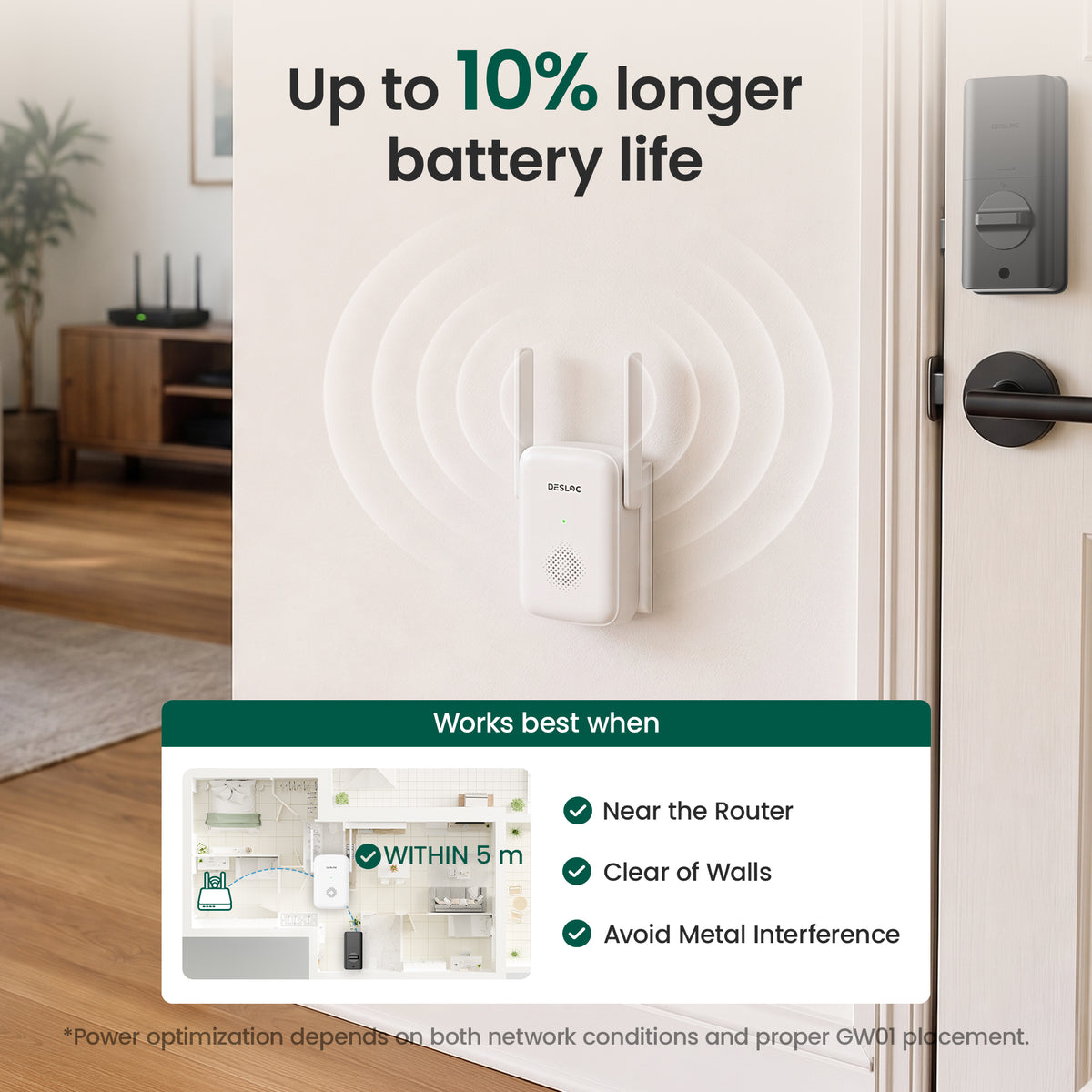
*Battery performance and connection stability may vary depending on your home network. For optimal results, place GW01 within 16 ft (5 m) of your smart lock and avoid major signal obstructions.
- Model Name: GW01-W
- Product Type: Wi-Fi Extender for DESLOC D110 Plus Smart Locks
- Color: White
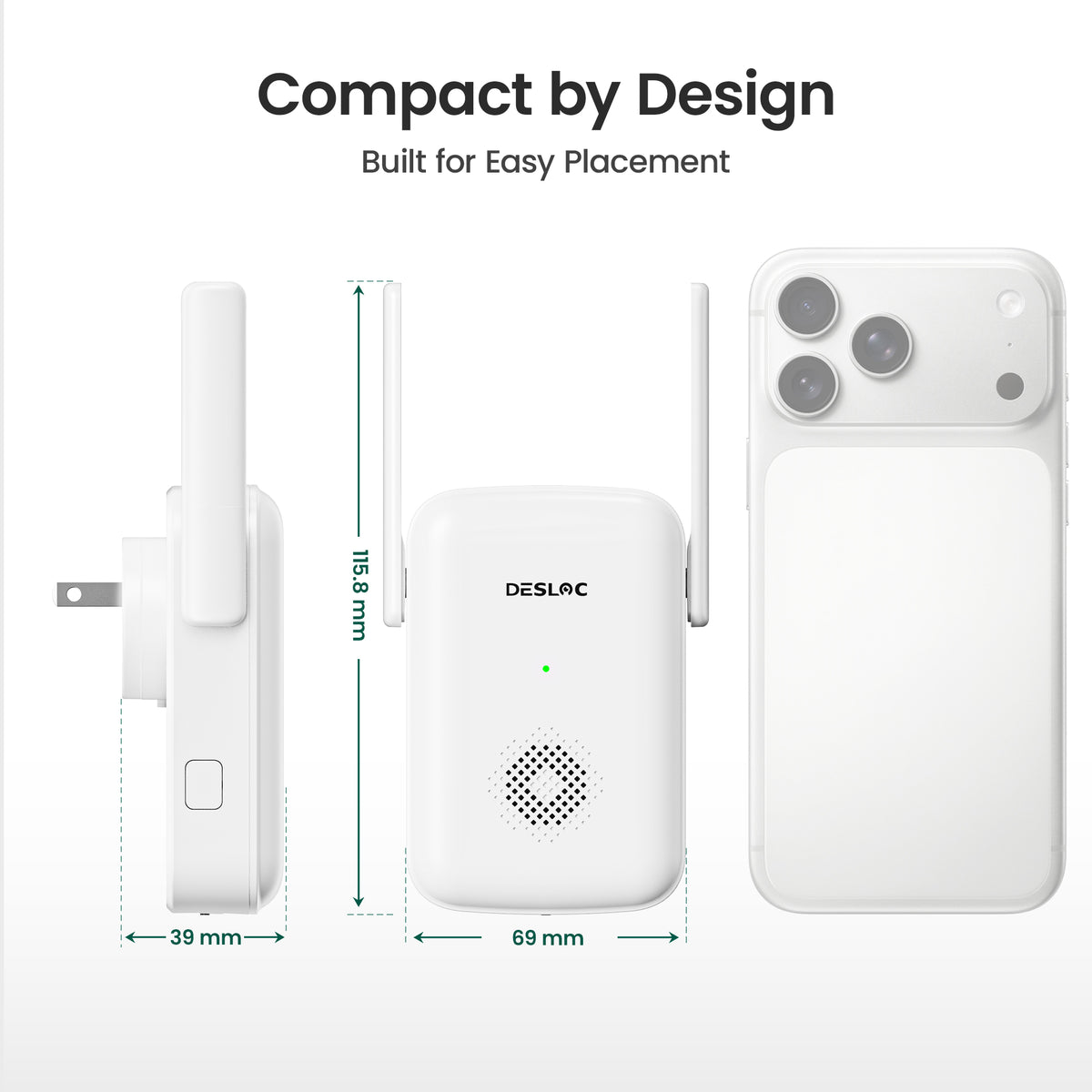
- Dimensions: 4.72 × 3.94 × 2.95 inches
- Connectivity Protocol: Wi-Fi
- Control Method: DESLOC App
- Voice Assistant Compatibility: Amazon Alexa, Google Assistant
- Compatible Smart Locks: DESLOC D110 Plus
- Maximum Connected Devices: Up to 6 Compatible DESLOC Smart Locks
- Warranty: 1 Year


FAQ
Which products support connection to GW01?
Currently, GW01 is compatible with the following models:
- D110 Plus
Other models are not yet supported, but we're actively working on expanding compatibility.
Support for additional D Series products, as well as the C100 Plus, K Series, and V Series, will be added gradually in future updates.
Please stay tuned for future announcements as more models become compatible.
Can GW01 always improve battery life after connection?
Not necessarily, but it can help in certain situations.
GW01 is designed to support better battery performance, especially when:
- Weak Wi-Fi signal: The lock is far from the router, which can cause higher power consumption.
- Unstable network: Frequent disconnections and reconnections may increase battery usage.
- Frequent network requests: Router requests may wake the lock unnecessarily. GW01 helps reduce standby power consumption in such cases.
Outside of these scenarios, the improvement in battery life may be less noticeable.
Will GW01 make the network connection more stable?
GW01 is designed to help improve your overall experience by:
- Enhancing battery performance
- Extending wireless coverage
- Supporting more stable network connections
However, overall network stability may still be influenced by factors such as router performance, network quality, wall obstructions, metal interference, and surrounding wireless signals.
We recommend considering your home environment for the best results.
What improvements does GW01 provide?
After connecting GW01, users can benefit from the following network optimizations:
- Improved compatibility with certain routers
- Extended wireless transmission distance (main benefit)
Where should GW01 be placed for the best performance?
For optimal performance, we recommend the following placement guidelines:
- Keep GW01 within 5 meters of the lock.
- Place it as close to the router as possible.
- Avoid placing it behind walls or other obstructions.
- Keep it away from metal barriers.
Proper placement helps achieve better battery performance and wireless coverage.
Can GW01 extend Wi-Fi coverage?
When placed correctly, GW01 can improve communication between the lock and your network by:
- Reducing communication issues caused by weak Wi-Fi signals
- Helping maintain a more stable connection
- Reducing battery consumption caused by poor network conditions
Actual performance depends on your home layout and router.
Does GW01 support WPA3?
No, GW01 does not currently support WPA3-only networks.
GW01 supports the following security modes:
- WPA2
- WPA2/WPA3 Mixed Mode
If your router is configured to use WPA3 only, GW01 may not connect successfully.
Are there any routers with known compatibility issues?
Most routers work normally with GW01. However, a small number of router models, such as the Arris G34, may experience compatibility issues.
In such cases, power consumption may be reduced, but network performance may not necessarily improve.
If you have any connection concerns, please contact our Customer Experience Team for assistance.
What are the version requirements for the lock to connect to GW01?
The following minimum versions are required to connect your lock to GW01:
- Wi-Fi Firmware: AAK_B6_W115_20260509 or higher
- Lock Firmware: DES.AAN_L001.A07_20260507 or higher
- App Version: 1.1.3 or higher
- GW01 Firmware: V1.0-202605090940 or higher
If any of these versions are below the minimum requirements, please complete the necessary updates before proceeding.
How long does the firmware upgrade take?
The firmware upgrade typically takes about 5 minutes in total.
Here's what to expect:
- Firmware Update: The update process takes approximately 2 minutes.
- Gateway Restart: The gateway will restart, which takes another 2 minutes or so.
- Completion: Once the indicator light turns green, the gateway is ready to use.
Actual upgrade time may vary slightly depending on your Wi-Fi network conditions.
When is GW01 recommended?
GW01 is recommended in the following situations:
- The lock is far from the router.
- The Wi-Fi signal is weak.
- The lock frequently disconnects from Wi-Fi.
- Additional wireless coverage is needed.